

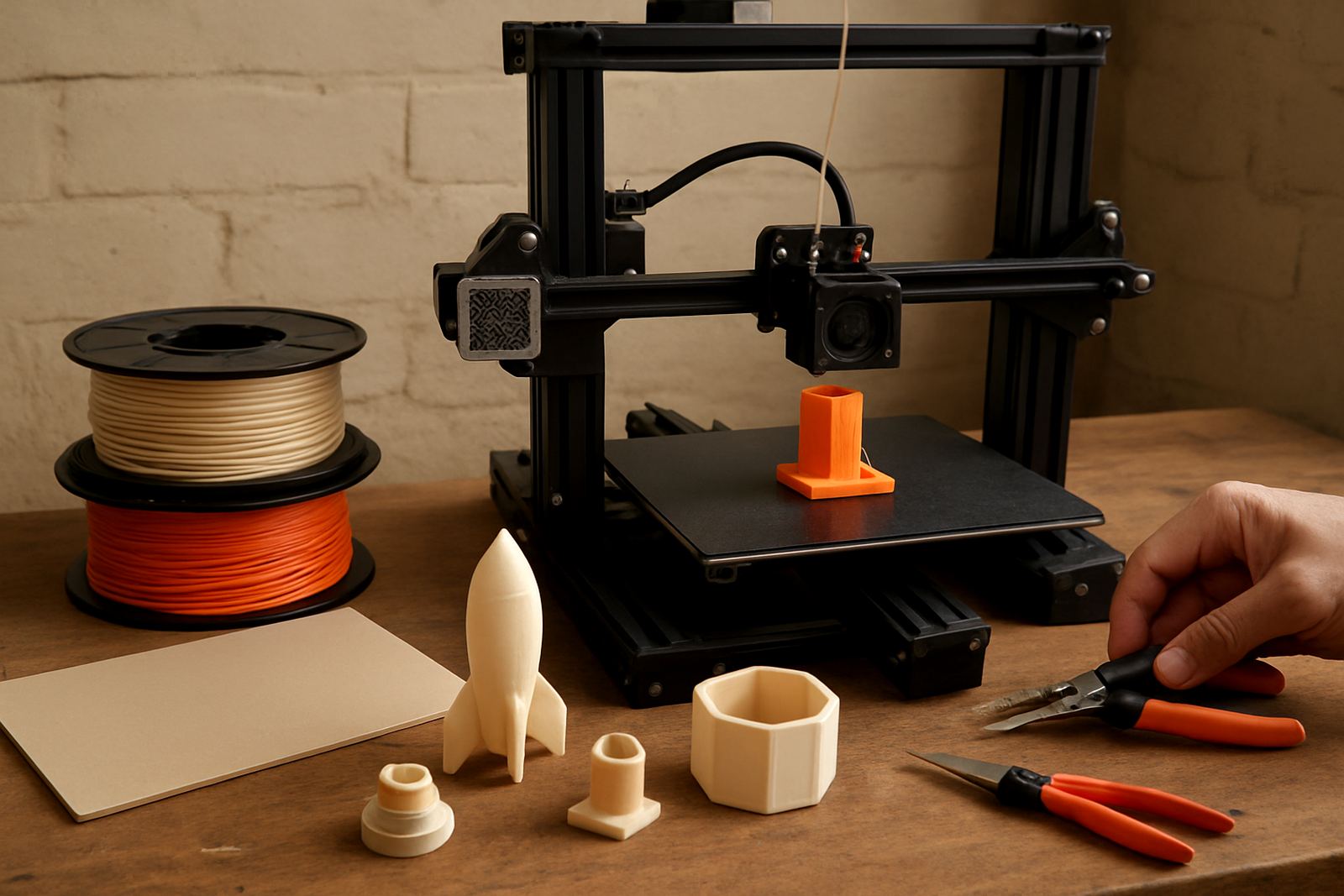
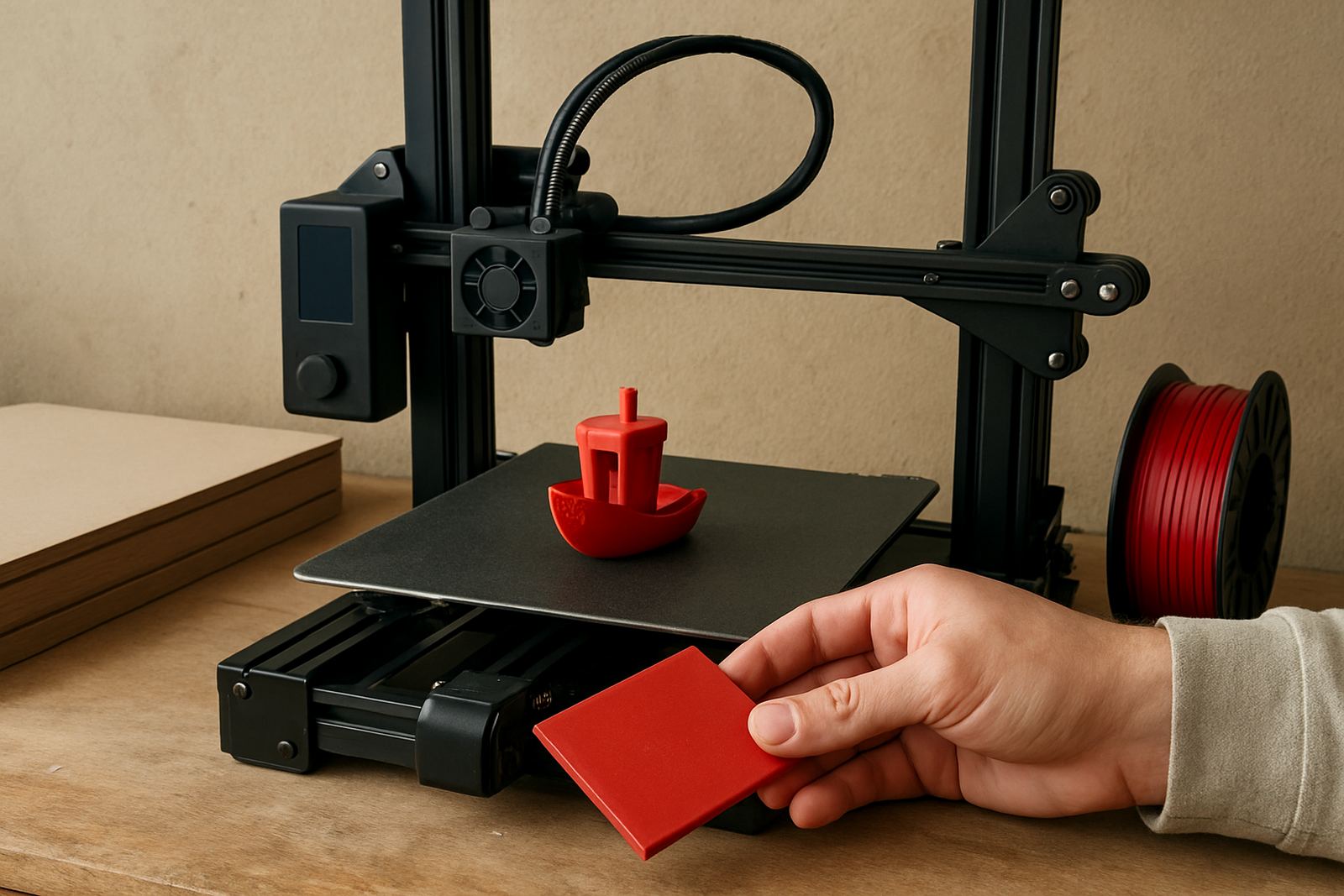
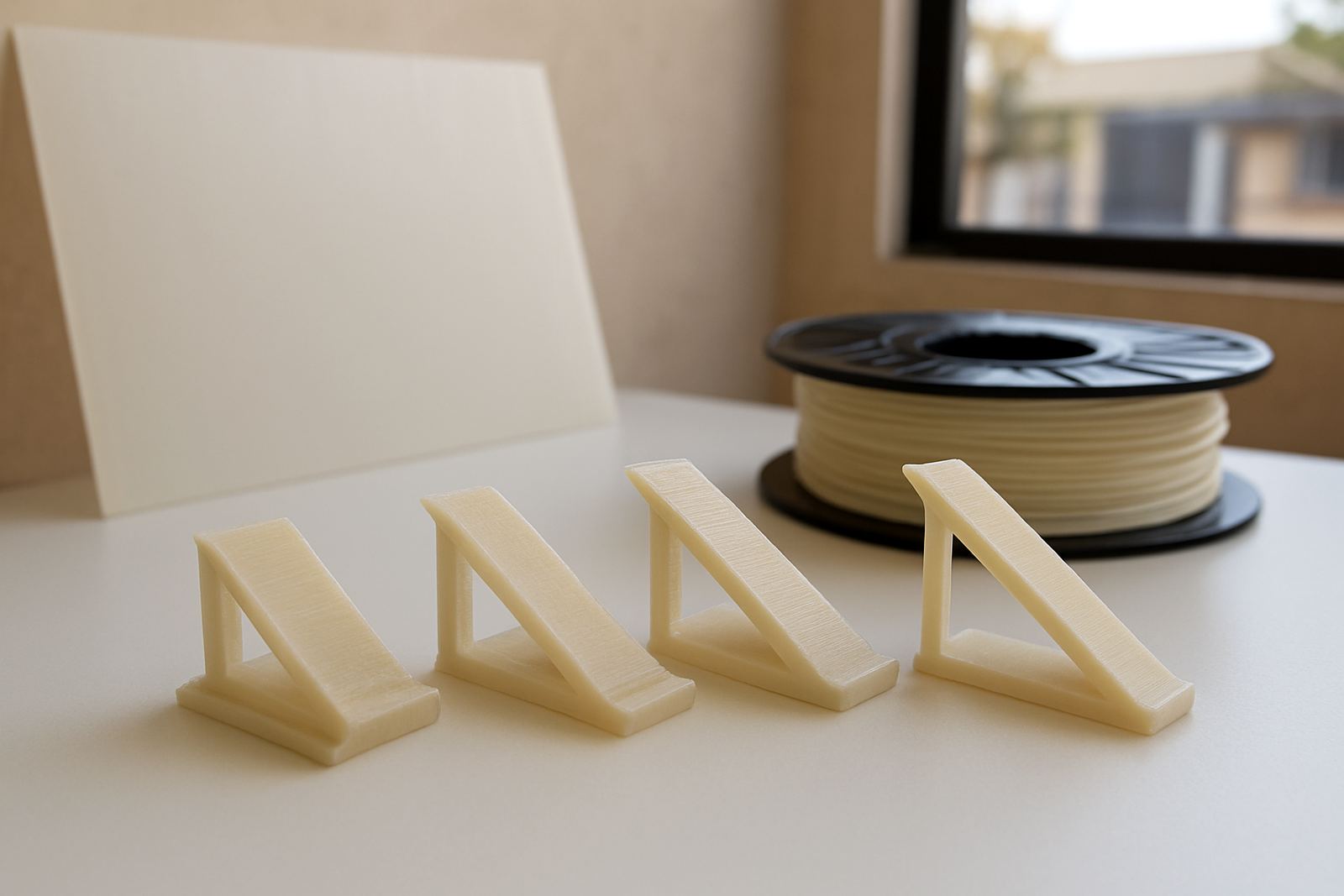
How to choose the right guide for your print job
Start with the job you need to finish. If you are printing brackets, housings or replacement parts, look for guidance on strength, bed adhesion and layer consistency. If you are making display items or presentation pieces, focus on surface finish, stringing control and cooling. For production runs in Cape Town or anywhere else in South Africa, it helps to plan around power interruptions, workshop temperature and the speed you need per batch.
These guides are grouped so you can move from basic setup to more specific topics as your experience grows. Beginners can use the quick checks first, while regular makers and production teams can go straight to the sections that match their machine and material flow.
Before you print: setup checks that save time
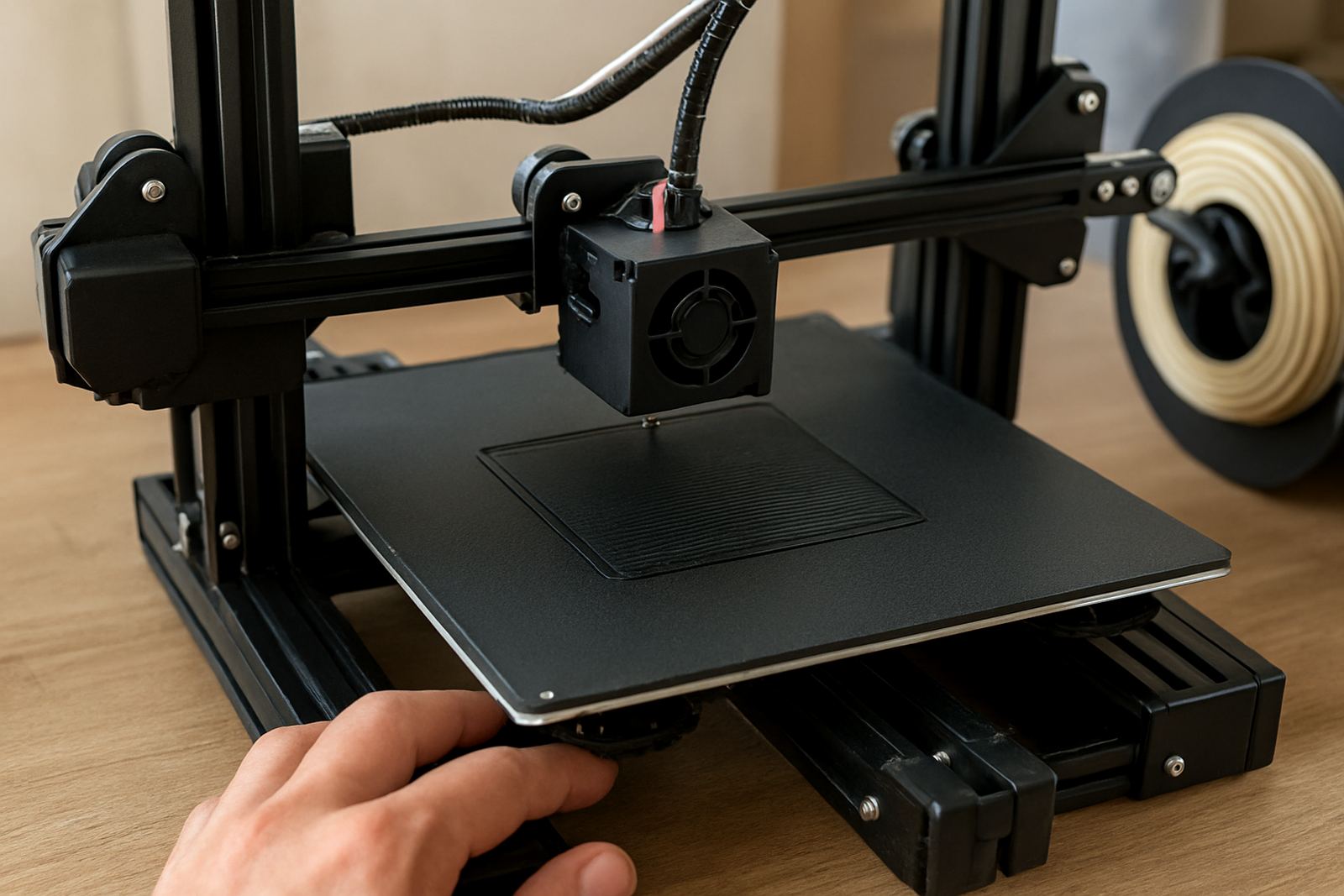
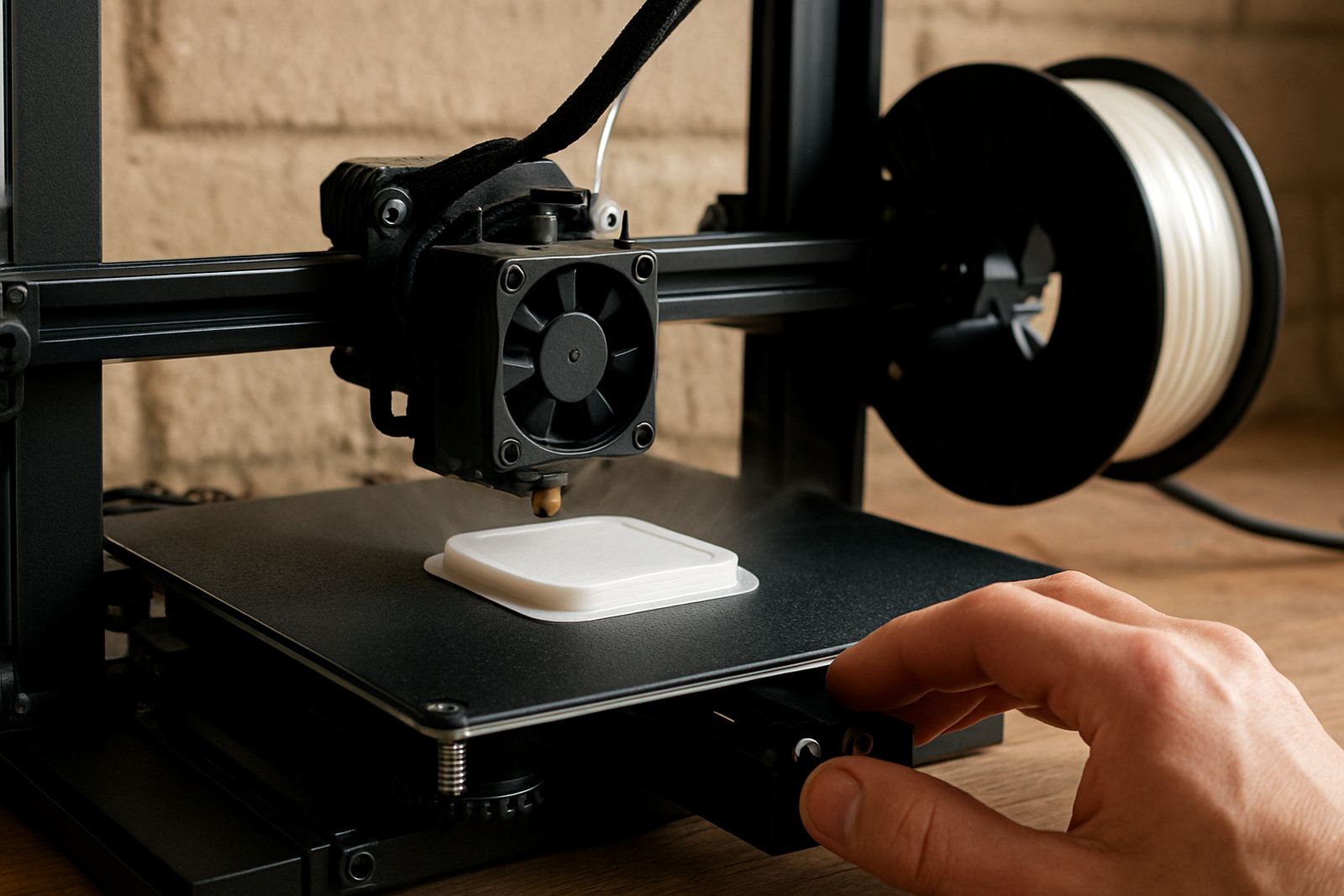
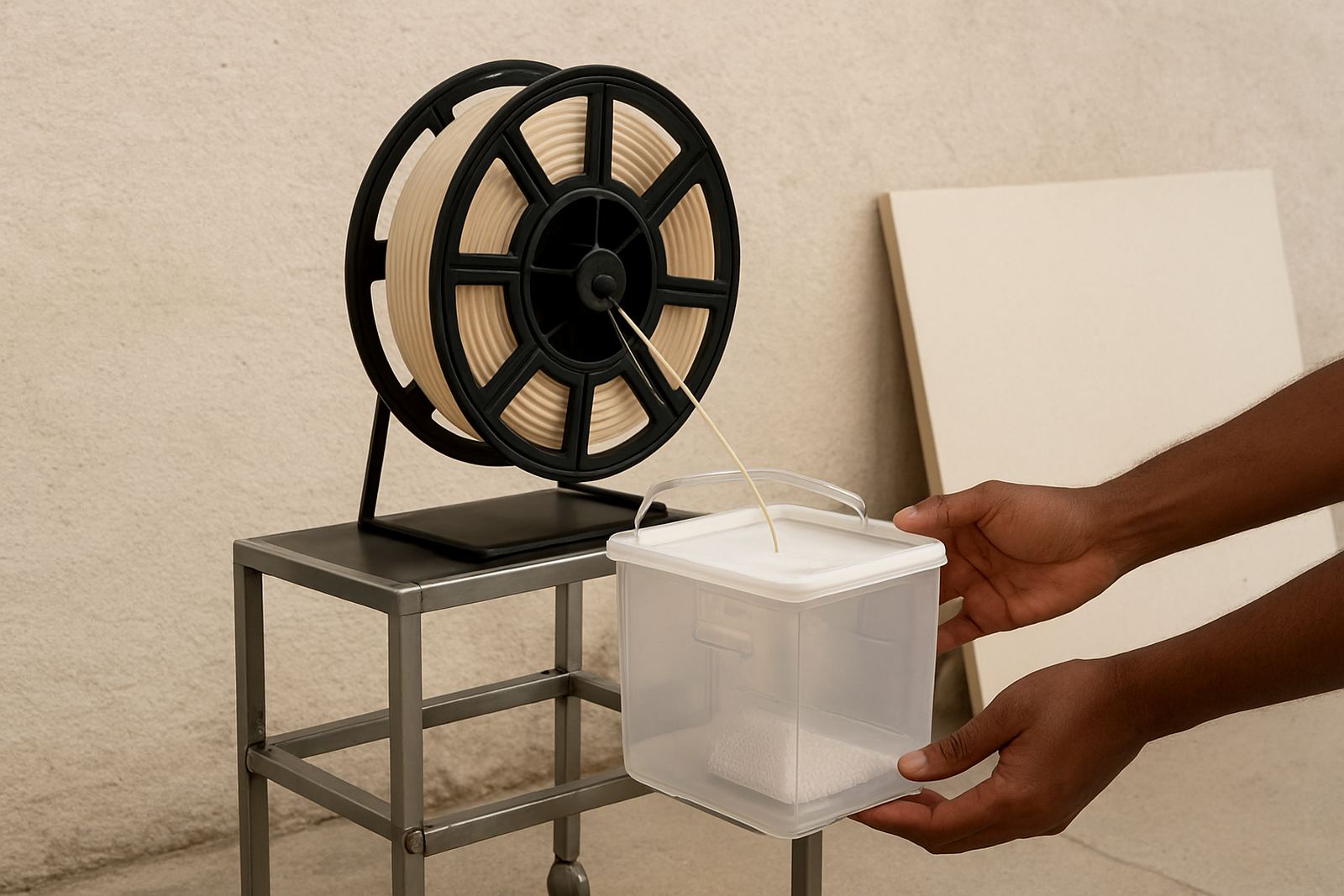
A few minutes of preparation can prevent a failed run. Check the bed level, nozzle condition and filament path before you start. If your printer sits in a workshop with dust, corrugated packaging or open doors, clean the feed area often. In coastal areas like the Western Cape, keep filament dry and stored properly because humidity can affect consistency.
- Confirm the bed is clean and free from grease or old adhesive.
- Make sure the filament feeds smoothly with no sharp bends.
- Check that the first layer height is correct across the full bed.
- Allow enough time for warm-up after load-shedding or a cold start.
Settings that matter most for PETG filament
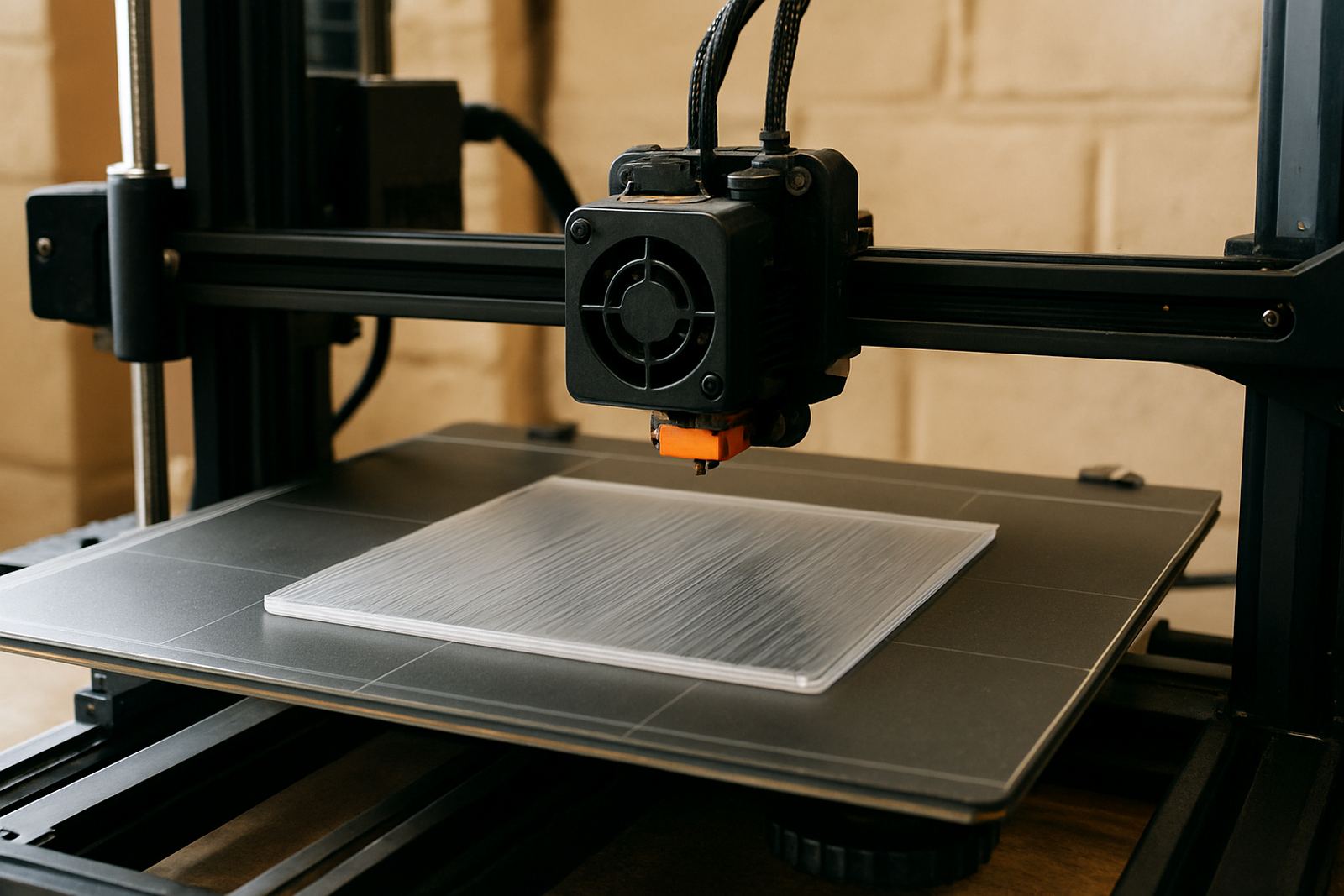
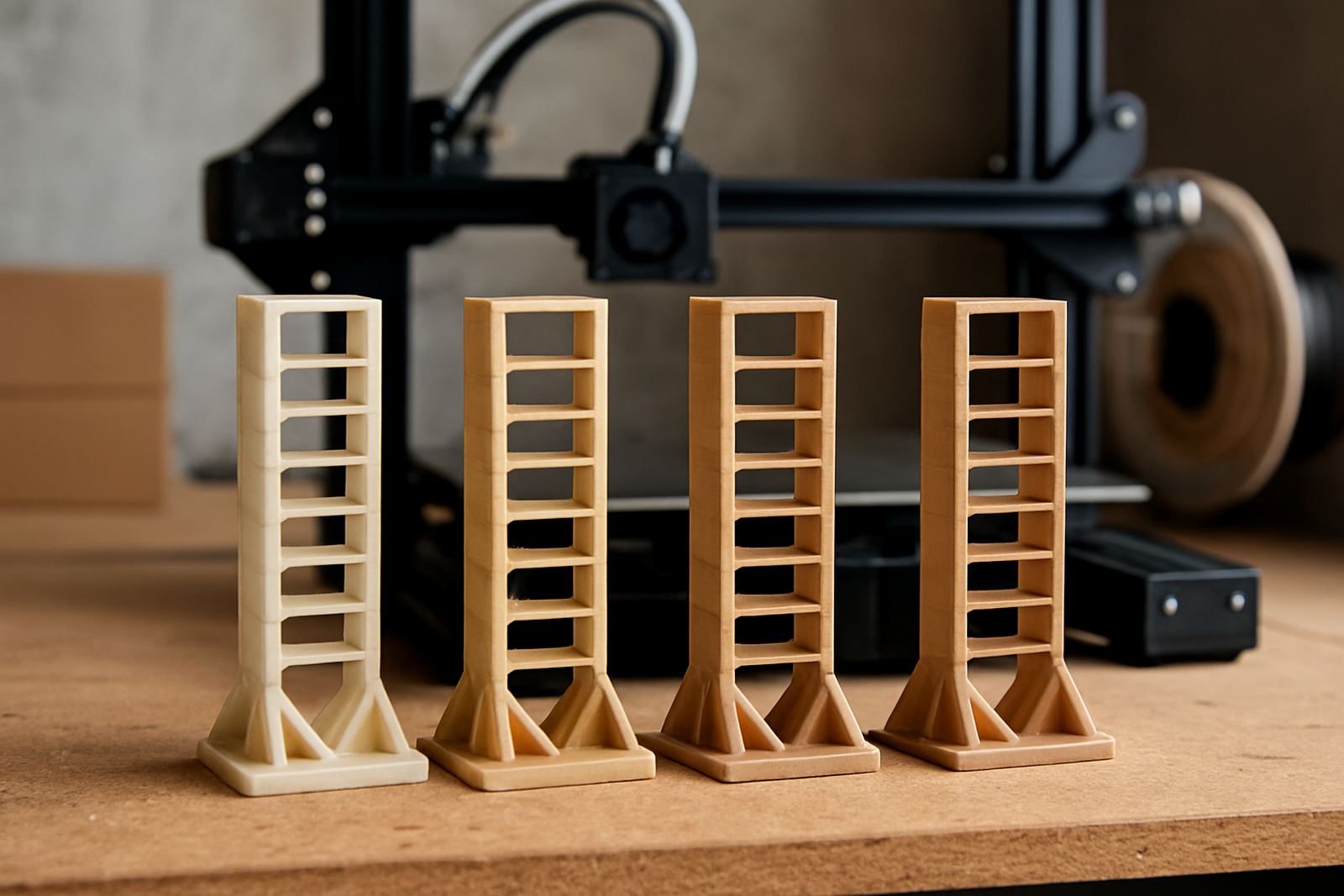
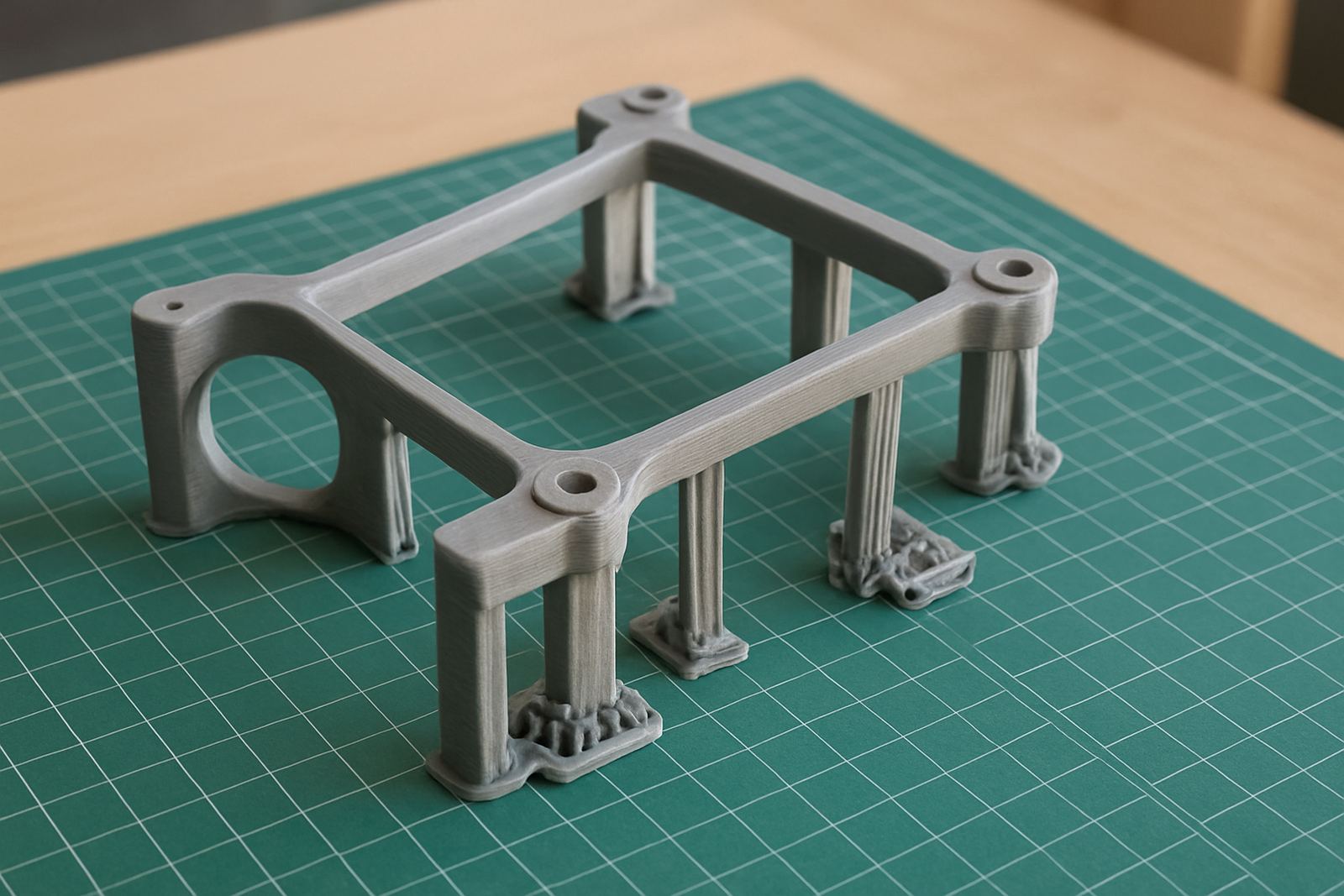
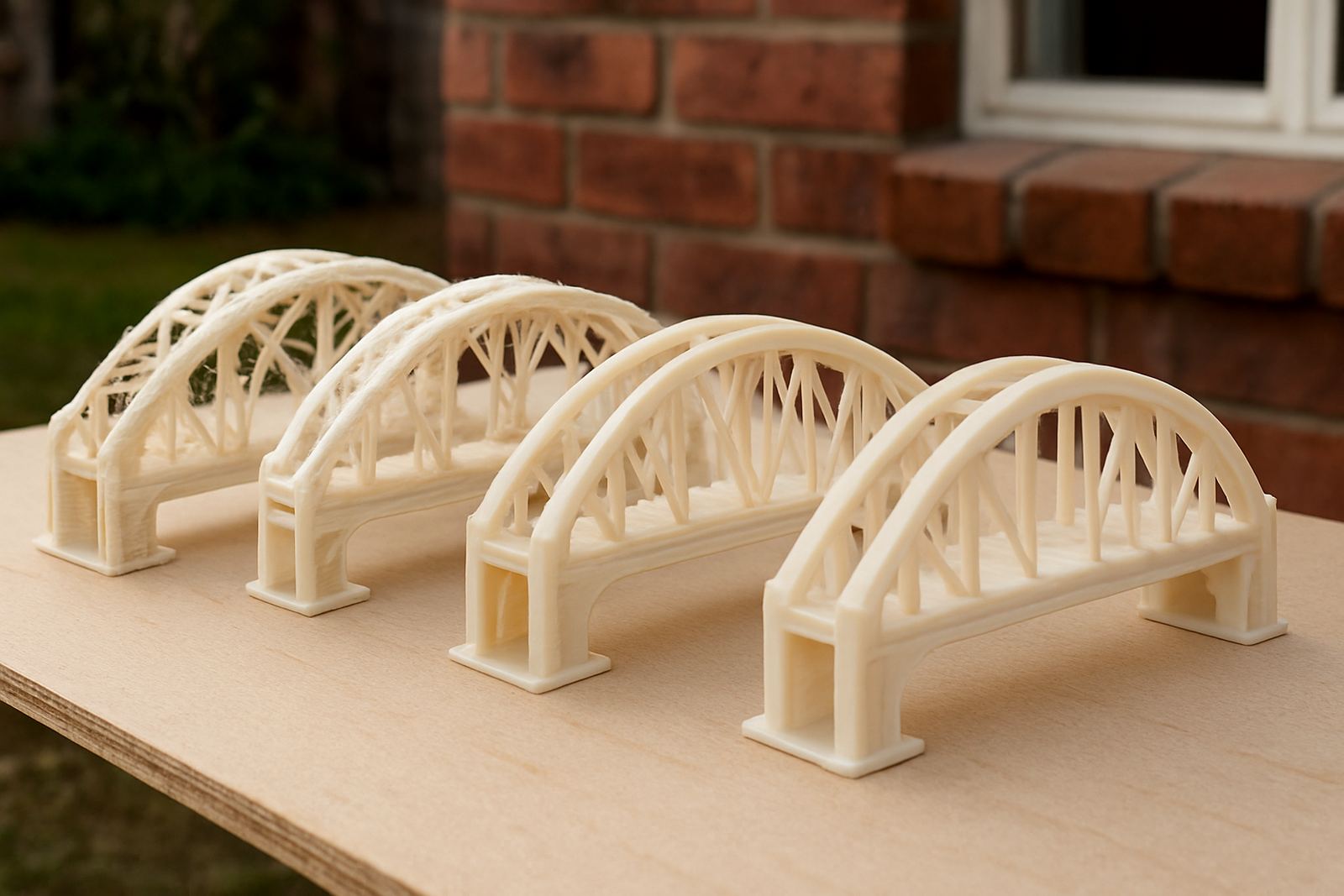
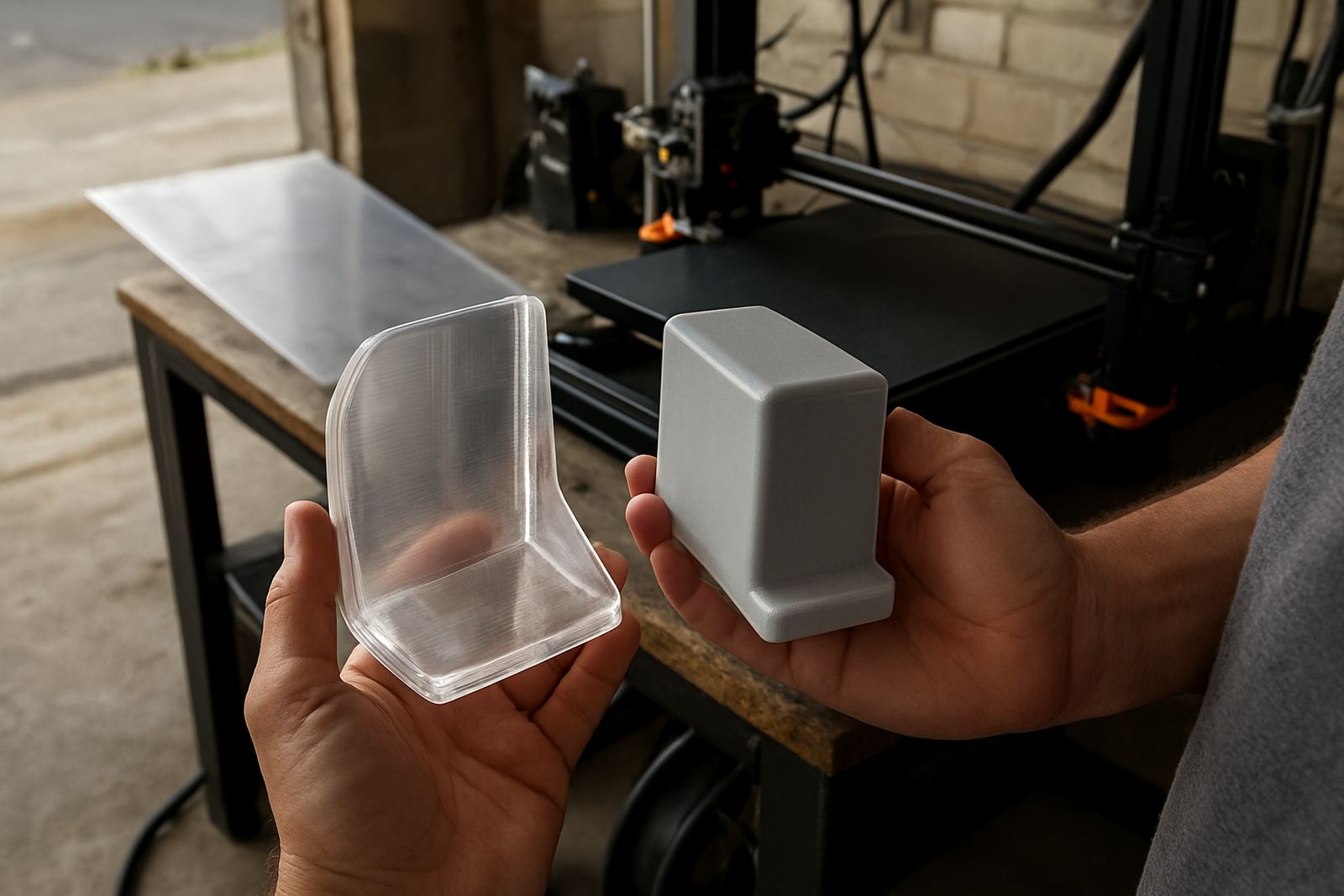
PETG usually prints well when the basics are steady. Temperature, cooling and speed all influence the final result. Too much cooling can reduce bonding while too little can leave strings or soft details. A slower first layer often gives better grip on the bed, especially for larger parts or wide panels. If you are printing in batches, keep the settings consistent from one run to the next so you can compare results properly.
For users working in small Cape Town studios or busy fabrication rooms, the aim is repeatability. That means using the same filament storage method, the same slicer profile and the same bed preparation each time. Small changes are easier to track than a full reset of everything at once.
Avoiding common problems during a print run
Most print issues can be traced back to a handful of causes. If corners lift, the bed may be too cool or the first layer may be too fast. If you see stringing between parts, reduce travel oozing and review retraction settings. If layers look uneven, check extrusion flow and filament diameter. In production work, it is often better to stop early, identify the fault and restart than to waste a long run.
- Warping: improve bed contact and reduce draughts around the machine.
- Stringing: adjust retraction and print temperature in small steps.
- Poor adhesion: clean the surface and slow the first layer.
- Rough surfaces: inspect the nozzle and check for moisture in the filament.
Planning parts for finishing, fitting and assembly
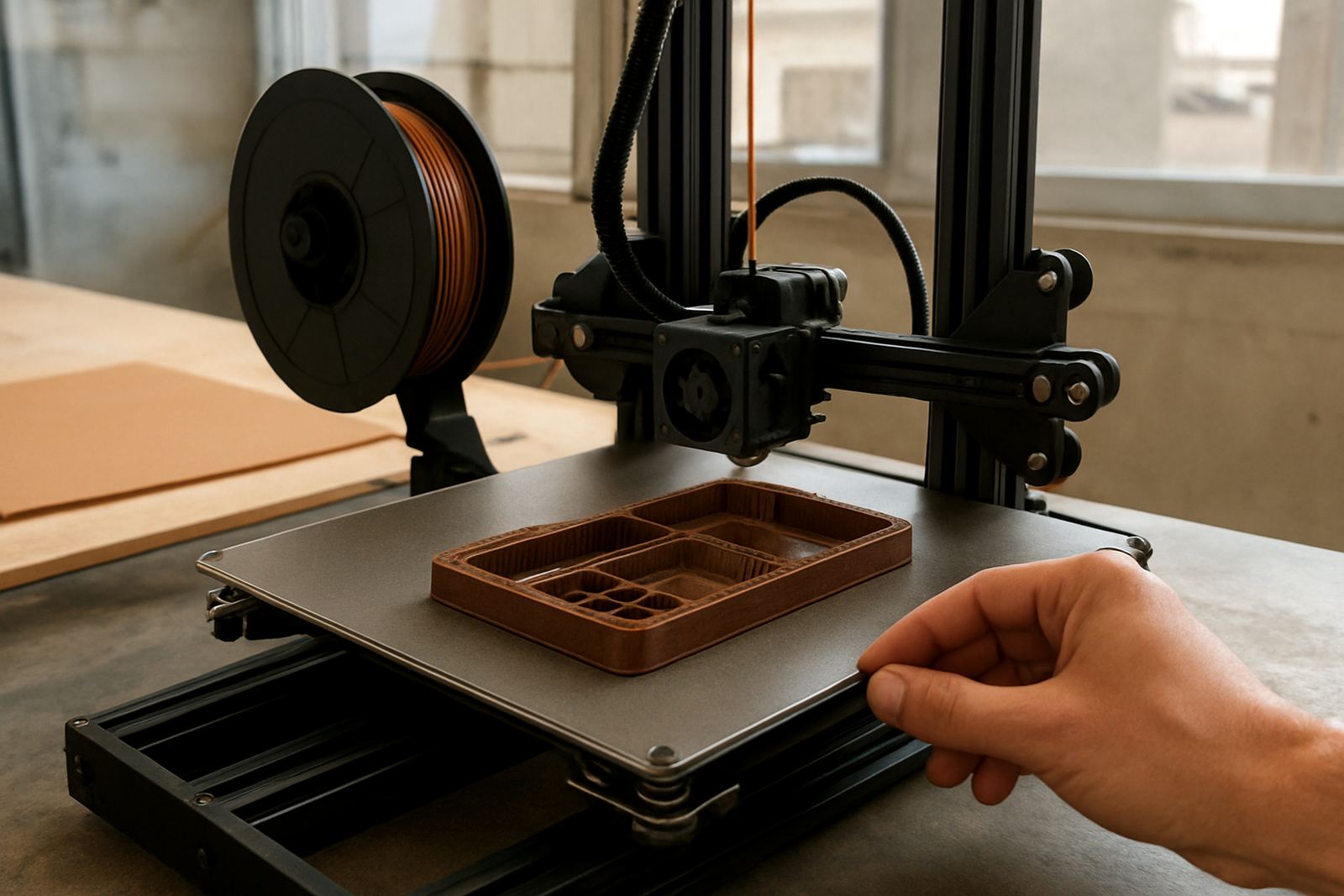
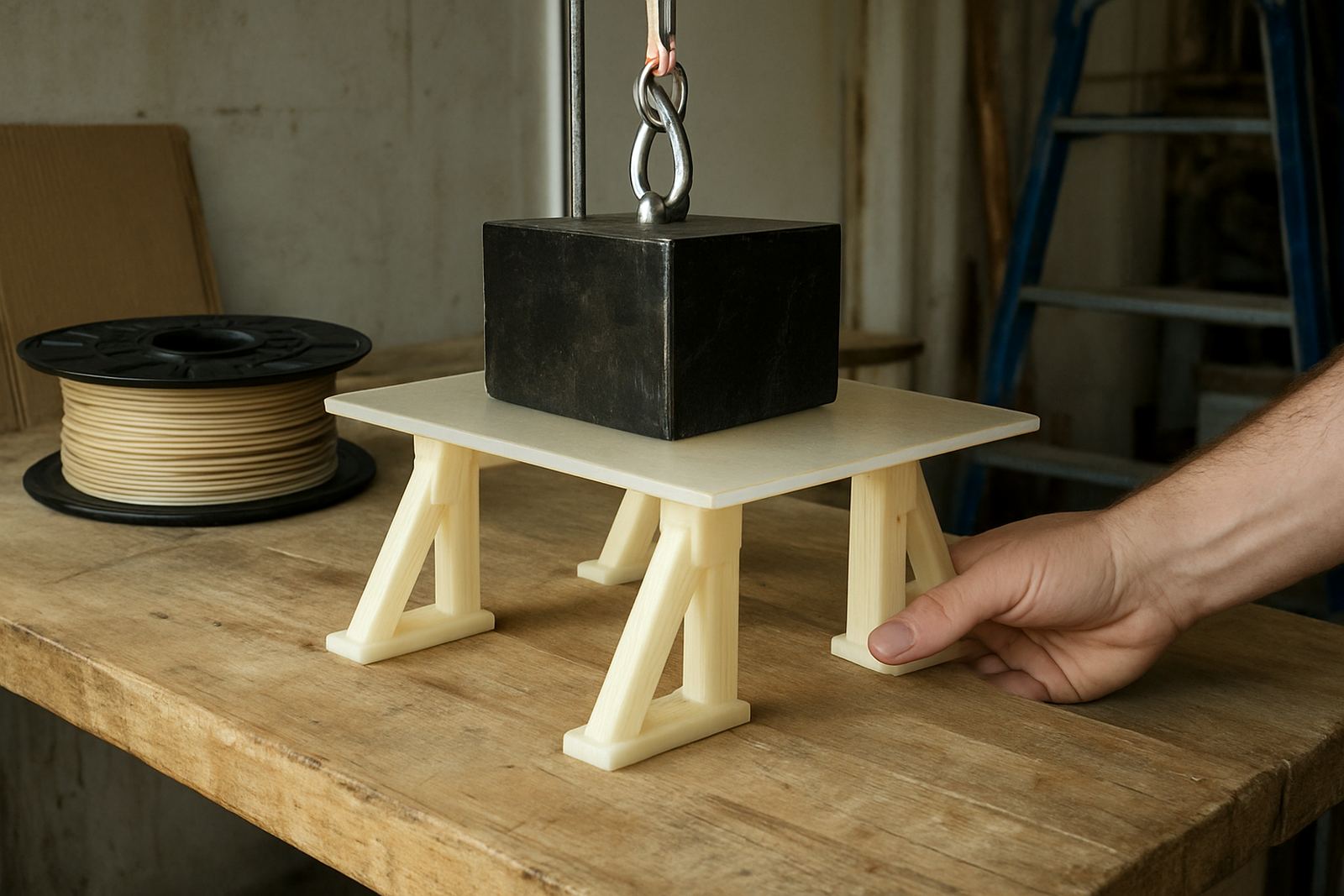
Good print planning begins before the file is sent to the machine. Think about how the part will be used, whether it needs post-processing, and if holes or mating faces must be accurate. For display items, leave enough material for sanding or trimming. For functional parts, allow for bolt clearance, clipped joints and the tolerances needed after cooling. If a job needs labelling or batch tracking, keep each file version clear so the workshop can repeat it later.
In a busy environment, clear planning also makes collection and courier work easier. When jobs are cut or printed to order, the dimensions, quantity and finish must be recorded properly so there is no confusion at dispatch.
Using the guides for one-off projects or production runs
Not every job needs the same level of detail. A single prototype may only need a simple setup check, while a repeat production run needs notes on time, yield and finish. These guides are written to help both. If you are a maker in Somerset West, a workshop in Bellville or a production team in Epping, you can use the same practical steps to get cleaner results and fewer reprints.
As your work grows, keep a record of what settings worked, which bed surfaces behaved best and how the parts performed after assembly. That makes the next run easier and helps you choose the right process for the next order.