
Why PETG overhangs soften sooner than you expect
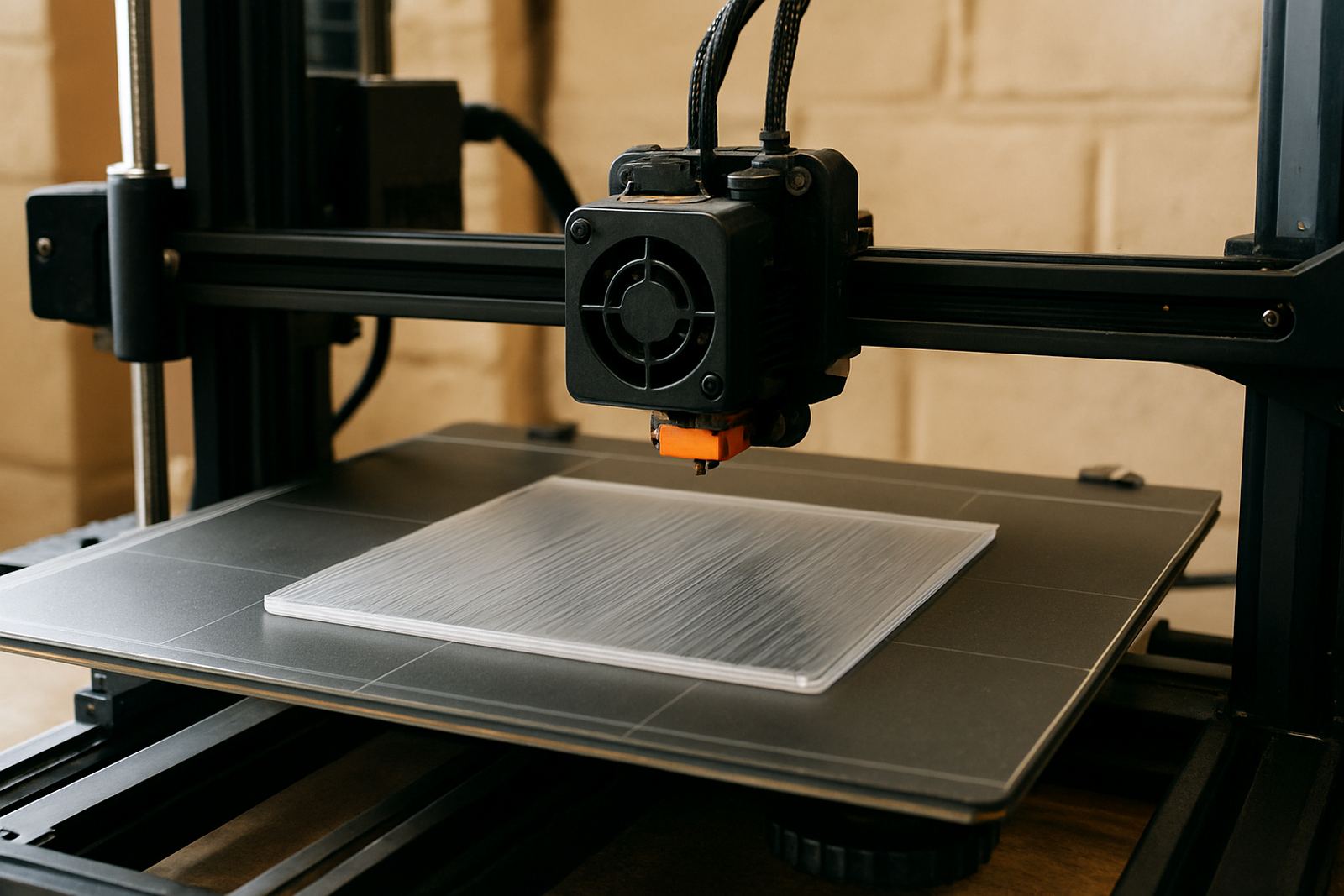
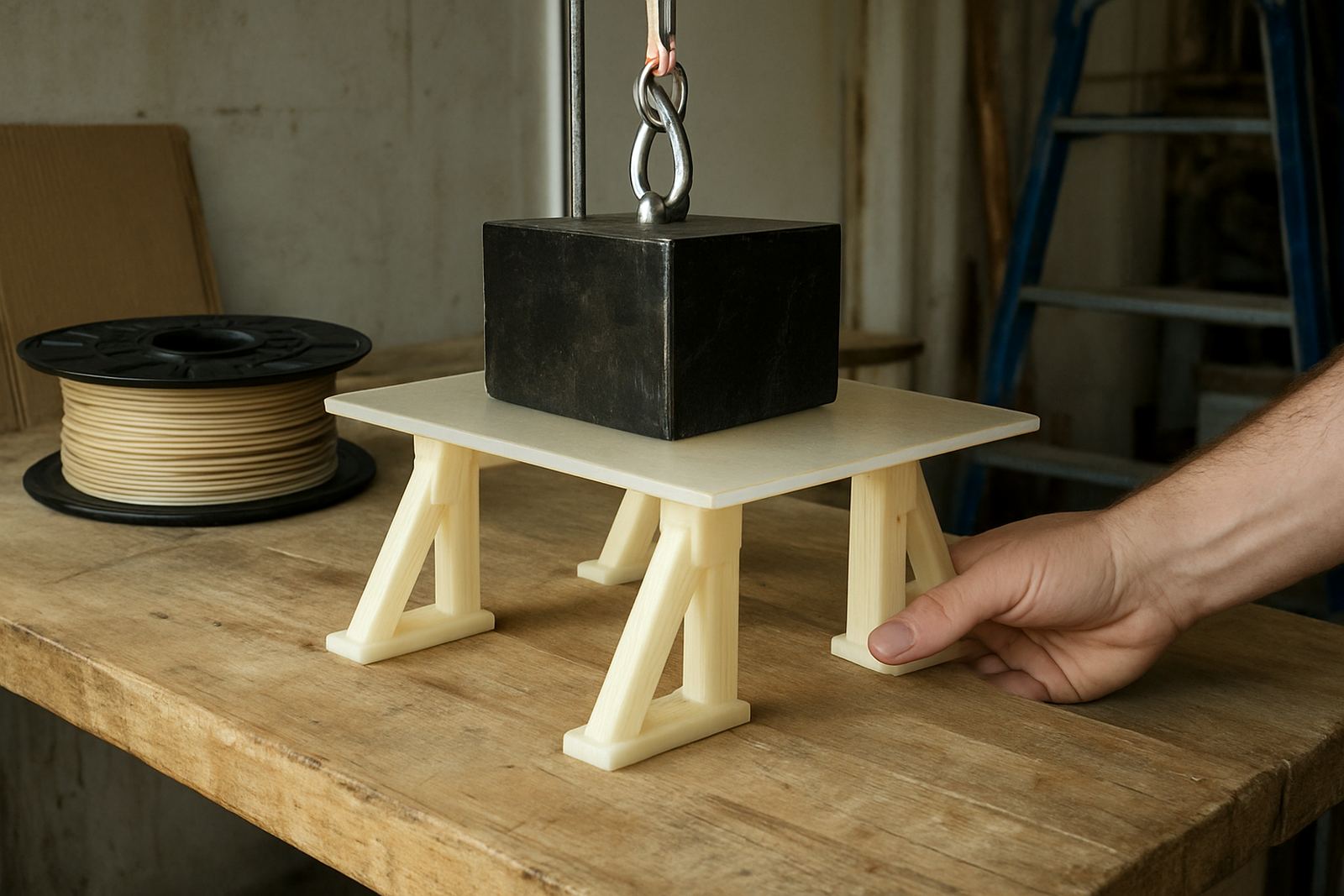
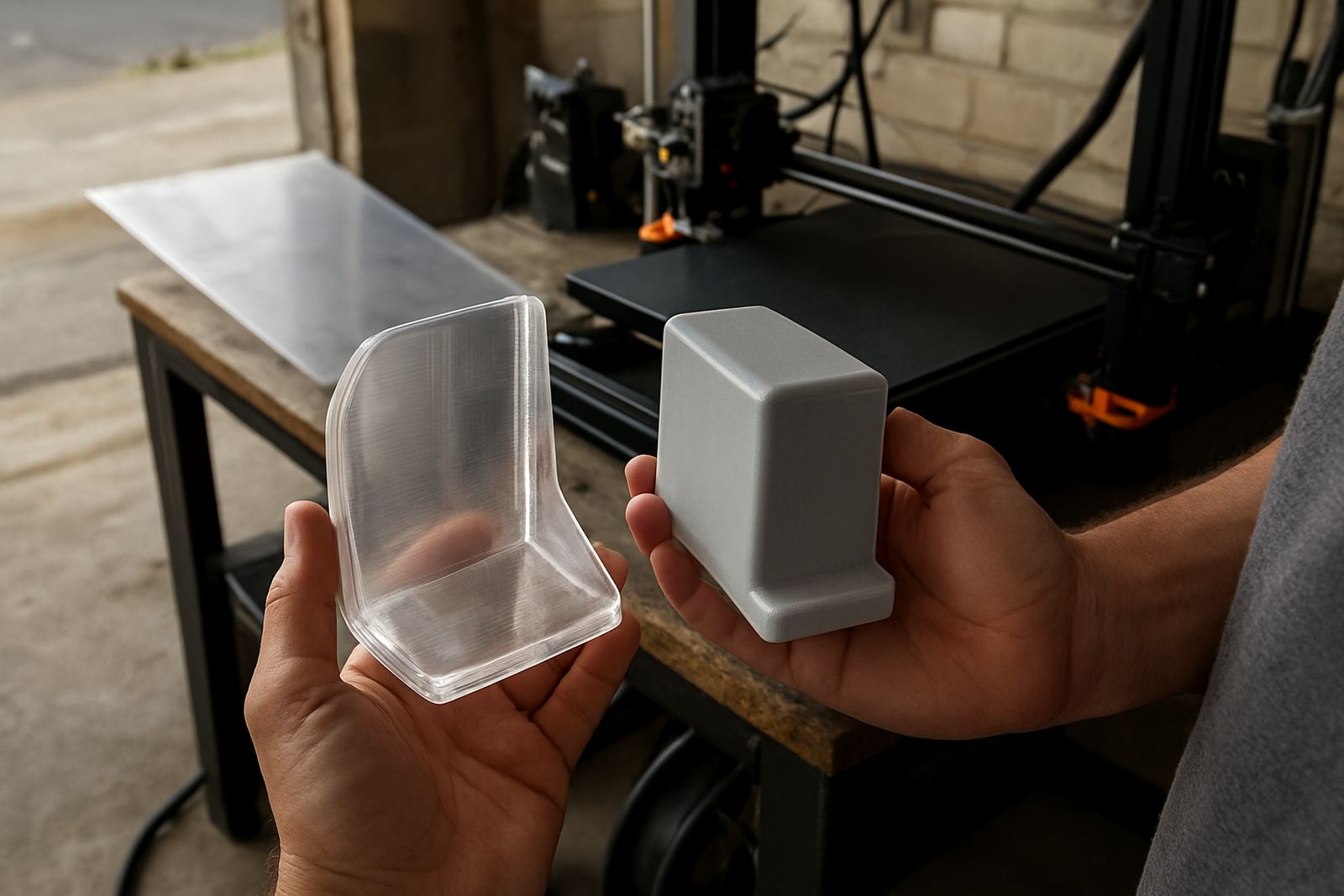
PETG prints well for parts that need toughness, but it is less forgiving than PLA when a bridge or overhang sits in thin air. The material stays a little sticky while it is hot, so if the layer below has not set in time the edge can sag and round off. That is why a steep logo lip, a bracket lip or a curved housing can look fine on the flat side and messy on the underside.
In practice, the main causes are too much heat, too little cooling, fast layer changes and poor part orientation. In a Cape Town workshop, room temperature can also shift through the day, and coastal humidity can affect storage if filament is left open. If you understand what is happening at the nozzle, you can make better choices before the print starts.
- Keep PETG dry and sealed when not in use
- Avoid pushing nozzle temperatures higher than needed
- Expect steeper angles to need more support or slower print speed
Tune temperature and cooling before changing anything else
Most bad overhangs begin with temperature. If PETG comes out too hot it stays soft for longer, so the next line pulls it downward. If it is too cool, layer bonding drops and the part can crack near the edge. The trick is finding the smallest reliable temperature window for your machine and your filament.
Start with the manufacturer setting, then reduce in small steps while watching the underside of a test overhang. Keep fan use moderate rather than full blast from the first layer. PETG often likes limited cooling, but a little airflow helps sharp corners hold their shape. For enclosed printers, make sure heat is not building up in the chamber during a long job and especially when the room is warm.
- Lower nozzle temperature in 5 degree steps if edges droop
- Use enough cooling to stabilise the outer surface, not so much that layers lift
- Print a small overhang test after every major change
Use print speed and layer height to support the angle
Speed matters more than many people realise. When the head moves too quickly across an overhang, the filament has less time to attach before it is pulled outward by the next pass. Slower outer walls, a smaller layer height and sensible line widths all help. For parts with visible front faces, slow the outer shell even if the infill can run faster.
Layer height also changes the result. A 0.2 mm layer may cope better than a thicker pass because each line has less mass to sag. Fine layers can take longer but they often give much cleaner corners on housings, display pieces and small functional brackets. If the part is large, keep the speed consistent rather than swinging from very fast infill to very fast walls. That change can shake the edge loose.
- Slow outer perimeters before reducing infill speed
- Try 0.16 mm to 0.2 mm layers for cleaner angled detail
- Use steady acceleration settings to avoid vibration on long overhangs
Rotate the part so the printer does less of the hard work
Orientation is often the easiest fix. If a feature is printed flat on the bed, it has the best chance of staying neat. If it must be angled, rotate the model so the overhang is gentler and the load is shared across more layers. Sometimes a small change in angle saves a lot of cleanup later.
Think about the final use of the part too. A surface that will be hidden inside a machine or against a wall may tolerate a rougher underside, while a visible face needs a cleaner path. For prototypes and small production jobs, it is often worth splitting the model into sections and joining it later if that avoids a steep unsupported section. That can save material and reduce the chance of a failed print during load-shedding recovery.
- Turn steep faces into shallower angles where possible
- Move cosmetic surfaces away from support marks
- Split complex parts if one orientation creates repeated droop
Support settings that help without leaving a mess
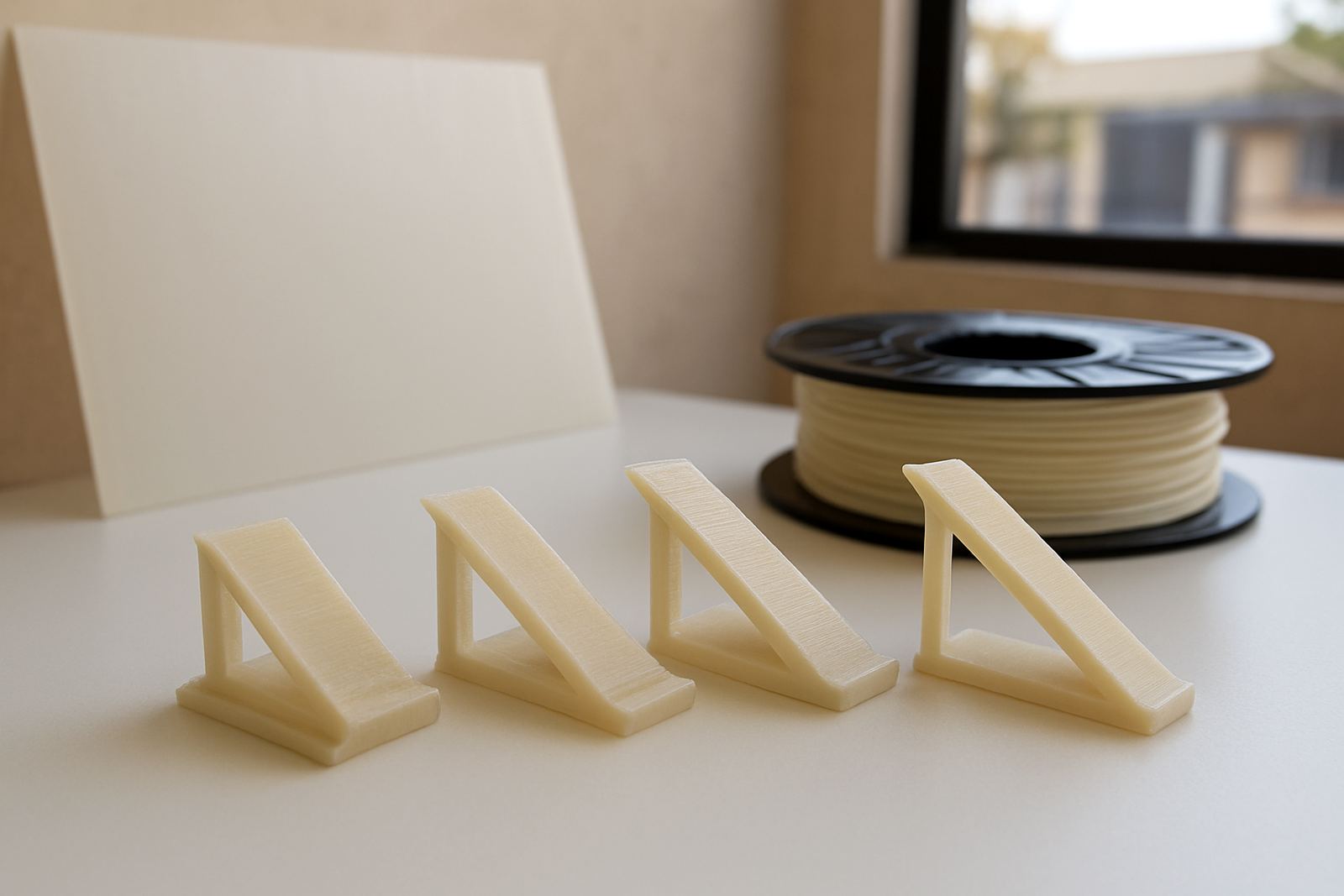
Supports are useful, but too much support can leave marks, waste filament and slow the job. The goal is enough support to catch the soft edge, while keeping removal manageable. On PETG this balance matters because the material can bond tightly to the support if the gap is too small. A careful approach gives you a cleaner finish and less sanding later.
Use tree or linear supports where they suit the part, then test the contact gap and interface layer before running a full batch. If your printer allows it, lower the density a touch and increase the separation very slightly. For small batches in a Cape workshop, it is worth running one sample first and checking how easily the support removes. That small check can prevent a pile of parts with rough undersides.
- Test support interface spacing on one part before a batch run
- Use the lightest support that still holds the overhang
- Trim support marks carefully instead of forcing removal
Storage, moisture and workshop conditions in South Africa
PETG absorbs moisture over time, and wet filament can make overhangs look stringy, rough and inconsistent. If the spool has been open in a coastal area or near an open loading bay, dry it before a critical job. A moist filament often shows tiny pops at the nozzle and weakens the neat edge you want on a bracket or panel piece.
Keep spools sealed when stored and avoid leaving them in a hot bakkie or near a sunny window. In places like Epping, Bellville or Somerset West, workshops can vary from cool mornings to warm afternoons, so keep a steady workflow and do a quick check before starting long runs. If load-shedding interrupts a print, resume carefully and inspect the restart area for a small step or bulge before trusting the full job.
- Dry PETG if you hear popping or see extra stringing
- Seal spools after use, especially near the coast
- Check restarts after power cuts before starting the next layer
Quick checklist before you run the next overhang test
Before a production run, work through a simple checklist. It is faster than repairing a batch later and it helps you spot whether the issue is setup, material or model geometry. If the same overhang keeps sagging, adjust one thing at a time so you can see what actually improved the result. That makes it easier to repeat on future jobs.
For shops producing parts for clients, keep a note of the winning settings for each shape. A small record of temperature, speed, fan and support gap can save hours later. If the job needs cut PETG sheet instead of filament, the same habit applies: confirm dimensions, finish and edge treatment before collection or courier dispatch.
- Is the filament dry and stored properly?
- Is the nozzle temperature as low as practical for good bonding?
- Are outer walls slowed down enough for the edge to set?
- Is the part oriented for the shallowest possible overhang?
- Are support gaps tested, not guessed?