
What Clear PETG Can and Cannot Do
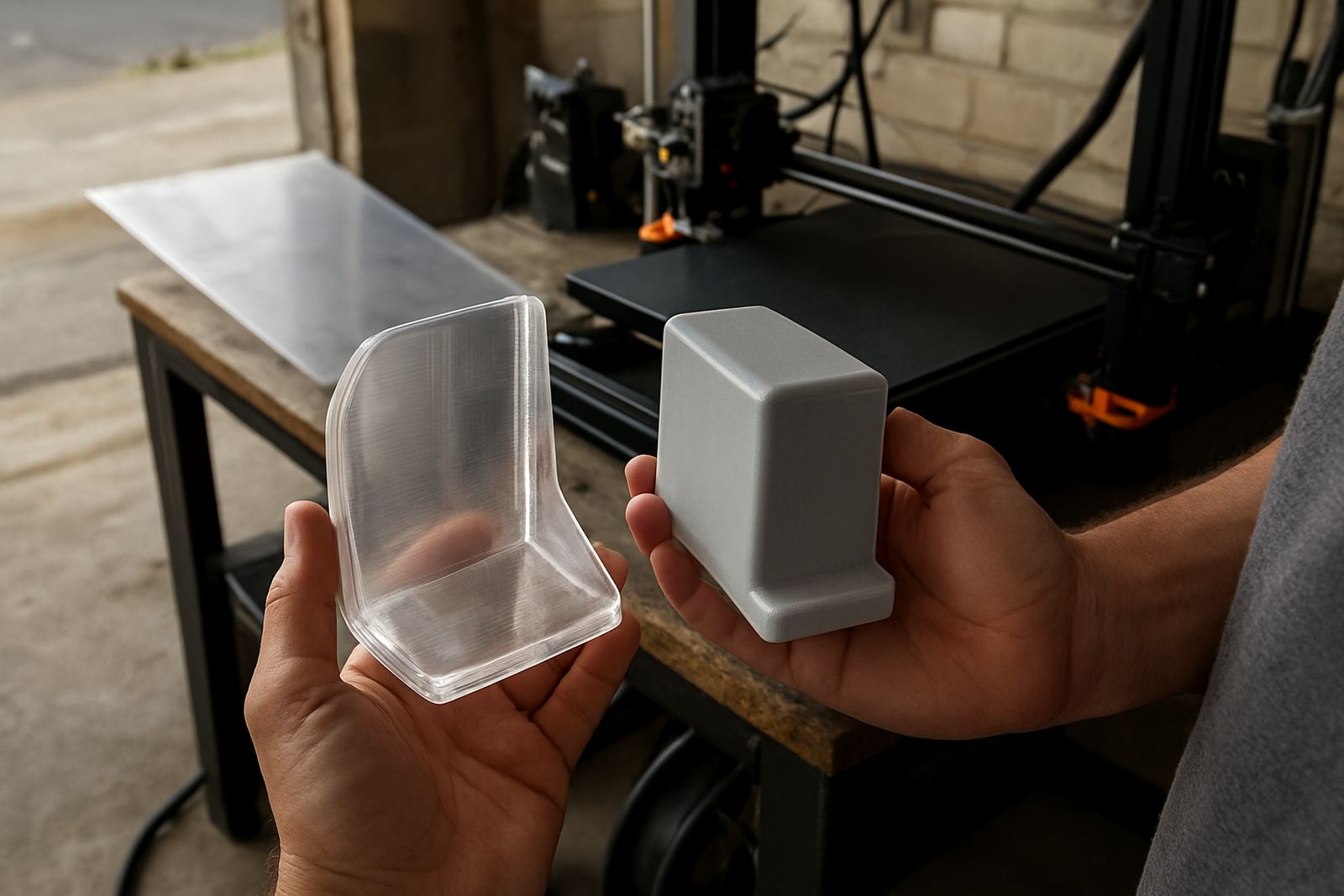
Clear PETG is best treated as a translucent material rather than glass-clear plastic. The finished part can look clean and bright, but layer lines, infill pattern and trapped moisture will still affect how much light passes through. If you need a part to look more like a window, you need careful settings and a design that supports that goal.
For covers, guards, sample housings and display pieces, clear PETG works well because it handles impact better than many brittle plastics and it stays usable in a typical South African workshop or office environment. It also copes better with day-to-day handling than many lower-cost materials. On hot summer days in Cape Town or humid conditions near the coast, good storage matters, because moisture in the filament will show up as haze, stringing or a rough surface.
Start With Dry Filament and a Clean Feed Path
If the spool has absorbed moisture, your print will never look as clear as it should. Before starting a long job, check the filament for popping sounds, steam-like wisps or a rough surface on test lines. Store spools sealed when not in use, and keep them away from damp floors, open windows and workshop dust. In load-shedding conditions, it helps to keep the spool sealed between sessions so you are not opening and closing containers for nothing.
- Dry the filament if it has been open for a while or was delivered in humid weather
- Check the drive gear and guide path for dust or filament shavings
- Use a clean nozzle and replace a worn nozzle if flow is inconsistent
- Make sure the spool turns freely, with no snagging
A clean feed path matters because any slight under-extrusion will show as cloudy bands in clear prints. If you are doing a batch of parts for a client, test one part first and compare it to the rest of the run before committing the full job.
Settings That Usually Improve Clarity
For clearer PETG parts, slow and steady usually beats fast production settings. A slightly hotter nozzle can improve layer bonding and reduce gaps, but too much heat can increase stringing and make the part look foggy. Bed adhesion should be firm, but not so aggressive that the first layer gets damaged during removal. The aim is even extrusion with as few air pockets as possible.
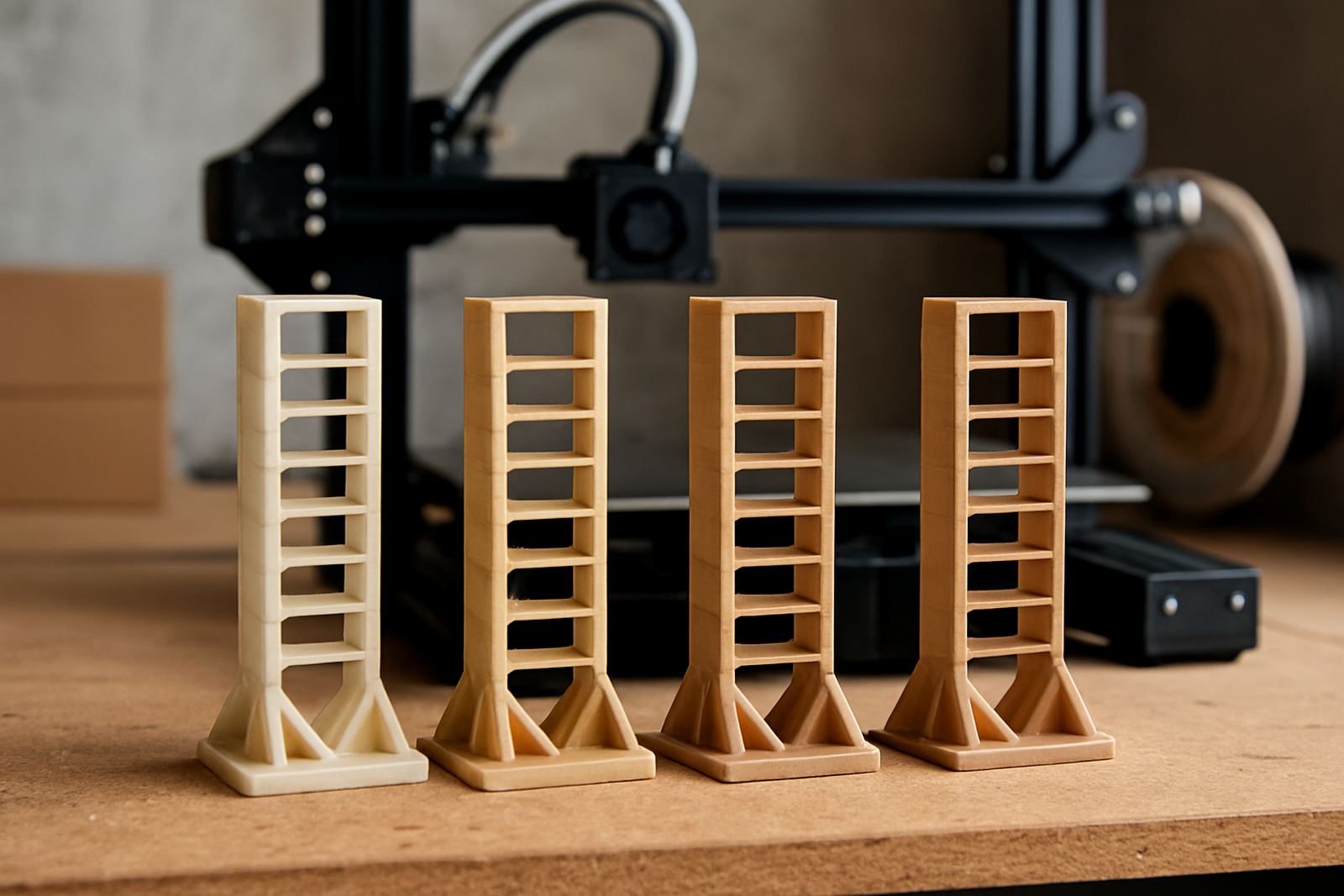
Wall count, infill percentage and layer height all matter. More walls and a higher infill can make the part look denser and reduce the visible pattern, but they also change how light travels through the material. A simple test panel will tell you more than guessing ever will. If the part is decorative, you may want a thinner wall. If it is protective, a thicker wall may be better even if it loses a bit of clarity.
- Use a moderate print speed rather than pushing the machine
- Increase nozzle temperature only enough to improve flow
- Keep cooling controlled, not excessive
- Choose a smooth infill pattern where the visible surface matters
- Print test coupons before a full production run
Design Choices That Help Light Pass Through
Design makes a bigger difference than many people expect. A part with rounded corners, consistent wall thickness and simple geometry will usually print cleaner than one with sharp changes in section or dense internal detail. If the part is for a light cover or display panel, avoid unnecessary texturing on the outer faces. Even small tool marks can catch the light and reduce the clear look.
For sheet work, clear PETG can also be cut to size for panels, guards and inserts. Straight edges, neat hole marking and clean deburring all help when the sheet will be seen from both sides. In busy shops around Epping, Bellville or Montague Gardens, the practical question is often not only how it looks, but whether the part fits first time and survives handling on site.
- Keep wall thickness even across the part
- Avoid deep embossed details if transparency is important
- Round internal corners where possible
- Plan hole positions carefully before cutting or printing
- Allow for thermal movement if the part will sit near heat
Finishing, Handling and Aftercare
Once the print is done, handle it carefully. Fresh PETG can mark easily if it is rubbed against a rough bench top or packed too tightly with other parts. Let the part cool fully before cleaning it. If you need a cleaner appearance, trim minor strings with a sharp blade and keep sanding light, because heavy abrasion will turn a clear part cloudy very quickly.
For sheet parts, keep the film on until final fitting if that has been requested. This helps protect the surface from scratches during transport and installation. When parts are going out by courier nationwide, label them clearly and pack them so they do not move inside the carton. A well-packed part that arrives scratched is still a poor result, even if the print itself was good.
Quick Pre-Print Checklist for Better Results
Before you start a clear PETG job, work through a simple checklist. It saves time, cuts waste and helps you spot problems before the machine runs for hours. This is especially useful when you are printing for a prototype, a client sample or a small production batch where consistency matters.
- Is the filament dry and free of dust
- Is the nozzle clean and in good condition
- Have you printed a small test piece first
- Are the walls, infill and layer height set for the required finish
- Will the part be stored or transported without rubbing against other items
- Do you need cut sheet material instead of a printed part for a cleaner final look
If you are unsure which route is better, a quick material discussion can save a lot of trial and error. Some jobs are better as printed parts, others work better as cut PETG sheet with marked holes and finished edges. The right choice depends on the size, the use, and how clear the final piece needs to be.