
Start with a sensible PETG temperature window
For most benchtop FDM printers, PETG usually starts in the range of 230 to 250 °C at the nozzle, with a heated bed around 70 to 85 °C. The exact figure depends on your printer, hotend, nozzle size and the part you are making, so do a small test print before committing to a full job. If the filament feels under-extruded or the layers look rough, go up in small steps. If the print gets too glossy, droopy or stringy, come back down a few degrees.
Keep the filament dry too. In Cape Town and along the coast, moisture can creep in quickly, especially if reels are left open in a workshop or near a loading bay. A damp spool can cause popping, fine hairs and weak surfaces, even when the temperature is close to right.
- Start at 235 °C nozzle and 75 °C bed for a basic test
- Change the nozzle temperature by 5 °C at a time
- Watch for popping, wisps and poor layer bonding
- Store opened filament in a sealed bag or box
Set speed for control before chasing fast prints
PETG can print faster than many people expect, but the safest way to dial it in is to begin slower and increase once the surface quality is stable. A common starter range is 30 to 50 mm/s for perimeters, with infill a little faster if the part is not delicate. On longer runs, a steady speed often gives better results than trying to push the machine too hard and then correcting faults later.
For parts that need a clean edge or accurate fit, keep the outer walls slower than the inside. That helps with dimension control, especially on brackets, covers, jigs and prototype housings. If your machine starts skipping, check the extruder grip, nozzle condition and filament path before changing every setting at once. One small change at a time is easier to read.
- Outer walls: 25 to 40 mm/s
- Inner walls and infill: 40 to 60 mm/s
- First layer: slower than the rest of the print
- If quality drops, reduce speed before changing temperature again
Use cooling carefully, not aggressively
PETG usually prefers less cooling than PLA. Too much fan can make layers bond poorly and can also make corners look brittle. A good starting point is low part cooling for the first few layers, then modest cooling once the print is established. Many users find that 0 to 30 percent fan works well for general parts, while bridges and fine overhangs may need a bit more.
If you are printing a tall component or a thin wall, monitor how the fan affects surface finish. Some printers blow one side harder than the other, which can create uneven cooling and slight warping. In a warm workshop, especially during load-shedding when ambient conditions shift, it helps to keep the setup consistent from job to job.
- First 2 to 4 layers: little or no fan
- General printing: low to moderate cooling
- Bridges: temporarily increase cooling if needed
- Avoid max fan unless the test print proves it works
Get the first layer right before the rest of the print
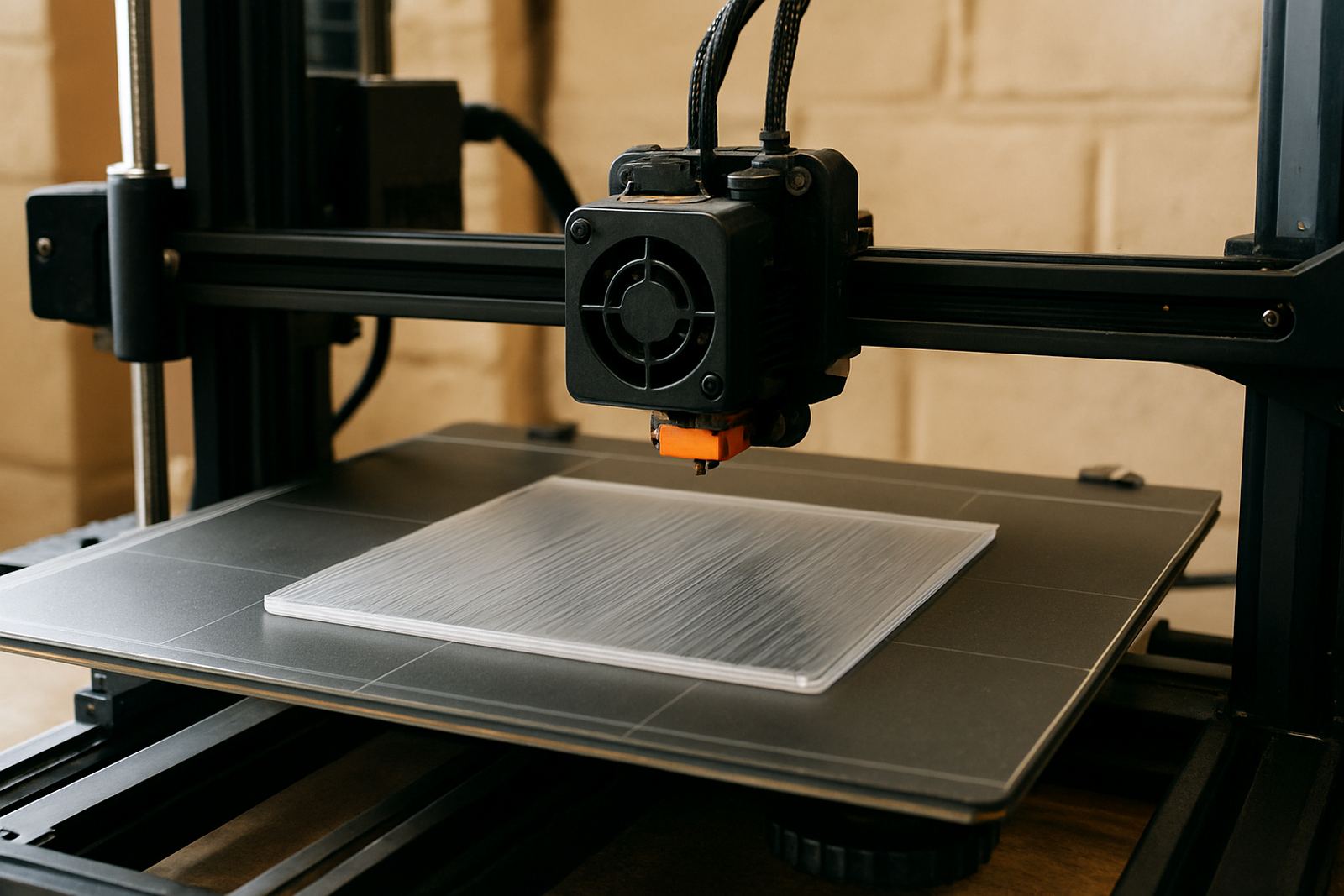
The first layer matters more with PETG than many people expect. If the nozzle is too close to the bed, the filament can squish too much and grip the surface harder than expected. If it is too high, the bead will not key into the bed properly and edges may lift. Aim for a smooth, slightly flattened line with no scraping sounds and no gaps between tracks.
Clean the bed before each run and make sure the surface is free of dust, fingerprints and old adhesive. For sheet goods, this same attention to surface prep applies when cut panels are going into a fabrication process. On the printer, a neat first layer saves time, filament and a fair bit of frustration.
- Check bed levelling before long jobs
- Print a small skirt or brim if adhesion is inconsistent
- Inspect the first layer after the first few passes
- Stop early if the line is dragging or lifting
Tackle stringing, blobs and surface marks methodically
PETG can string if the temperature is a touch too high, retraction is weak or travel moves are too slow. Start by reducing nozzle temperature in small steps, then test retraction distance and speed. Keep the filament path smooth and dry. If you are seeing blobs on corners, check pressure in the hotend and whether the part cooling is switching too late.
For visible surfaces, use clean travel paths and avoid unnecessary stops. A well tuned part usually looks better with fewer pauses than with aggressive changes to the slicer settings. Small adjustment are best here, because PETG can react quickly and a setting that helps one model may hurt the next one.
- Lower nozzle temperature by 5 °C if stringing is heavy
- Increase retraction in small steps only
- Dry the filament before blaming the slicer
- Check nozzle wear if the finish has rough patches
Use a short test checklist before every production run
Before you run a batch, do a quick check on temperature, feed, bed adhesion and spool condition. This is especially useful for production work, where a failed print wastes time and material. If you are printing parts for clients in manufacturing, design or prototyping, consistency matters as much as the final finish.
At PETG in Epping, we handle sheet cutting and filament supply with the same practical approach: keep the settings repeatable, label the job clearly and confirm the material is right before it leaves the bench. A simple checklist helps if multiple people are using the same machine, or if a job has to be couriered nationwide after testing.
- Confirm nozzle and bed temperatures before starting
- Inspect the filament for dust, moisture or kinks
- Run a small calibration part if the setup changed
- Label the spool or job so the settings can be repeated