
Start with a clean print surface
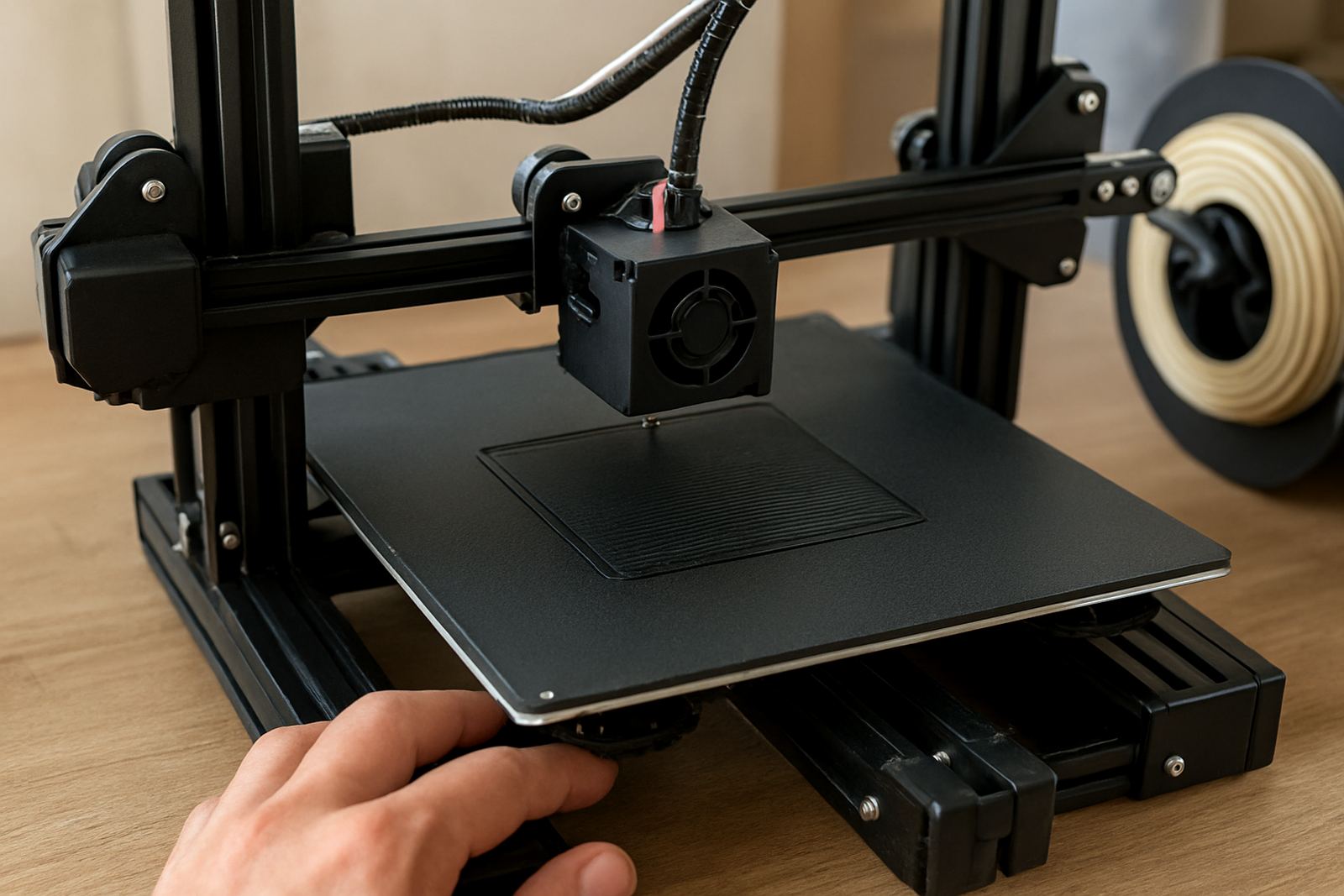
Good bed adhesion begins before the printer even heats up. Dust, skin oils and leftover adhesive all affect how PETG grips the surface. On a print bed that has seen a few jobs already, a quick wipe can make the difference between a neat first layer and a corner lifting halfway through the job.
For most setups, clean the bed with warm water and a small amount of detergent, then wipe it dry with a lint-free cloth. If you use isopropyl alcohol, apply it to the cloth first, not straight onto the bed. That helps avoid puddles around clips, screws and sensor points. If your machine sits in a garage or workshop in Cape Town, Epping or Parow, give the bed a moment to warm up after a cold night, condensation can cause problems.
- Remove old glue, tape residue and loose filament strings
- Check that the bed is level and the nozzle is not too low
- Wipe fingerprints off glass, spring steel or coated plates
- Let the surface dry fully before starting the print
Choose the right surface for PETG
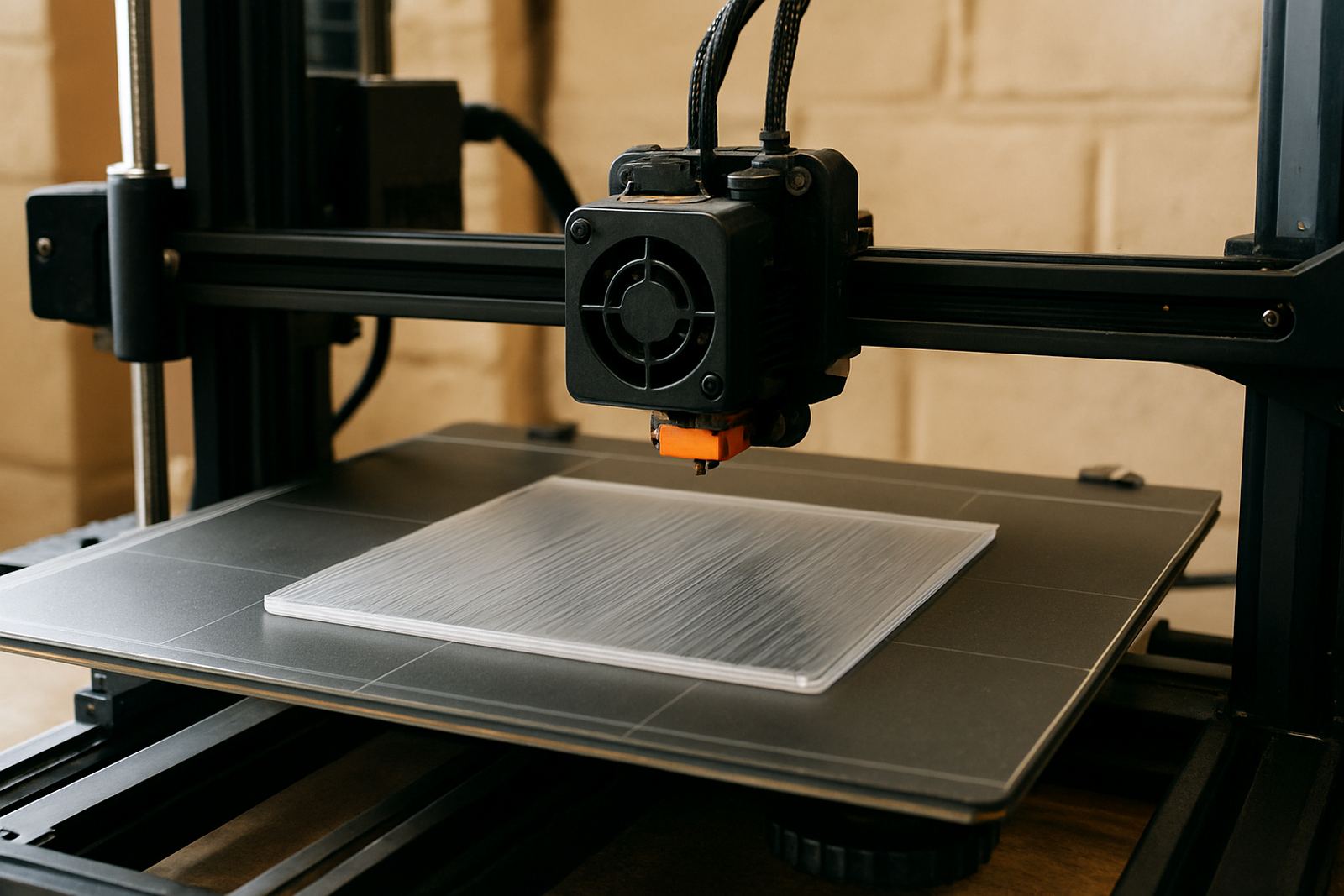
PETG can bond too strongly to some smooth surfaces, so the aim is steady grip without tearing the finish when the print is removed. Textured sheets, PEI type surfaces and clean glass can all work well, depending on your printer and the part size. If you are printing small technical parts, a bit of texture often helps the first layer lock in. For large flat panels, a consistent surface is more important than a glossy look.
If you are in coastal areas like Somerset West or Stellenbosch, humidity can affect how filament behaves and how a bed coating performs over time. Keep spare sheets stored flat and dry. If you use a release layer such as glue stick or a light adhesive, treat it as a barrier more than a glue, it should help release later. Test each surface with a small print before committing to a full batch.
- Use a surface that suits the part size and finish you want
- Avoid bare glass if your PETG tends to grab too hard
- Replace worn sheets that have dents, scratches or hot spots
- Keep backup build surfaces for busy production days
Set the first layer for a firm hold
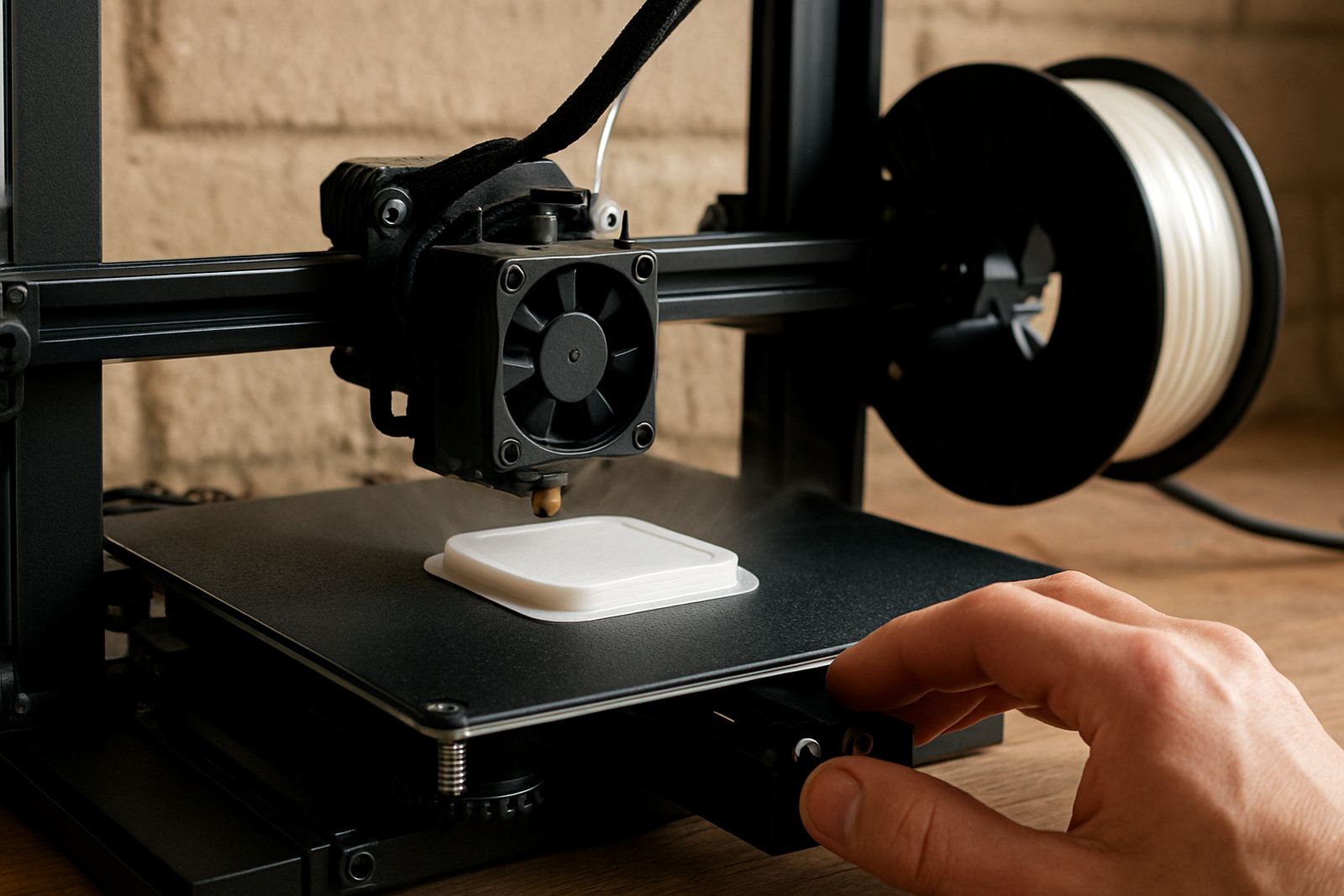
Many adhesion problems come from the first layer being rushed. PETG usually likes a slightly slower first layer, a bit more squish and a steady bed temperature. If the nozzle is too close, the filament can smear or drag. If it is too far, the lines do not knit together and the print lifts at the edges.
Use your slicer to slow the first layer down, and keep the bed temperature within the range recommended for your material. A heated bed helps a lot, especially in colder inland towns or during winter evenings in the Cape. Print a small test square first if you are unsure. Once the first layer is flat and even, the rest of the job has a much better chance of staying put.
- Slow the first layer speed for better contact
- Adjust nozzle height until the lines touch cleanly
- Keep bed heat steady through the first few layers
- Use a brim for tall or narrow parts that want to tip
Use release aids without damaging the bed
PETG can bond so well that removal becomes the real challenge. A light release aid protects the bed and makes part removal easier after cooling. This is especially useful if you are running small batch jobs, repeated prototypes or parts with a large footprint. The goal is not to make the bed slippery, only to create a controlled layer between the print and the surface.
Apply a thin, even layer and keep it off the edges where possible. Too much product can create patchy adhesion, and then you spend time chasing problems instead of printing. If a part still feels stuck after cooling, do not force it. Let the bed cool more, then flex the plate or use a plastic scraper with care. Metal tools can mark coated surfaces and shorten the life of the sheet.
- Use a very light coat rather than a thick layer
- Reapply only when adhesion starts to drop
- Let the bed cool before removal where possible
- Use non-metal tools on coated surfaces to avoid scratches
Handle edge lift, stringing and warped corners
When PETG lifts, the cause is often found at the corners first. A draft from an open door, a sudden temperature drop or a bed that is too cool can all trigger lifting. Stringing does not usually stop adhesion on its own, but it can leave fine threads that catch on the nozzle and disturb the first few layers. In busy work areas, especially where the machine stands near loading doors or extraction fans, small changes in air movement matter more than people expect.
For difficult parts, add a brim, reduce cooling on the first layers and keep the printer away from direct drafts. If a corner keeps pulling up, check whether the bed has a low spot or whether the model has sharp corners that need extra support. Sometimes a small design change is enough to solve the issue, and it saves time on reprints.
- Move the printer away from fans, open windows and door gaps
- Use a brim for corners and long thin sections
- Check for uneven bed heat across the surface
- Round sharp part corners where the design allows
Keep a repeatable routine for production runs
If you print the same part often, write down what works. PETG behaves more consistently when bed prep, temperature and removal steps stay the same from one job to the next. That matters for manufacturing teams, design studios and prototyping labs where the same item may be printed in small batches over several days. A short checklist is often enough to prevent wasted material and time.
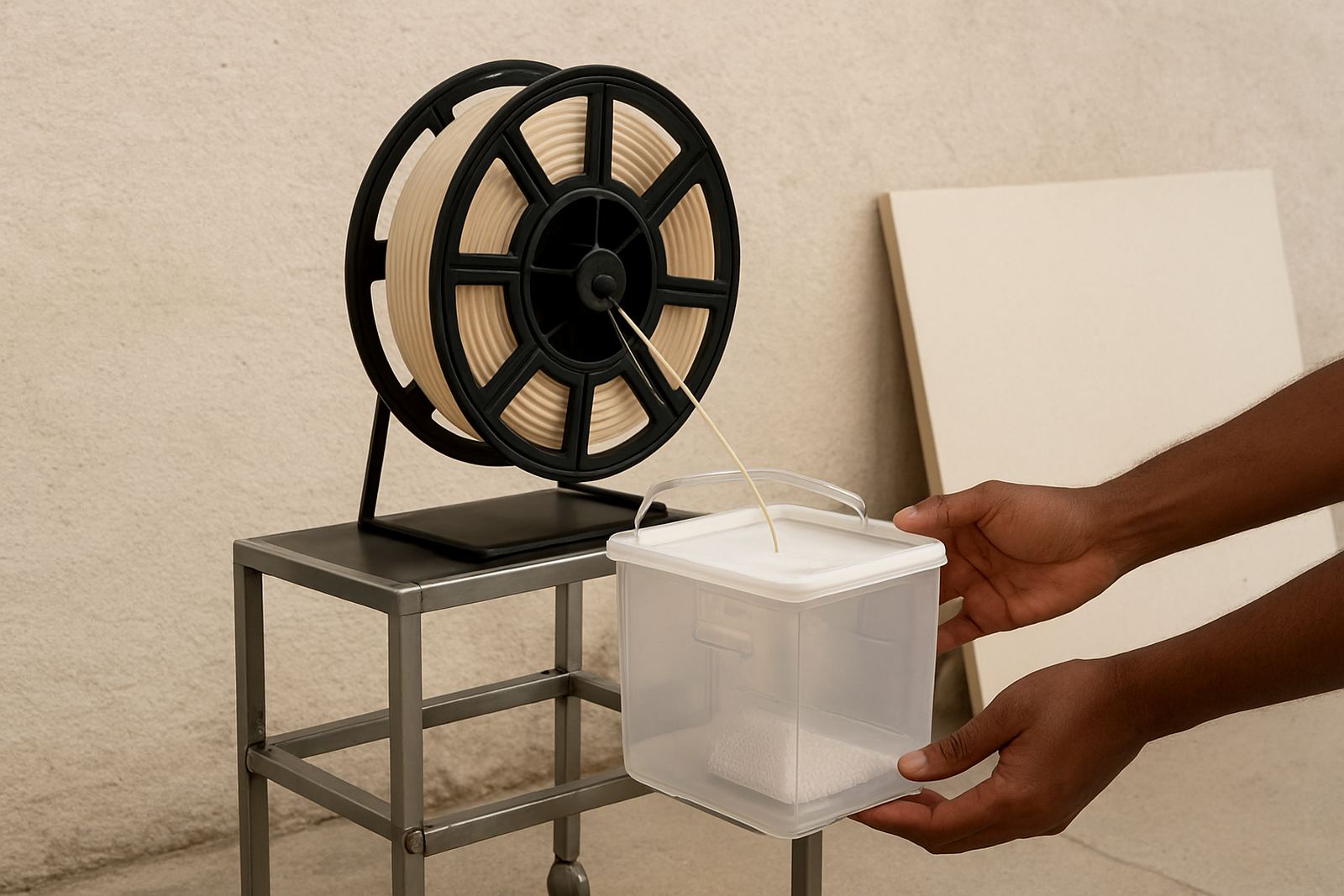
When you need sheet material cut to size for jigs, guards or printer setups, or filament sent by courier anywhere in South Africa, it helps to order with the final use in mind. Clean storage, labelled spools and neatly packed sheets reduce dust and edge damage before the next run. If a job is changing from one material or thickness to another, note the differences so the operator does not start from zero each time.
- Record bed temperature, surface type and first layer speed
- Keep a simple checklist near the printer for each material
- Label successful settings for repeat jobs
- Store sheets and filament in a dry, dust-free area