
Start with the PETG behaviour, not a random slicer profile
PETG behaves differently from PLA because it softens earlier and tends to stay sticky as it travels through the nozzle. That is why settings that work on one material can leave wisps, blobs or thin hairs on PETG parts. Start by assuming you need less aggressive retraction than you would use for fast, brittle filaments.
Before changing a dozen settings at once, check the basics first: filament diameter consistency, nozzle condition, and whether the spool feeds smoothly. In Cape Town and along the coast, moisture can make a real difference too. If the filament has taken up damp air during storage, the result can look like bad retraction when the real issue is steam in the melt zone.
- Keep filament sealed when not in use
- Store spools away from open windows, garages and damp corners
- Check that the spool turns freely and does not snag
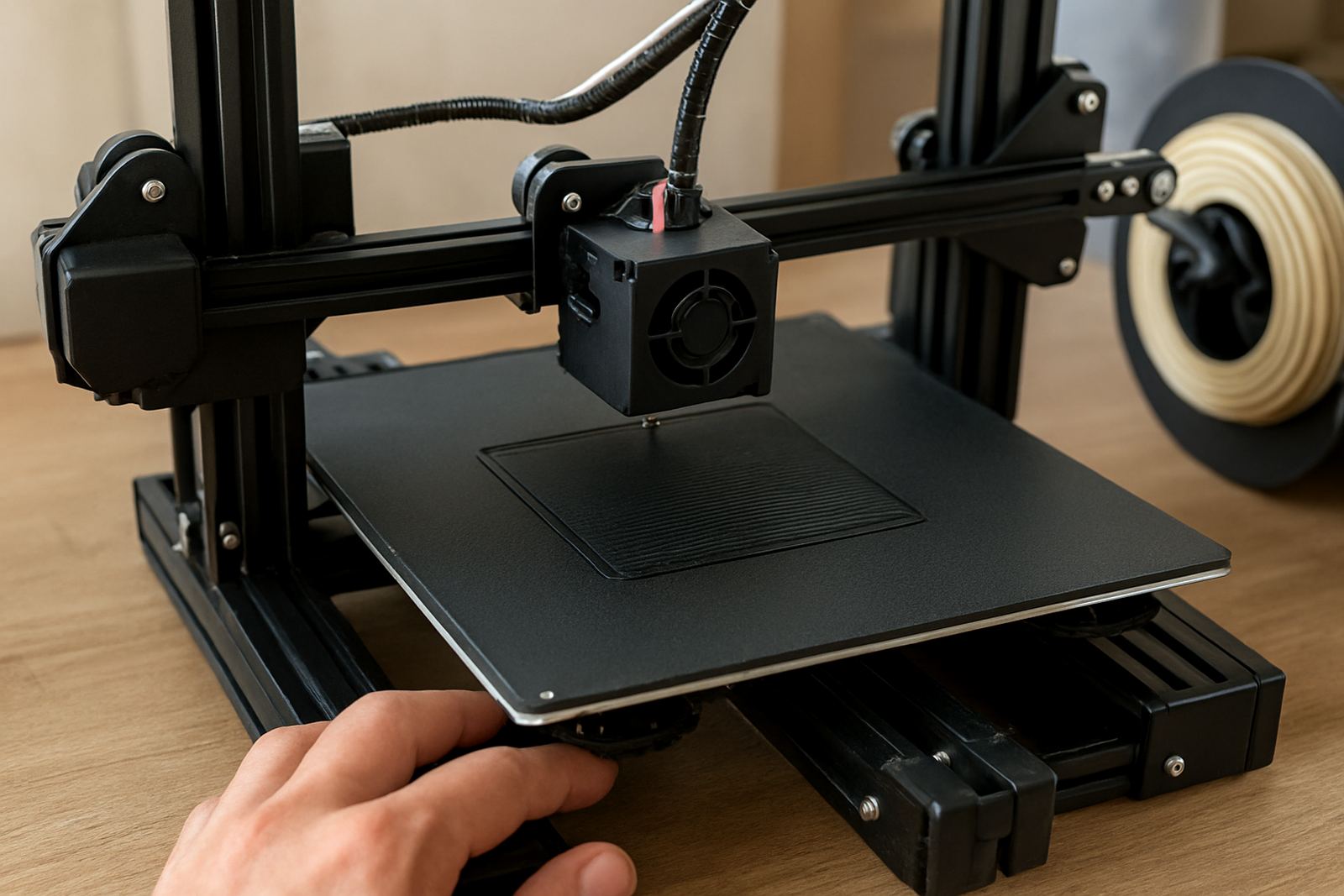
- Inspect the nozzle for partial blockages before tuning retraction
Choose a sensible starting point for direct drive and Bowden systems
There is no single perfect retraction value for PETG. The right figure depends on your machine, bowden tube length, hotend design and print speed. A direct drive setup usually needs shorter retraction distances than a Bowden setup. If you push the setting too high, PETG can ooze more, grind in the feeder or leave rough spots where the nozzle pauses.
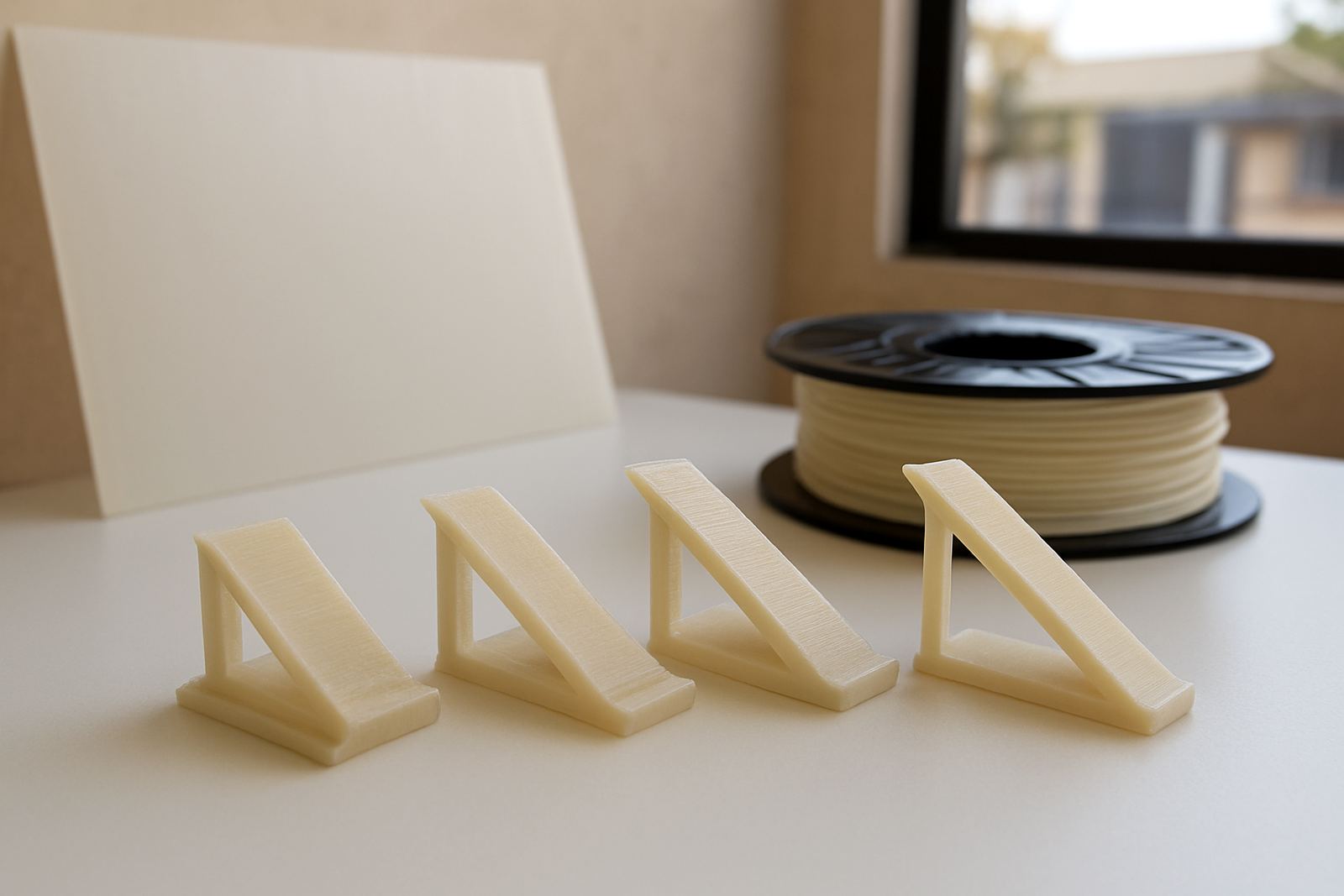
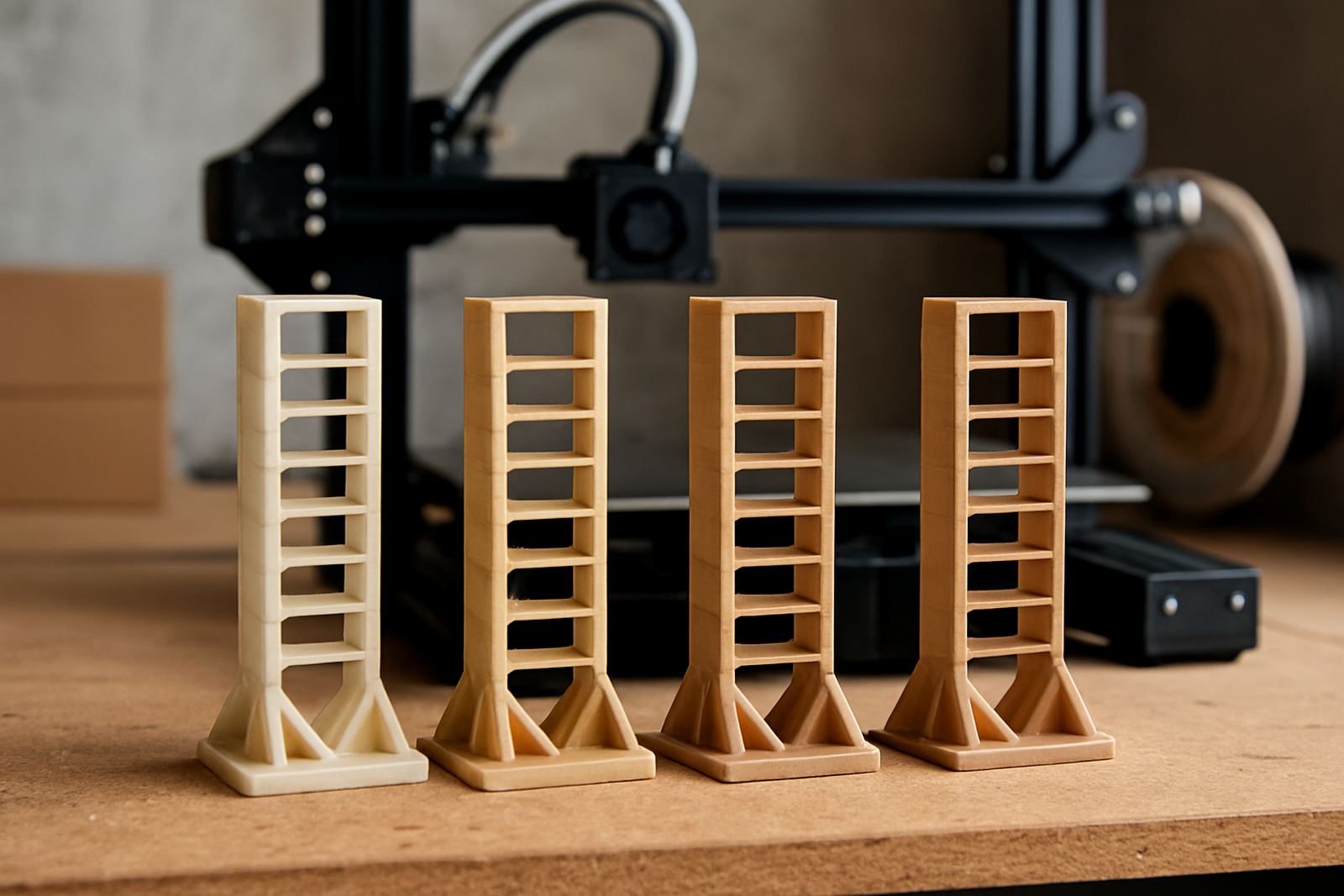
Use a test print with separate towers or spaced features so you can see the effect clearly. Keep the rest of the profile stable while you test. For most users, the best result comes from small changes, not big jumps. Make one adjustment, print again, then compare the finish under normal light.
- Direct drive: start low and increase only if stringing remains obvious
- Bowden: use more distance, but avoid excessive pullback
- Change retraction in small steps, then reprint the same test
- Note each result so you can return to the best setting easily
Fine tune speed, temperature and travel so they work together
Retraction does not work on its own. If the nozzle is too hot, PETG will keep flowing after the move starts. If travel moves are slow, the material has more time to ooze. If printing speed is unstable, the filament pressure in the melt zone changes from one area to the next. Good results come from balancing all three settings together.
When you are tuning, lower nozzle temperature a little at a time and watch whether the stringing drops without making layer bonding weak. Also look at travel path planning. A cleaner travel route can reduce the need for heavy retraction in the first place. On detailed parts, that often matters more than forcing the filament back hard.
- Reduce temperature in small steps if the filament is overly runny
- Use faster travel moves where the printer can handle them safely
- Avoid long, unnecessary nozzle movements across open spaces
- Watch for under-extrusion after every retraction change
Use print features that reduce stringing before you chase the last few hairs
Some parts simply need a bit of support from the slicer. Coasting, wipe moves, combing control and careful seam placement can help PETG look much neater, especially on signs, covers, brackets and prototype housings. A small amount of tuning here can save a lot of post-processing later.
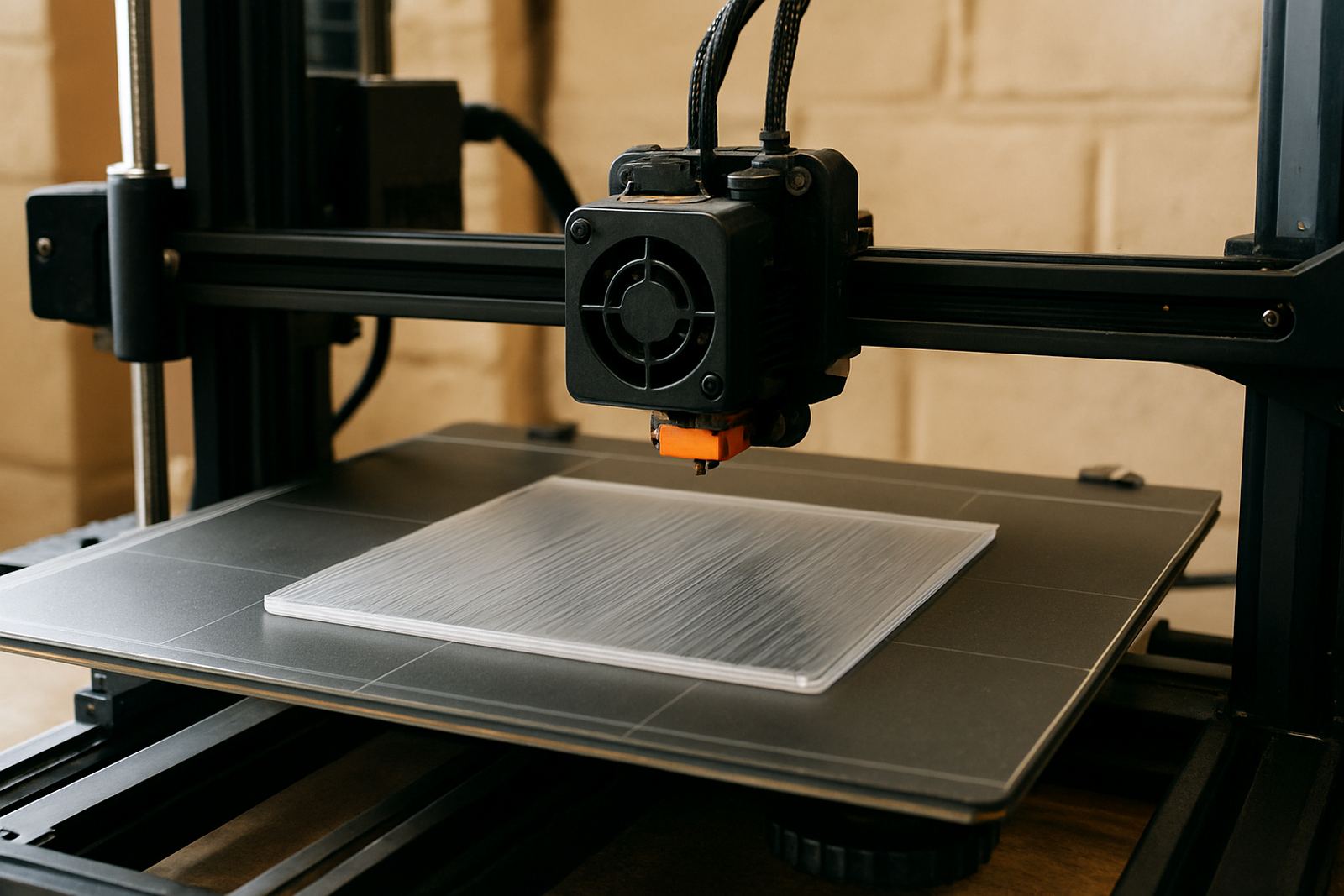
For cut sheet work and printed parts used in fabrication, it helps to think about how the finished item will be handled. If the part will sit in a warm workshop, near a machine or close to a coastal window, keep the finish practical rather than chasing a perfect cosmetic surface that may not hold up in use.
- Place seams on less visible edges where possible
- Use wipe or coasting carefully, too much can leave gaps
- Keep supports neat so the nozzle does not snag during travel
- Test one feature at a time instead of changing all slicer aids together
Check filament condition before blaming the settings
PETG that has absorbed moisture can give a rough surface, tiny pops, uneven extrusion and extra stringing. That is easy to confuse with poor retraction, but the fix is different. If the filament has been left open in humid weather or stored beside a machine that runs hot, dry it properly before making more profile changes.
Look for clues on the spool and in the print. If you hear popping at the nozzle or see fine bubbles in the extruded line, moisture is likely involved. In that case, improving storage and drying may solve more than any retraction tweak. This is common in South African workshops where spools move between sites, vehicles and job rooms.
- Listen for popping or hissing during extrusion
- Check for bubbles or rough strands in the first layers
- Keep opened spools in sealed containers with desiccant
- Dry damp filament before retuning the whole profile
Use a simple checklist for cleaner PETG results every time
Once you have a working profile, keep a short checklist in the workshop so you can repeat the result after a nozzle change, material swap or machine service. That matters when you are printing one-off parts, batch components or display items where consistency counts. A note on the spool label can save time later and reduce waste.
If you collect sheets from Epping or arrange courier delivery of filament nationwide, the same principle applies: keep the material dry, keep the settings recorded and verify the first print of each new batch. Small, repeatable checks usually give better results than constant guesswork.
- Confirm nozzle temperature before starting
- Check spool movement and filament path
- Run a short test print after every major change
- Record the best retraction distance, speed and temperature
- Inspect the first finished part before launching a full job
When to stop tuning and move on to production
There comes a point where chasing tiny improvements is no longer worth the time. If your test parts are clean, seams are acceptable and the stringing is minimal, move on to production and monitor the real job instead. PETG often looks best when it is tuned to be consistent rather than perfect.
For many manufacturing and prototyping jobs, the goal is a stable setting that works across a full batch. Once you reach that point, keep the profile fixed and only revisit it if the nozzle, filament path or material storage conditions change. That gives you fewer failed parts and less rework on the table.