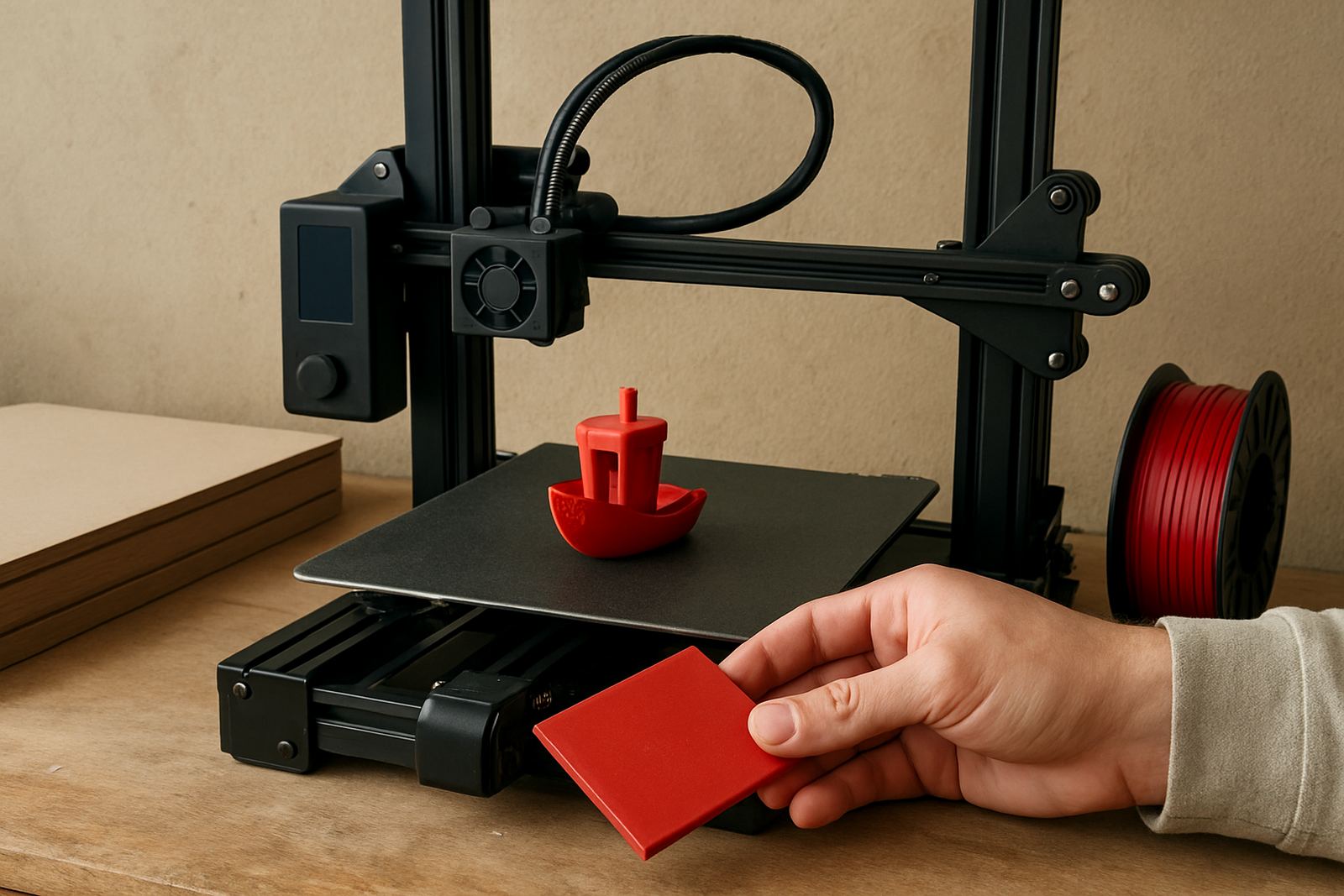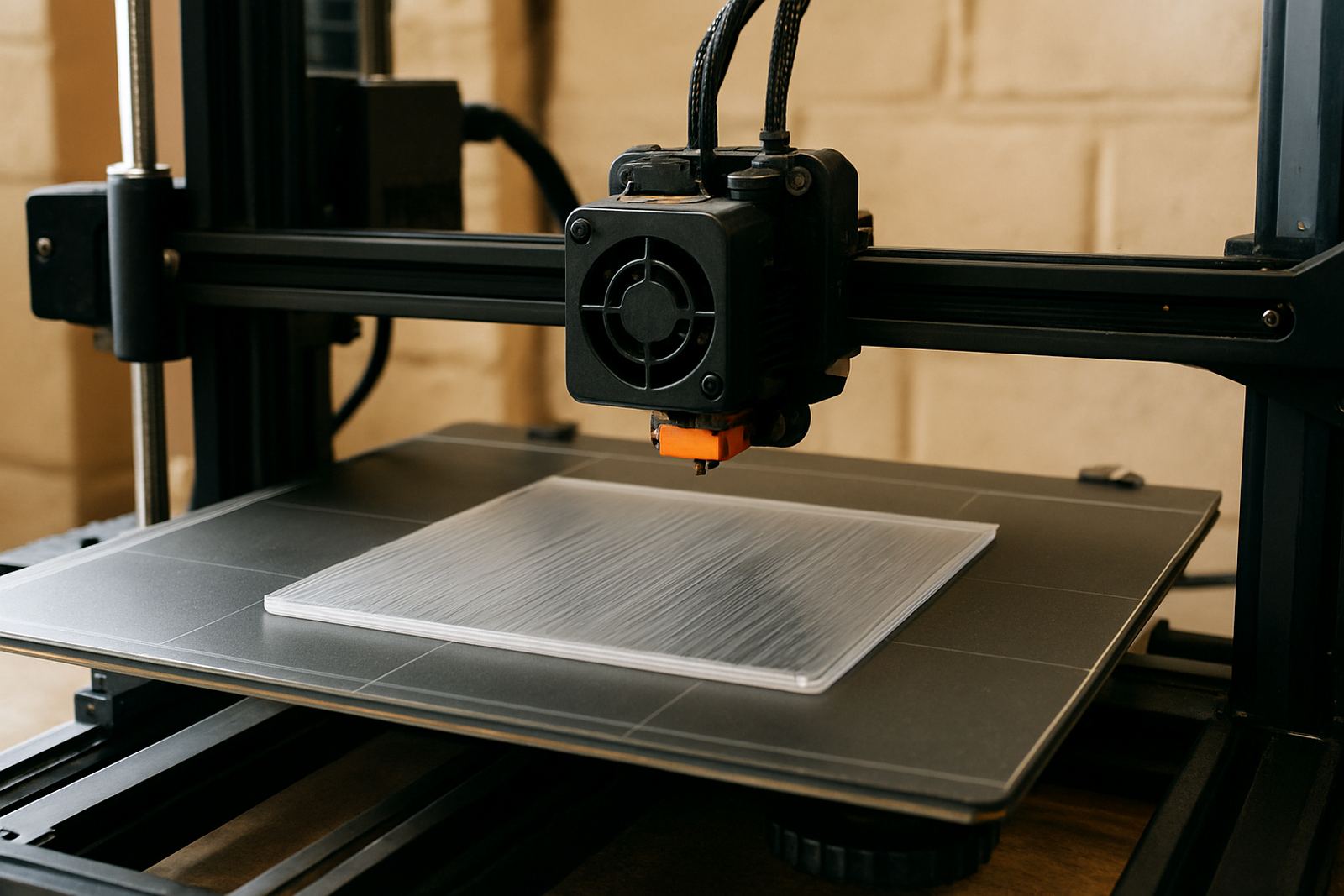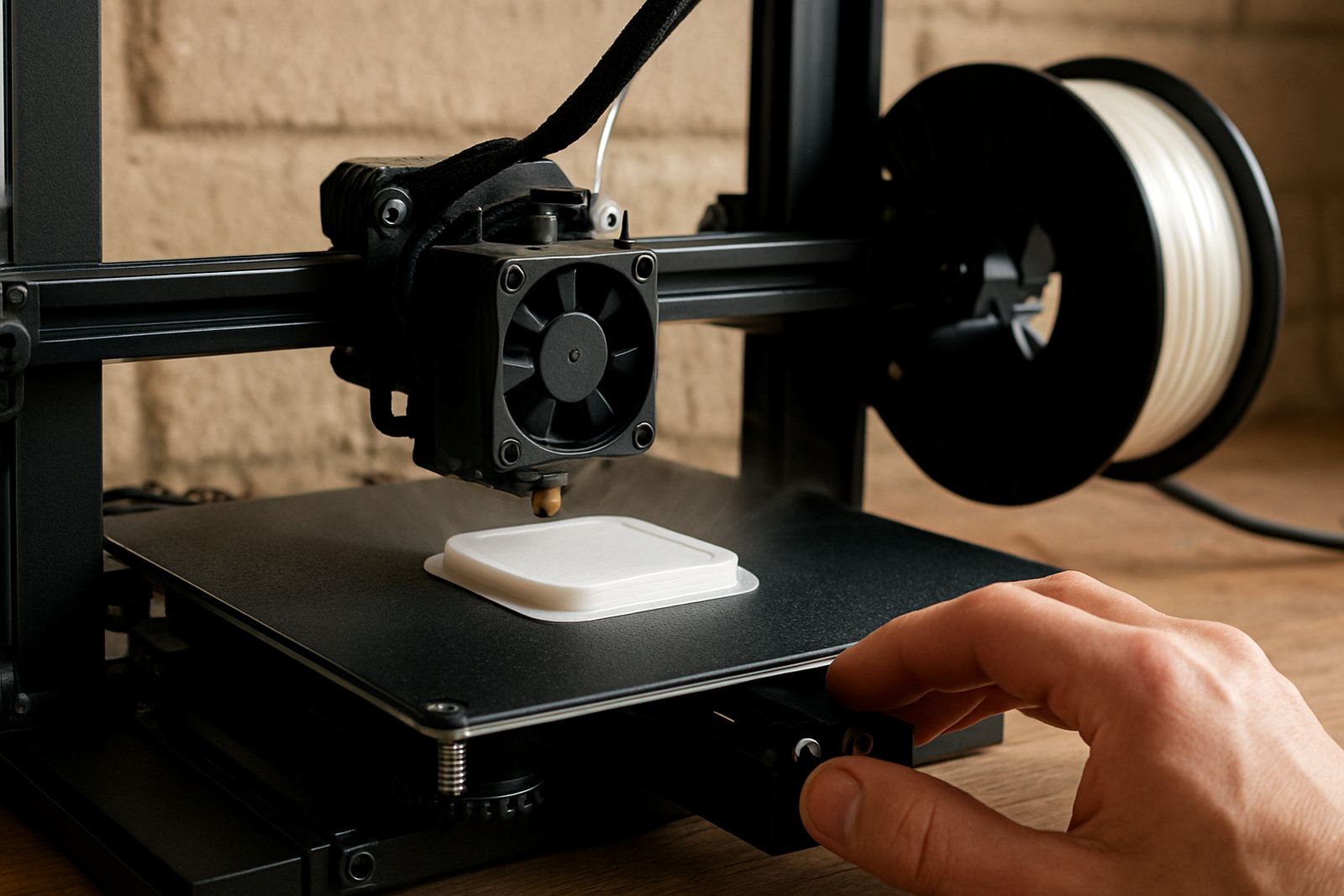

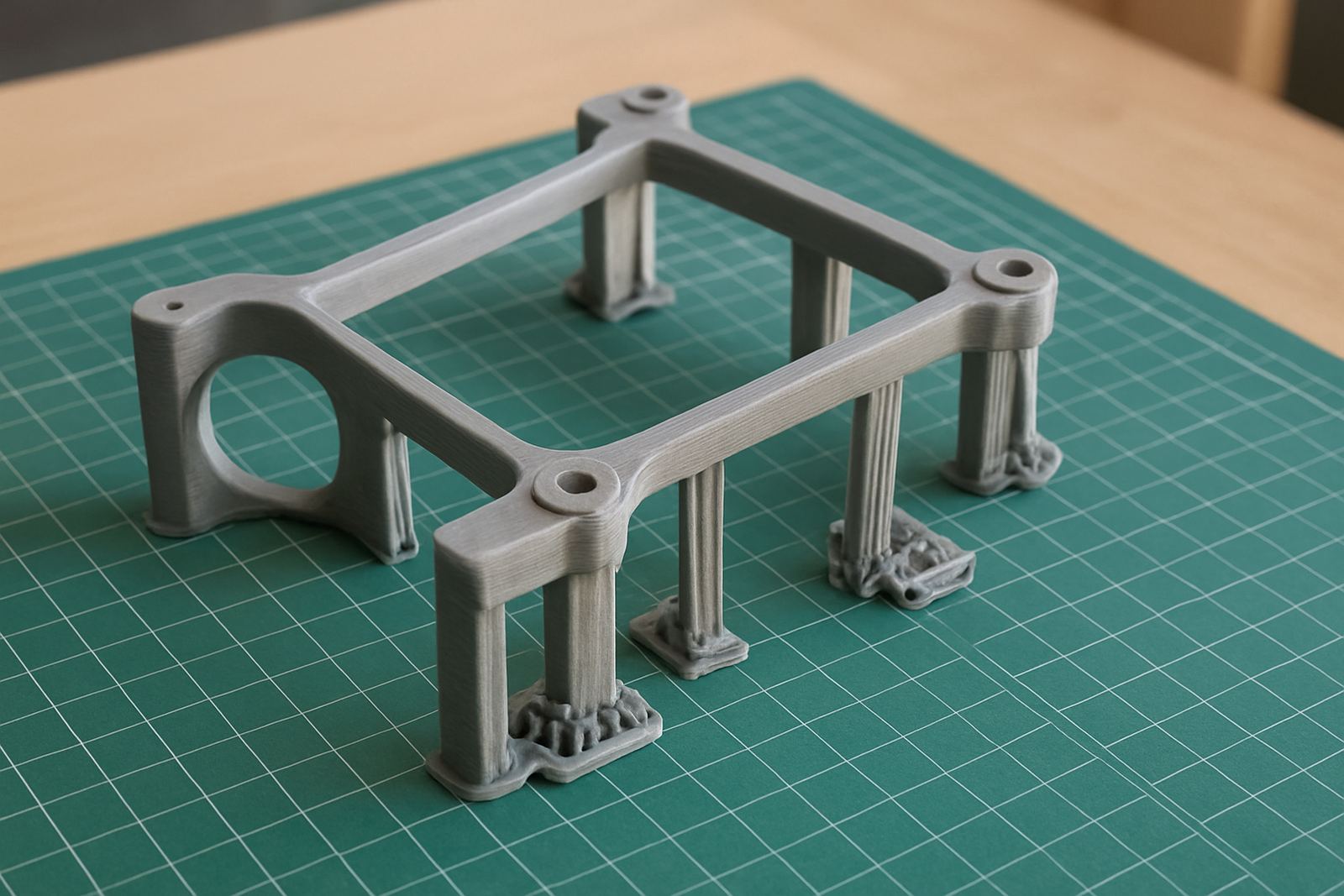
Start with the PETG behaviour that changes your support settings
PETG grips more firmly than many people expect, especially when the part is warm and the layer lines are still soft. That means the usual support settings you use for easy breakaway plastics can leave scars or weld the support to the part. The goal is not to make supports so loose that they fail, but to create a controlled gap that still holds overhangs steady.
In Cape Town, with cooler mornings and coastal humidity, you may also see a slight change in how the first layers and bridges behave from job to job. Keep notes for each machine and each material batch. A setting that works for a small bracket may not suit a tall enclosure or a long face plate. Start by printing a simple overhang test and adjust from there, one change at a time.
- Use supports only where the overhang truly needs them
- Keep notes on nozzle temperature, part cooling and support spacing
- Expect PETG to bond more than PLA, especially on flat contact areas
Set the support spacing so the part stays clean
The most important values are the vertical gap and the horizontal distance between the support and the model. For PETG, a slightly larger gap usually helps with removal, but if it is too large the underside of the print can sag. A good starting point is a support interface gap of about 0.2 to 0.3 mm for a 0.4 mm nozzle, then adjust after checking the finish. If you are using a thicker nozzle or larger layer height, you may need a little more space.
Horizontal spacing matters too. If the support touches a sharp corner or a fine detail, it can leave a mark when removed. Try increasing the support XY distance until the support no longer bites into the side of the part. On curved or cosmetic faces, use tree supports or narrow contact points where possible, but only if your printer handles them reliably. Keep the contact area small enough for easy removal but not so small that the support snaps early.
- Vertical gap: start around 0.2 to 0.3 mm on fine work
- Horizontal gap: increase until marks reduce without losing support
- Use smaller contact points on decorative or visible surfaces
Use interface layers for a cleaner underside
An interface layer is one of the easiest ways to improve support removal on PETG. This is the top layer of the support structure, printed closer to the part and usually at a tighter spacing. It gives you a more even surface under the model while still allowing the main support body to stay slightly looser. If your slicer allows it, use 2 to 4 interface layers for a balanced result.
For many workshops, this is the difference between a part that needs a knife and a part that comes off with hand pressure. You still need to test the peel direction. If the support interface is too dense, the underside can fuse. If it is too open, the bridge quality drops and the finish looks rough. For jobs with customer visible faces, a slightly slower print speed on the interface layers often helps, even if the rest of the print runs faster.
- Use 2 to 4 interface layers for most general parts
- Slow the interface slightly for neater contact points
- Test peel direction before starting a full batch
Choose cooling, temperature and speed for support release
PETG likes moderate heat and controlled cooling. Too much fan can make supports brittle and the part can warp at the edges. Too little cooling and the support welds too hard to the model. A sensible starting point is moderate part cooling for bridges and overhangs, with the fan higher only where needed for the most difficult sections. This helps the support finish the print cleanly without turning the part too soft.
Nozzle temperature also affects support adhesion. If the temperature is too high, the support interface can fuse and leave strings that are hard to clean. If it is too low, layer bonding can weaken and the support may tear away the surface. Keep the extrusion steady and avoid chasing speed before you have a clean support profile. For longer runs, especially in a warm Epping workshop, check that the filament path feeds smoothly and that the spool is dry enough for consistent extrusion.
- Use moderate cooling for most PETG support work
- Keep nozzle temperature consistent across the whole print
- Check filament dryness before long runs or fine detail jobs
Prepare the model before slicing so supports do less work
Cleaner support removal starts before the slicer. If a part has a 45 degree chamfer instead of a vertical ledge, the printer will need far less support. Small design changes can save more time than any setting tweak. On prototype parts, add relief where supports would otherwise sit on a critical face. That makes post processing faster and keeps the surface ready for fitting or assembly.
For batch work, think about orientation first. Rotate the part so the best finish is on the visible side and the supports land on the less important areas. This is especially useful for enclosures, display pieces and brackets where one face must stay neat. If hole positions or mounting points are sensitive, mark them clearly before printing and check the support path does not crowd the feature. A little planning avoids rework later and keeps the job moving in a small shop or a bigger production run.
- Rework the model to reduce steep overhangs
- Orient the part so supports land on hidden or non critical faces
- Protect holes, mounting points and visible edges from support contact
Remove supports without damaging the PETG part
Let the print cool fully before removing supports. PETG is softer while warm and you are more likely to leave marks if you rush. Start by flexing the support lightly at the edge, then work along the seam rather than pulling in one hard motion. If the support resists, do not force it. A small trim, twist or score line can help it release cleanly. For tight areas, use flush cutters carefully and finish with a light scrape or sand if needed.
Keep a simple post print checklist for every job so repeat work stays consistent. This is especially useful for small batch cutting and repeat prototypes where the same part is made again and again. Once the settings are dialled in, the clean-up time drops sharply and the finish stays predictable. If you are couriering parts nationwide, pack them after all loose support pieces and dust are removed so they arrive tidy and ready to use.
- Wait for full cooling before support removal
- Break supports away in sections instead of one strong pull
- Clear dust and loose fragments before packaging or assembly
Quick support settings checklist for PETG jobs
Use this as a starting checklist before a new print run. It keeps the workflow simple, especially when jobs are coming through from design studios, manufacturing teams or home makers who need the part finished neatly on the first attempt. Keep one print as a test piece when the model is new, then save the settings that worked best.
- Support contact gap set and checked against layer height
- Interface layers enabled where the underside must look clean
- Cooling adjusted for bridges and tall overhangs
- Part orientation checked to keep supports off visible faces
- Removal tools ready for cooling, trimming and cleanup
- Notes saved for the next batch so the settings can be repeated
At PETG in Epping, Cape Town, we work with sheet and filament orders for customers who need practical material advice, custom sizing and courier packing for jobs going across South Africa. If your PETG print needs a cleaner support strategy, start with the part shape, then tune the settings to suit the machine and the finish you need.