
Start with the bridge before the job begins
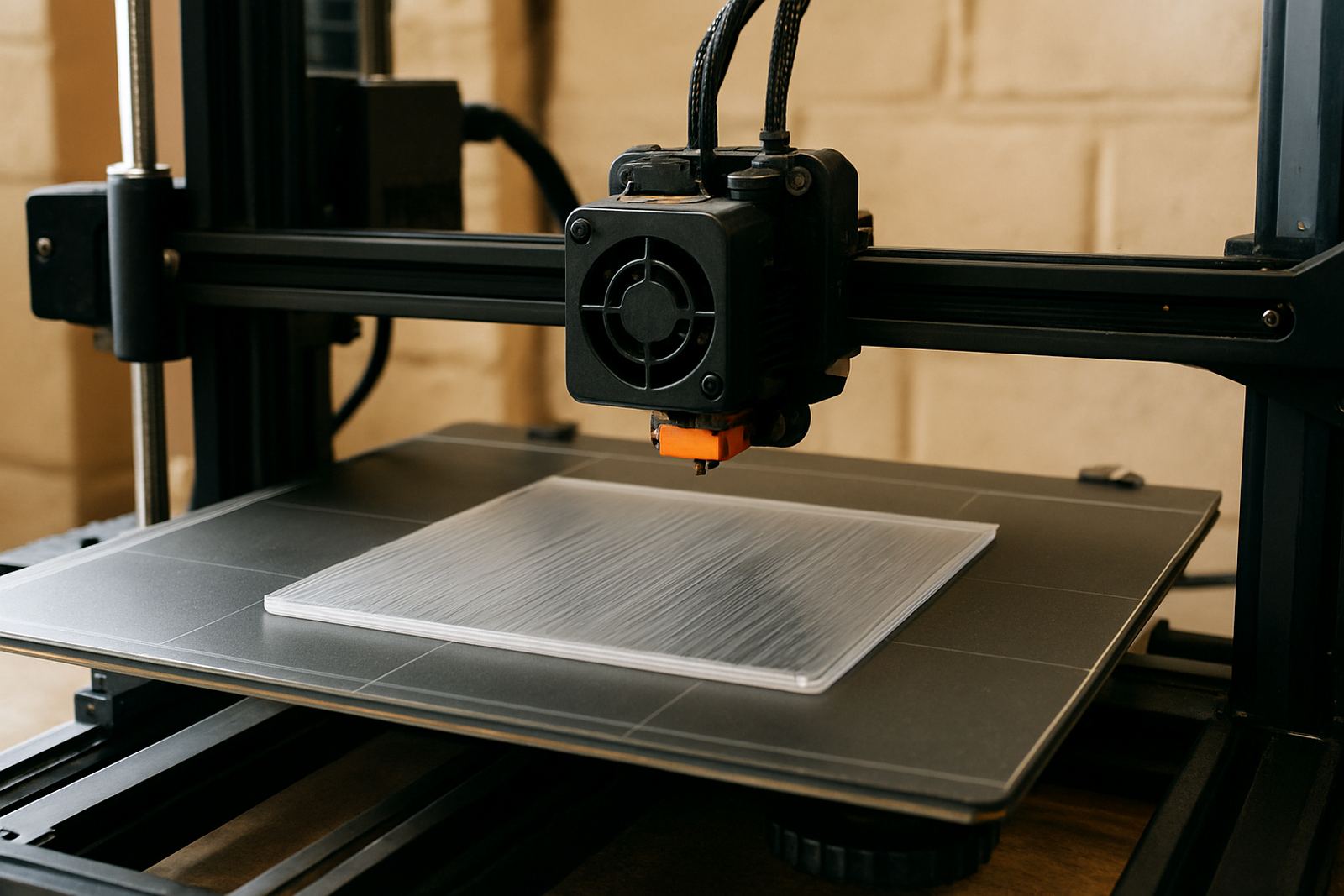
Good bridges are planned at the slicer stage, not rescued after the print has started. Check the part for long unsupported gaps, sharp corners and thin roofs that will need a steadier first bridge layer. If the enclosure or cover has repeated openings, orient it so the longest bridge runs across the shortest span. That one choice can save time and reduce the need for support material.
For parts that must fit properly after printing, allow for a small amount of shrinkage and edge cleanup. PETG is useful for functional work because it keeps its shape better than many softer materials, but it still responds to heat, airflow and layer timing. In a humid Cape Town week or a warm day in Epping, the print room conditions can change how the bridge behaves so keep the setup consistent.
- Check bridge length and direction before slicing
- Keep the first bridge layer simple and steady
- Rotate the model so the longest gap is crossed in the easiest direction
- Leave clearance where parts must assemble after printing
Use speed and temperature to keep the strand tight
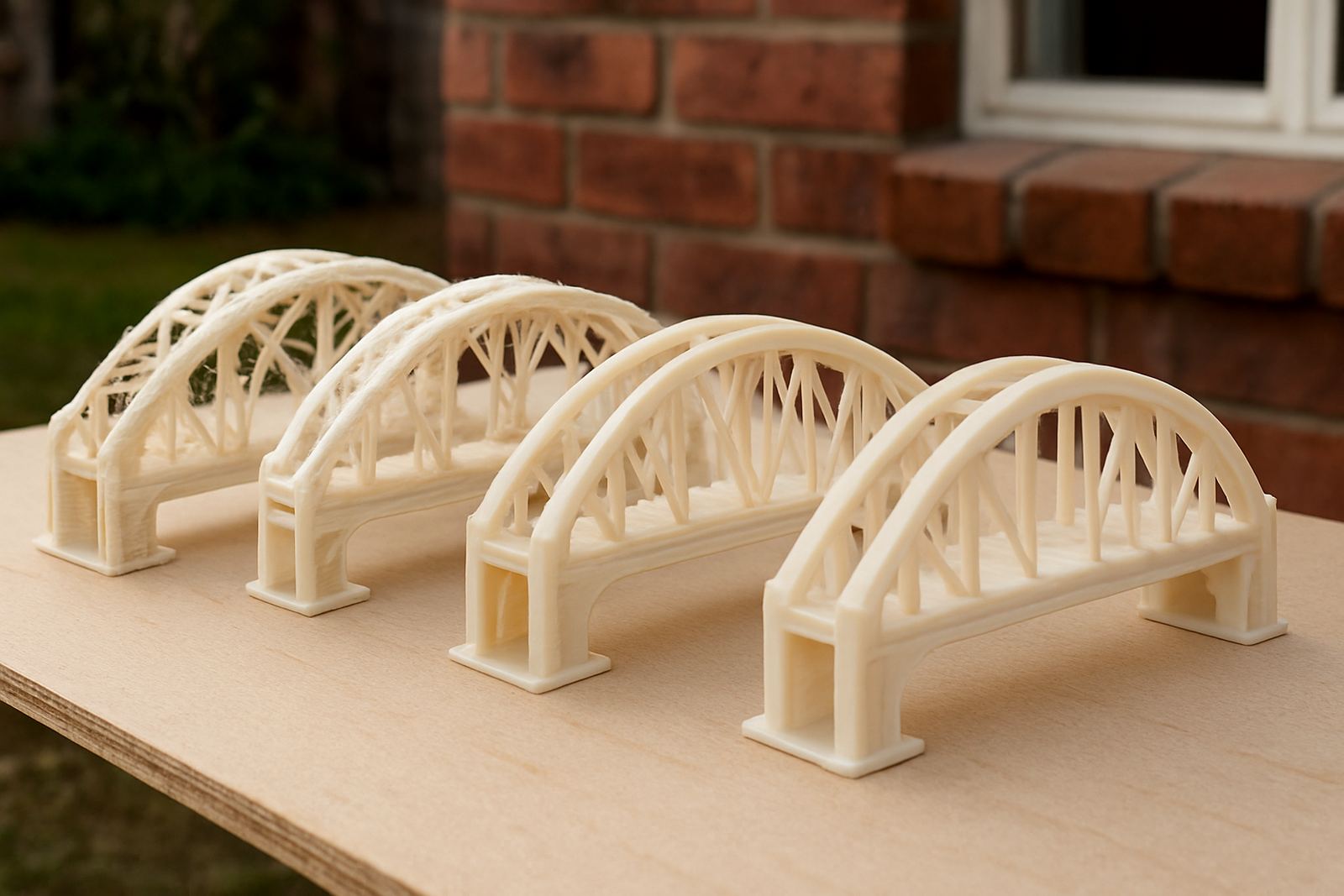
PETG usually bridges better when the nozzle is not too hot and the speed is not too slow. If the filament comes out overly soft it will droop before it reaches the opposite side. Too much speed can cause thin, broken lines that fail to connect. The balance matters, especially on enclosures with flat roofs where even a slight sag is visible and can affect the fit of lids or access panels.
A practical approach is to reduce nozzle heat slightly for the bridge section and increase travel cooling where the machine allows it. Keep the extrusion rate controlled so the strand is stretched across the gap instead of dropping into it. If the print is under a lot of load or the room is warm, test a small sample first. That is often quicker than reprinting a full panel and waiting another cycle.
- Lower bridge temperature a little if the strand is drooping
- Reduce bridge extrusion rather than forcing extra material through
- Use enough cooling to firm the line before the next pass
- Test on a small strip before committing to a large batch
Cooling and airflow make the difference on larger spans
For wider bridges, airflow is as important as nozzle settings. PETG likes controlled cooling, not a blast that chills the whole layer unevenly. A focused fan setting helps the bridge skin form while still letting the layers bond. If the cooling is too aggressive, the surface can go rough and brittle which is not ideal for covers, guards or machine housings that will be handled often.
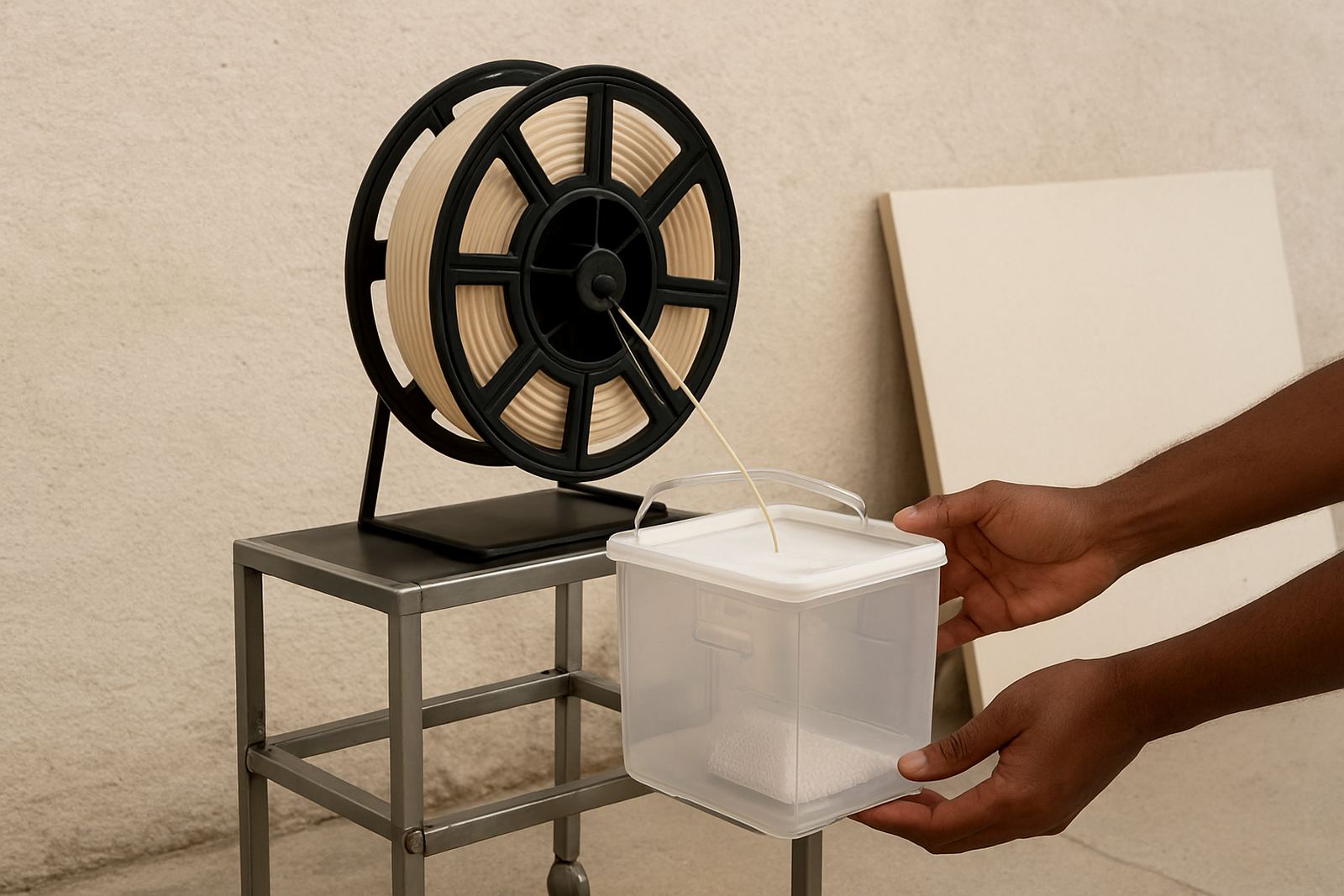
On bigger jobs, use the same cooling profile across the full batch so each part behaves the same way. That matters when you are cutting or printing multiple identical pieces for production. In coastal areas such as Somerset West and Stellenbosch, moisture can also affect how the filament feeds. Keep spools sealed when not in use and dry them if they have been open for a while. A dry feed gives a cleaner bridge and fewer pop marks in the line.
- Use focused cooling rather than full blast fan settings
- Keep the filament dry before and during printing
- Hold the same profile across a batch for repeatable results
- Watch for rough skins, as that points to uneven cooling
Match the bridge strategy to the part’s purpose
A bridge on a display cover does not need the same treatment as a bridge on a load bearing bracket. Functional parts should be printed with a stronger layer structure and enough wall thickness around the gap. If the bridge forms part of a clip, hinge cover or electrical enclosure, the top surface must stay clean but the surrounding walls also need strength. A neat bridge with weak sides is still a weak part.
Think about where the hand will touch the finished piece. If the edge will be handled often, ask for edge deburring or a light clean after the print. For parts that need mounting holes or later trimming, hole marking and panel cutting can save rework. In many cases a small batch with the correct bridge settings is more economical than a full run with extra waste and manual correction.
- Use thicker walls around functional bridges
- Allow for handling, fastening and assembly points
- Ask for hole marking where the bridge meets a fixing point
- Choose smaller batches for new settings until the result is proven
When to use support, and when to bridge cleanly
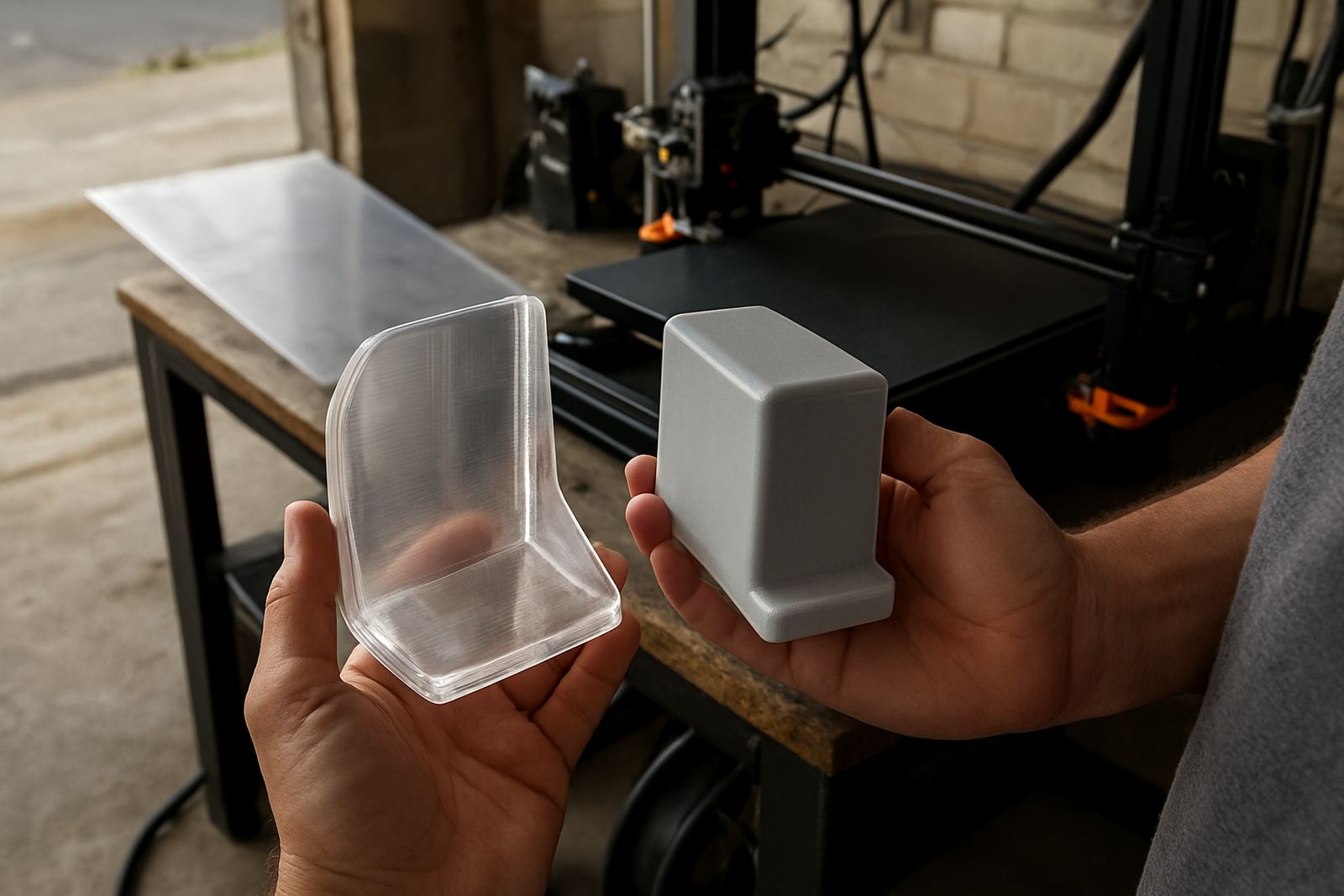
Not every gap should be bridged. If the span is long, the underside is critical, or the part must look tidy on both sides, support may be the better option. That said, PETG often handles moderate spans well when the geometry is sensible. A clean bridge can cut down on support removal and reduce the risk of scarring the surface, especially on visible enclosures and front panels.
If you are unsure, compare the time and finish on a sample before you commit to the full job. Straight cuts, strip cutting and panel cutting can be combined with bridge planning where flat sections need to match an opening or frame. For local collection in Epping, Bellville, Parow, Claremont, Paarl or Stellenbosch, it is often worth discussing the part in advance so the cutting and print prep match the actual use case.
- Use support for long or highly visible spans that must finish cleanly on both sides
- Bridge moderate gaps where the underside can tolerate a slight texture
- Compare a sample before starting a full production run
- Match cutting, hole placement and bridge position together
Final checks that save reprints and wasted material
Before the job goes out, inspect the bridge from more than one angle. Look for sagging in the centre, loose strands at the edges and signs that the first layer of the bridge was too soft. A light clean can fix small issues, but a bad bridge usually points to a setting that needs correction. Keep notes on nozzle heat, fan level, speed and span length so the next run starts closer to the mark.
For clients collecting from Epping or receiving couriered filament nationwide, consistency matters because the same settings should produce the same result again and again. That is especially useful for manufacturers, designers and prototype work where time is tight and parts must fit first time. A measured process, a dry spool and the right bridge direction will usually do more than extra finishing ever will.
- Inspect the centre, edges and underside of every bridge
- Record the settings that worked for that span
- Keep notes for repeat jobs and batch work
- Use dry filament and steady room conditions for better repeatability