
Start With The Material, Not The Speed
PETG behaves differently from PLA and other common filaments, so the same speed will not always give the same result. A good starting point is a moderate print speed that lets the filament melt evenly and bond properly between layers. For many benchtop printers that means around 40 to 60 mm/s for outer walls, with infill a bit faster if the print is stable.
At our Epping base in Cape Town we often hear from clients printing brackets, covers, sample parts and display items. The right speed depends on nozzle size, layer height, cooling, nozzle condition and even workshop temperature. In summer, coastal humidity can also change how filament feeds, so keep your material dry and sealed when not in use.
If you are setting up a new job, choose one speed range and test it properly before running a long batch. A small test cube can show ringing, poor corners or weak layer lines before you waste material.
A Practical Speed Range For Most PETG Jobs
PETG usually prefers a slower outer wall and a slightly faster inner wall. That helps keep the finish neat while still moving the job along at a sensible pace. For most work, try these ranges first and then adjust by result:
- Outer walls: 30 to 45 mm/s
- Inner walls: 40 to 60 mm/s
- Top layers: 25 to 40 mm/s
- Infill: 50 to 75 mm/s
- First layer: 15 to 25 mm/s
These figures are a starting point only. A narrow nozzle, thin layer height or tall print may need slower movement. If your printer struggles with vibration or loose belts, higher speeds can show up as banding and rounded corners. Keep the first layer slow enough that it has time to grip the bed, especially on large flat parts.
For makers in Bellville, Somerset West or Paarl who are printing parts for quick turnaround, it is often better to run slightly slower and get the job right first time. Reprints cost more than a few extra minutes on the machine.
How Speed Affects Finish, Strength And Adhesion
Surface finish is often the first thing people notice. When PETG is pushed too fast, the nozzle may not lay down the bead cleanly and you can get rough faces, corner bulging or stringing. On the other hand, if the speed is too low and the temperature stays high, the material can ooze more than it should.
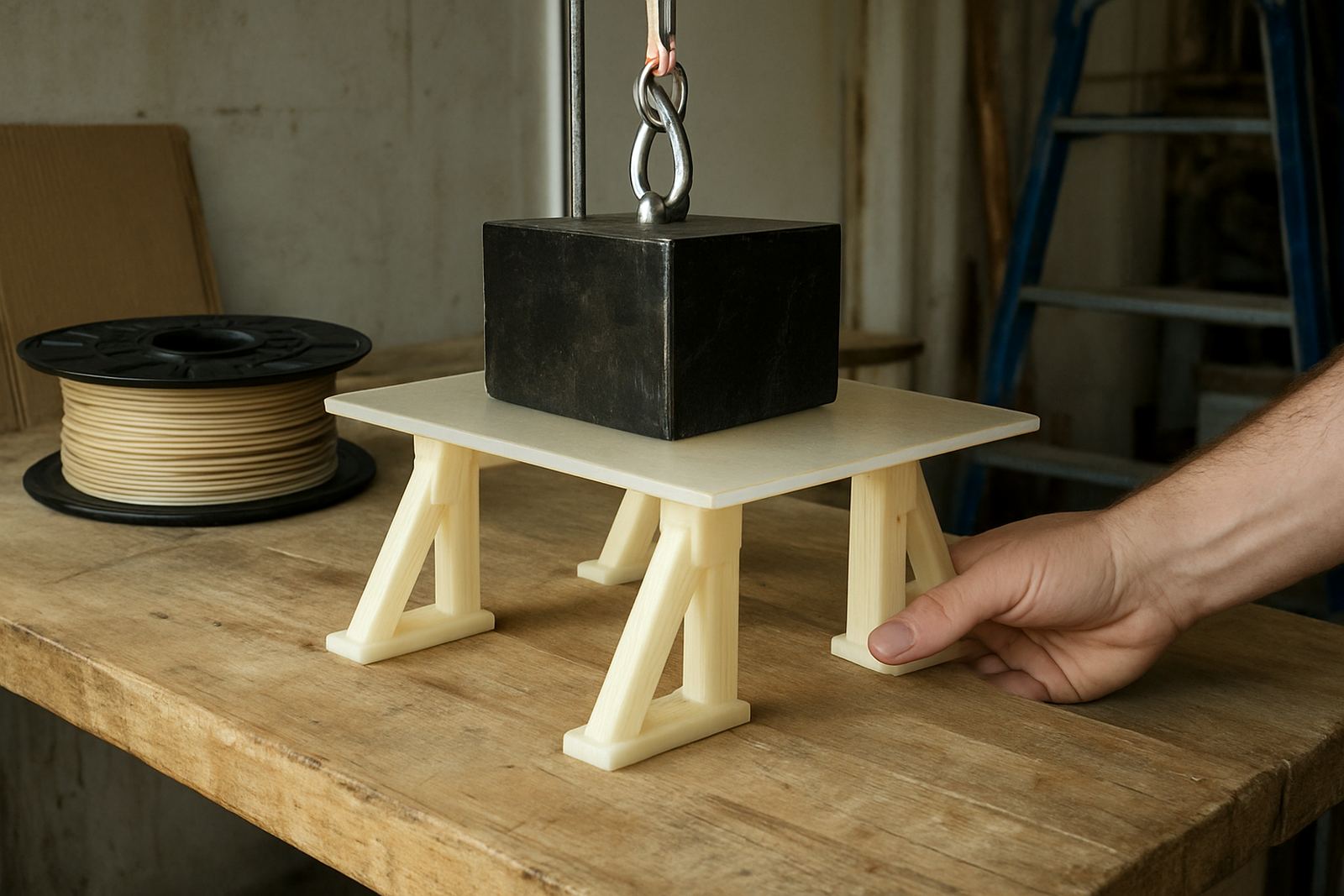
Layer adhesion is where PETG usually earns its place. It sticks well when the melt zone is controlled and the filament has enough time to fuse. If you chase a very quick print, the bond between layers can weaken, especially on thin walls or parts that take load.
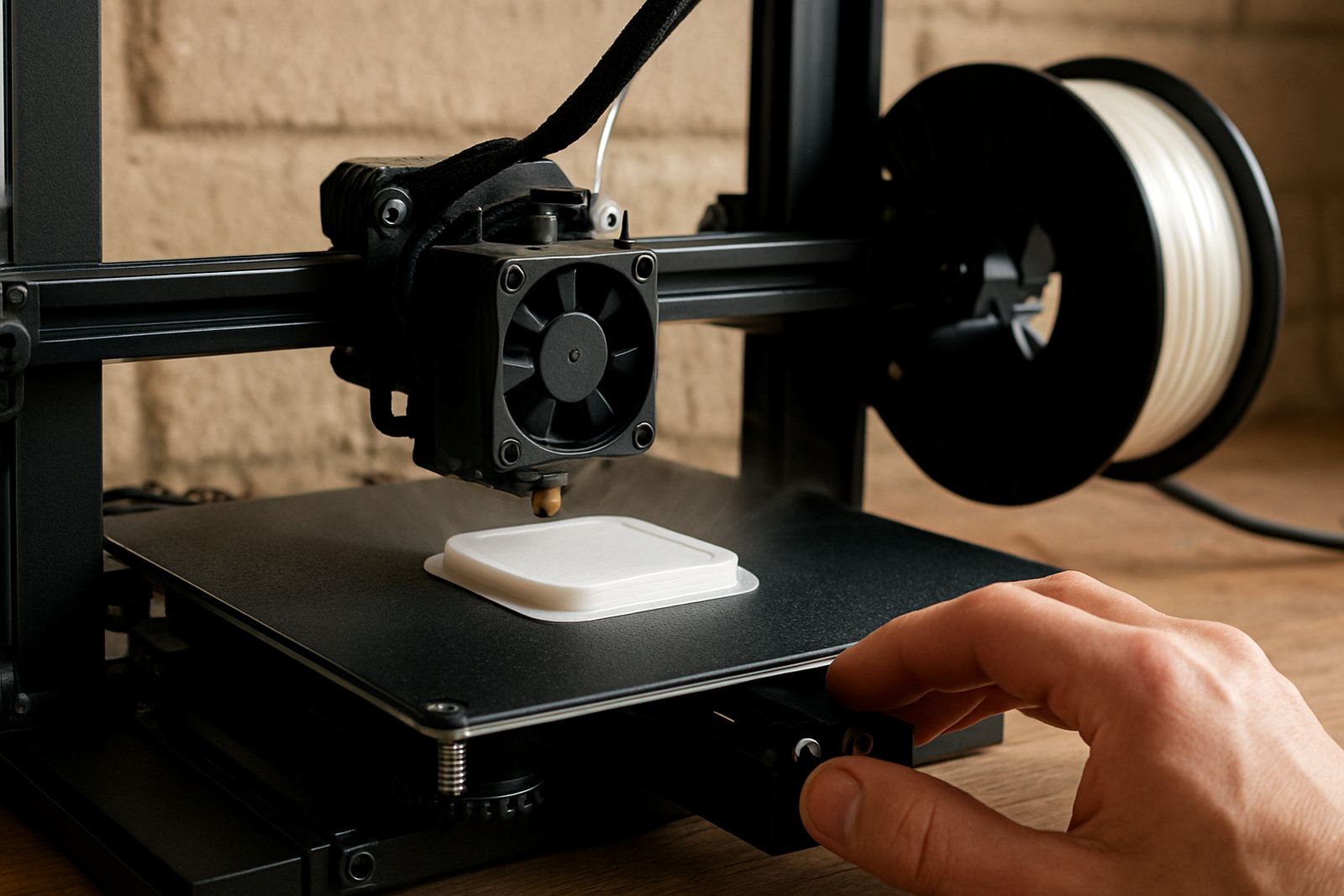
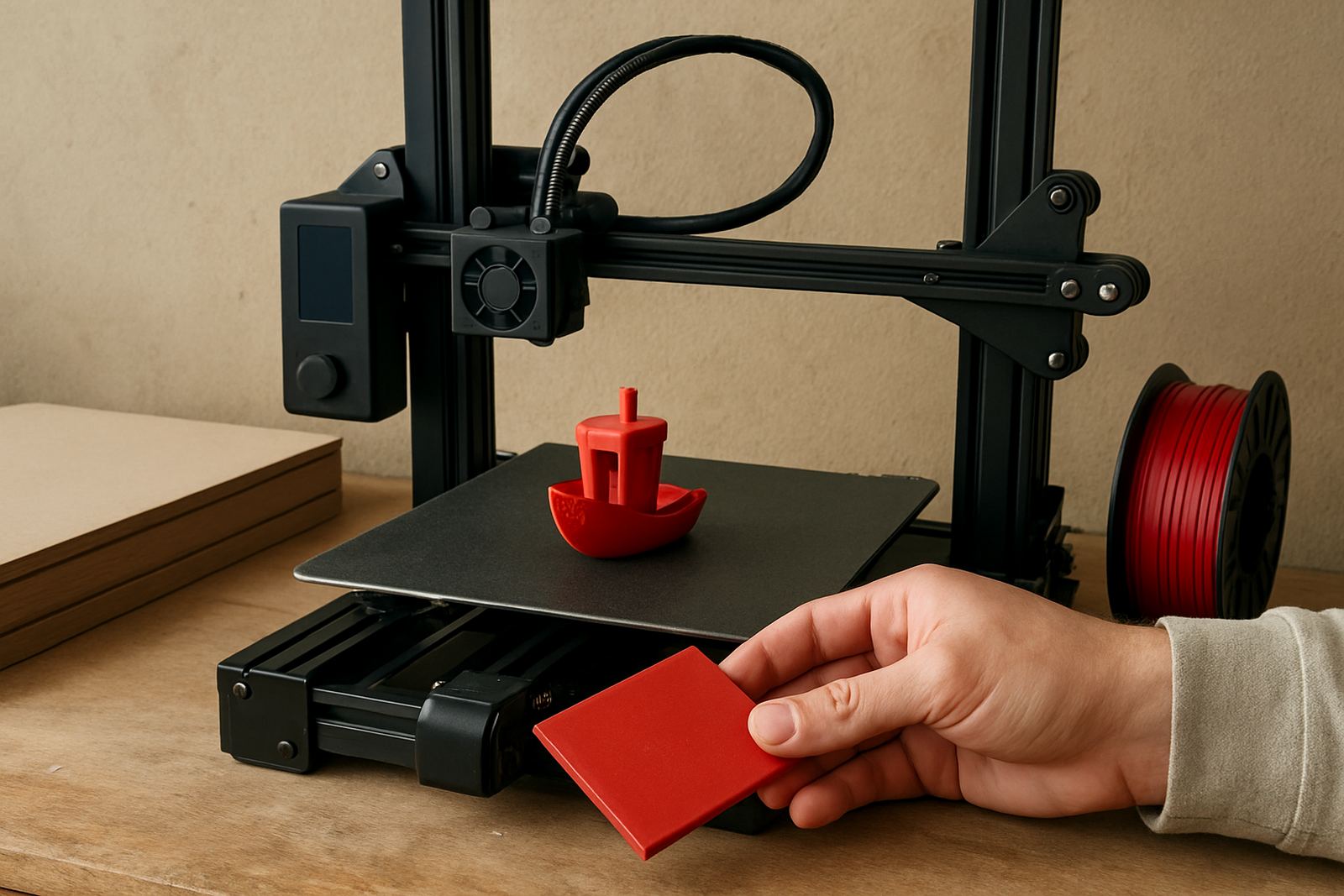
Bed adhesion matters too. The first layer should be slow and consistent, with a bed temp that suits your machine and surface. PETG can grip very hard on some build plates, so use the right release method if your setup needs it. A careful first layer saves broken corners and lifted edges later.
Load shedding can affect long prints if your machine loses power mid job, so some clients keep speed conservative for critical parts. A slower print is easier to resume cleanly and often leaves less chance of a poor restart line.
Set Up Your Printer Before You Change The Speed
Changing speed before checking the machine is usually the wrong order. If the printer is not tuned, speed changes only hide the real issue for a while. Start with a clean nozzle, aligned bed and dry filament. Then test your speed in small steps.
Use this checklist before you adjust anything:
- Check belt tension and gantry movement
- Clean the nozzle and inspect for partial blockages
- Make sure the filament path feeds smoothly
- Dry the PETG if it has been open for a while
- Confirm bed levelling across the full build area
- Print a small test piece before a full batch
If you are printing from a workshop in Epping, Montague Gardens or Parow, dust and fine debris can find their way into feed paths quickly. Clean equipment gives more repeatable results. On larger jobs, batch consistency matters as much as raw print speed.
When To Slow Down And When To Push A Bit Faster
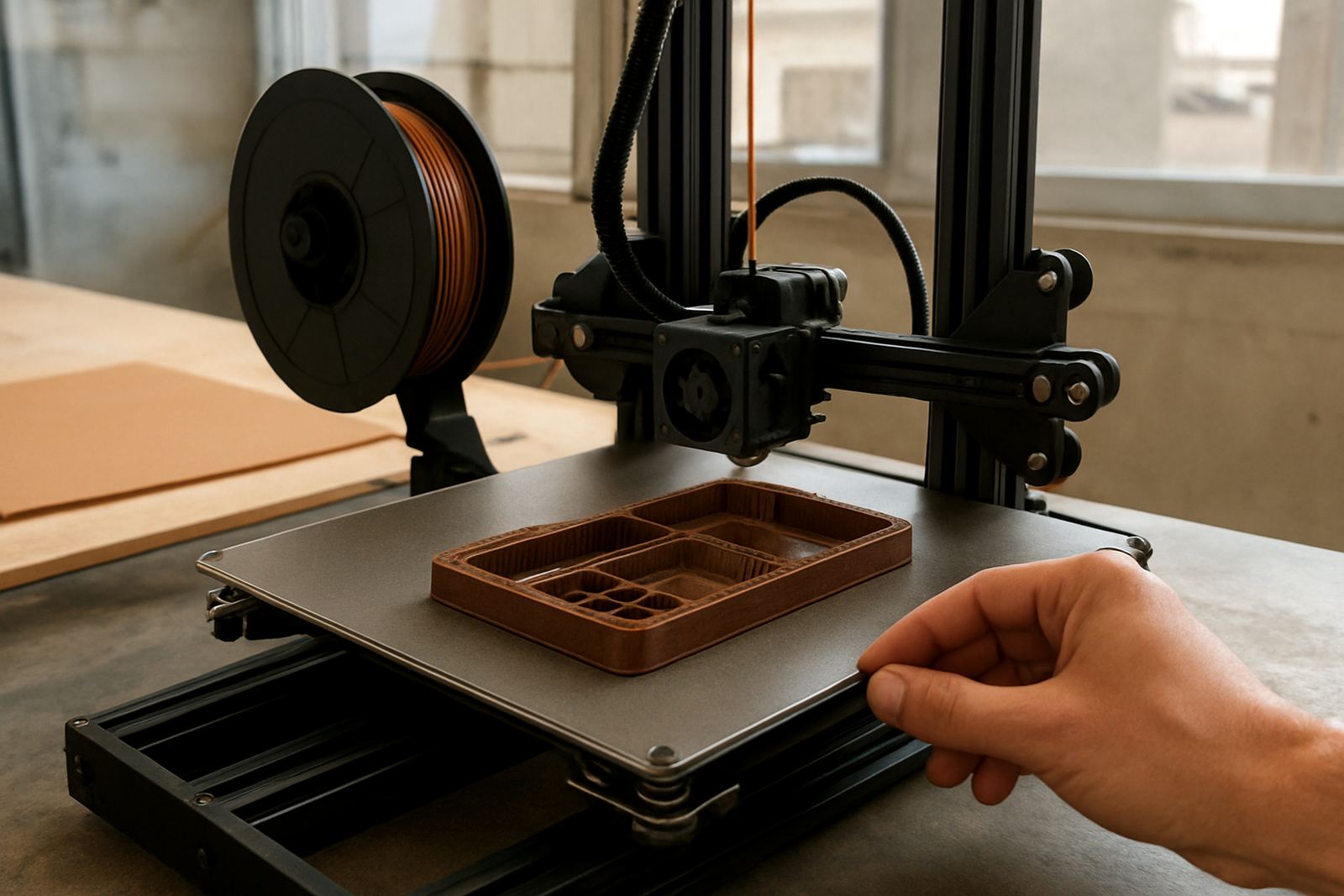
There are times when slower is better and times when you can safely speed up. Thin detailed parts, small text, holes and sharp corners usually benefit from lower speed. That gives the printer time to place each line cleanly. Large simple shapes, infill and test pieces can often run faster once you know the settings are stable.
Use speed changes with purpose, not guesswork. If a part has sagging overhangs, poor corner definition or soft detail, slow the outer walls first. If the print looks clean but the job takes too long, increase infill speed in small steps and watch for vibration. Never change two or three things at once if you want clear results.
Here is a simple rule of thumb:
- Need better finish? Slow outer walls first
- Need better strength? Hold a steady moderate speed
- Need shorter run time? Raise infill speed carefully
- Need better first layer grip? Slow down the first layer
For prototyping work in manufacturing and design, a balanced setting usually beats the fastest possible one. That gives a cleaner sample for client approval and fewer surprises when the final part is made.
Ordering Cut PETG Sheet Or Filament For Your Next Job
If your project needs PETG sheet cut to size or filament couriered nationwide, it helps to plan the print job and the material together. Sheet work often needs straight cuts, panel cutting, hole marking or edge deburring before installation. Filament users may need material advice on the best diameter, colour or batch size for a particular machine.
Our team in Cape Town supports collections from Epping, Montague Gardens, Bellville, Parow, Somerset West, Paarl, Stellenbosch and Claremont. We also pack filament for courier delivery across South Africa, with job labelling and careful packing to keep things organised. If you are printing for a site in a coastal town or a municipal project with tight fitting requirements, a tidy material plan helps keep the job on schedule.
When you enquire through the contact page, include the part size, printer type and whether you need small batch cutting or a larger run. The more detail you give, the easier it is to recommend a workable PETG setup and the right speed range for the material in use.