
Start with support settings that match the job
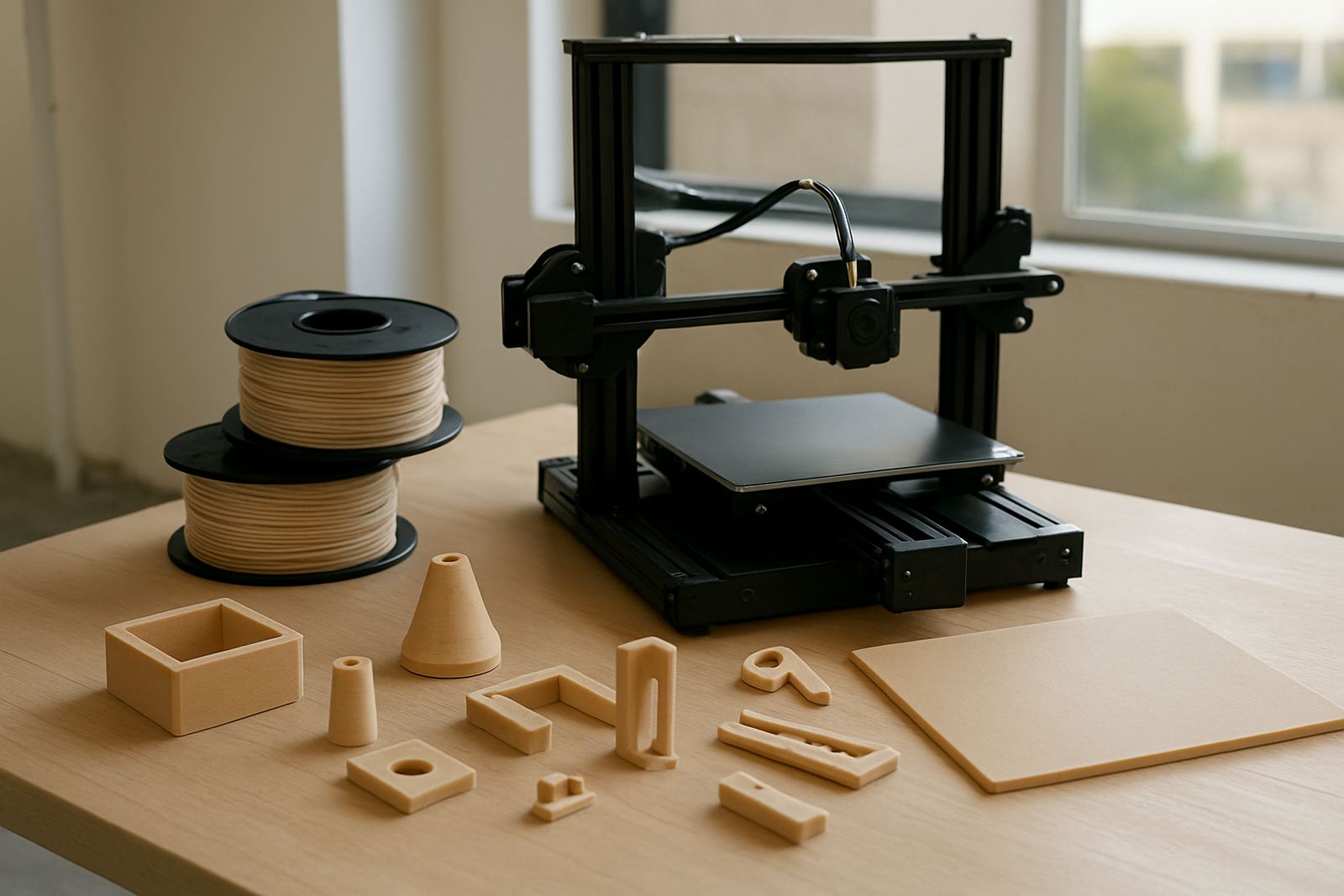
Temperature control matters a lot with PETG because it bonds well to itself. If the nozzle runs too hot, the support can fuse harder to the print and leave a shiny scar that takes time to clean. If the bed is too hot for too long, lower layers can soften and make the support harder to snap away cleanly.
Keep a close eye on the first layers and the upper layers where the support touches the model. On a long print, especially during a load-shedding recovery or a warm afternoon in Cape Town, the chamber and room temperature can affect how neatly the support breaks. A small temp adjustment on a test print can save a lot of sanding later.
- Run a support test piece before a full batch
- Lower nozzle heat slightly if support is bonding too tightly
- Allow the print to cool fully before removal
- Avoid yanking while the part is still warm and soft
Use the right removal sequence, not brute force
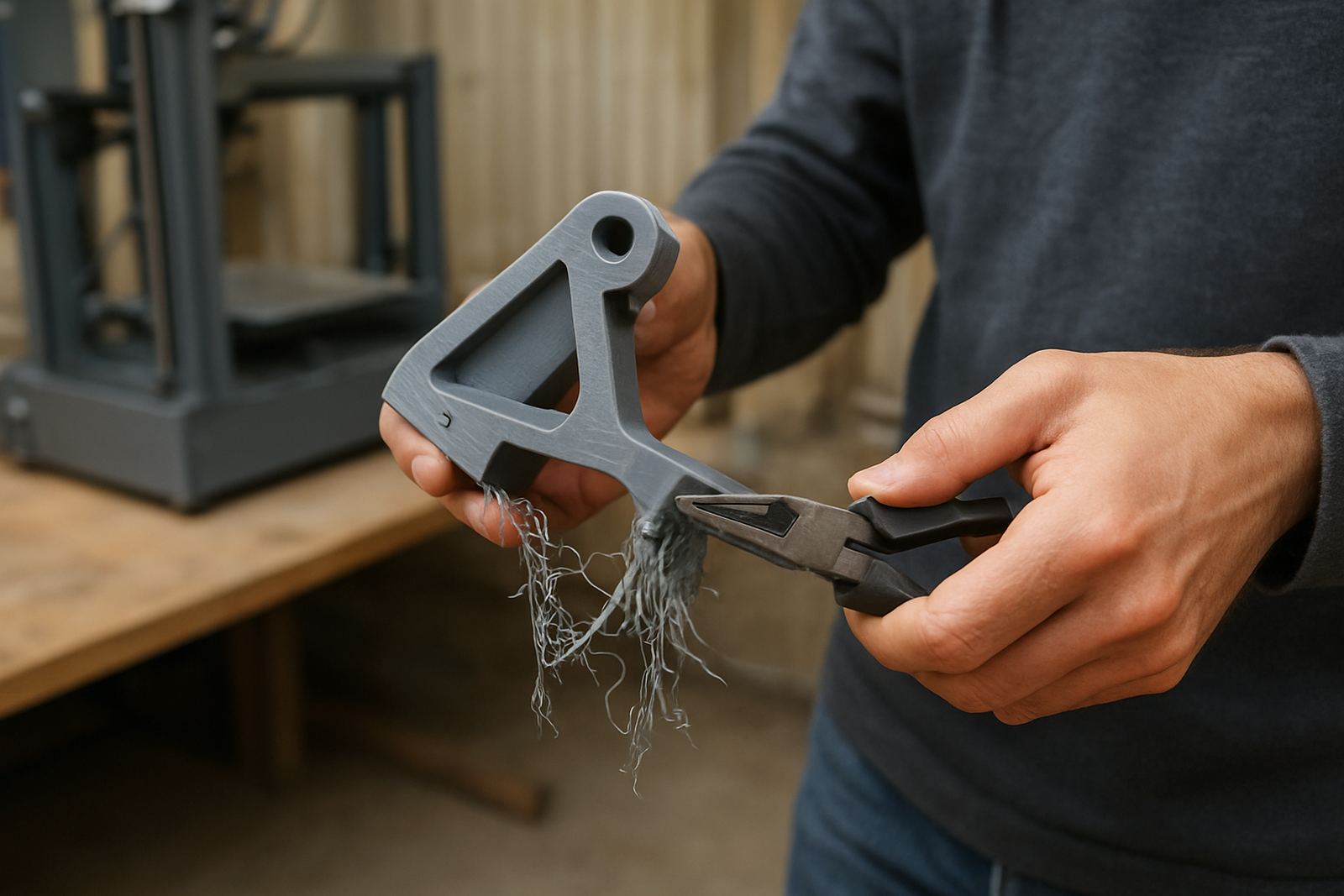
Once the print is cool, begin by flexing the support away from the strongest edge of the part. A gradual bend is better than trying to rip the whole block off in one go. PETG can be tough, so the cleanest result usually comes from working in stages.
Start with the easiest sections first, then move to the tight corners. If a support section still clings, use a small flush cutter or a craft blade to make a careful relief cut. Do not force the tool into the surface. A controlled approach protects the model and reduces white stress marks along the edge.
- Work from the outside in
- Use a gentle twisting motion instead of pulling straight up
- Trim stubborn bridges in small pieces
- Check thin walls before levering against them
Finish the part without damaging the surface
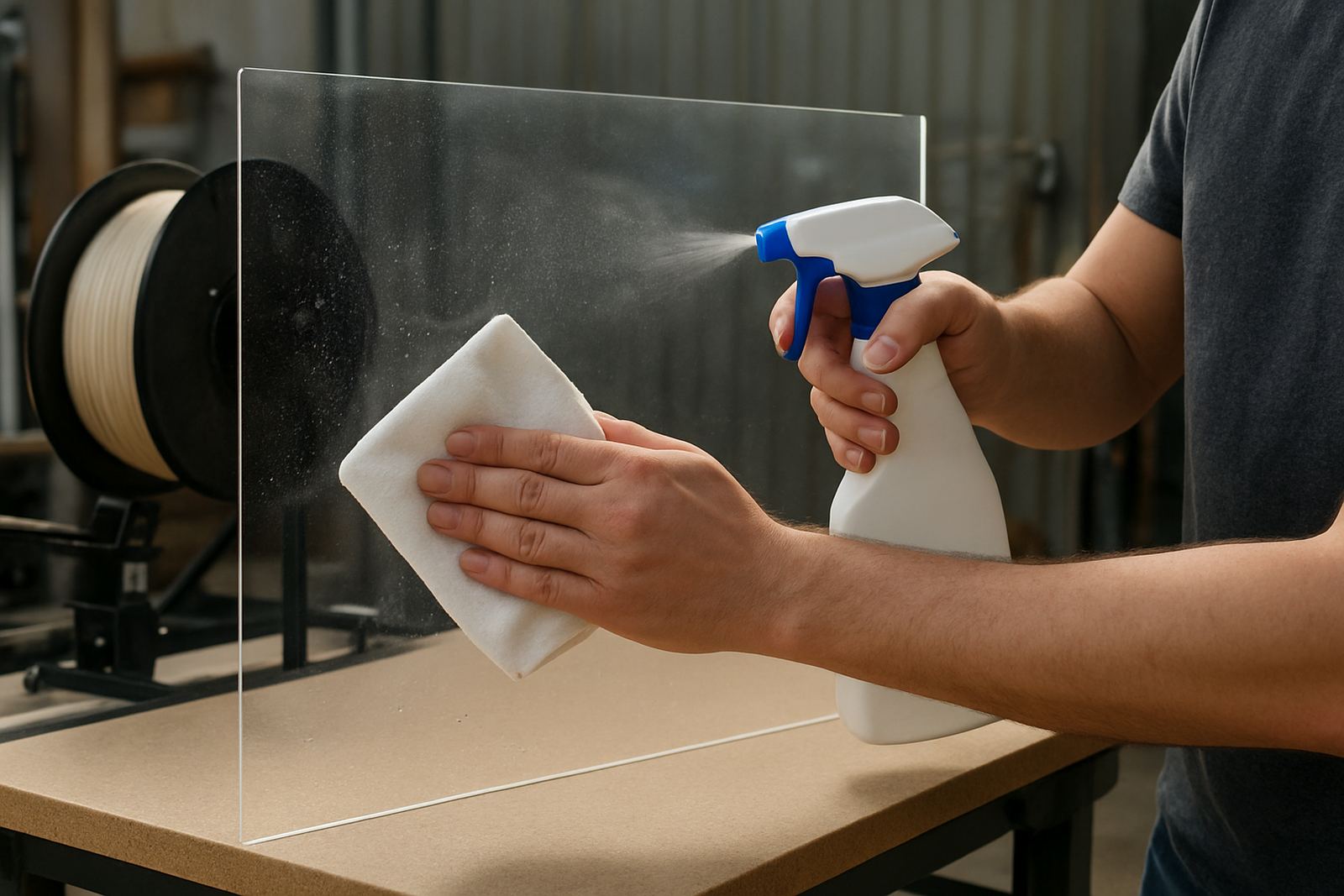
After the support comes off, the part often needs a light cleanup. PETG can be neat to finish, but it does not like aggressive sanding right away because the heat from friction can smear the surface. Use a fine file or light sanding and keep your hand steady.
For visible parts, a final pass with a deburring tool can take off the small nubs left behind by the support contact points. If the part is for a display panel, fitment guide or sample piece, this step makes a clear difference. A little patience here gives a much better finish than forcing the cleanup in one go.
- Use fine-grit sanding only after the part is fully cool
- Remove small support scars with light trimming, not heavy cuts
- Test the finish on an offcut first if the surface is critical
- Keep blades sharp so they cut cleanly instead of tearing
Plan for the way the part will be used
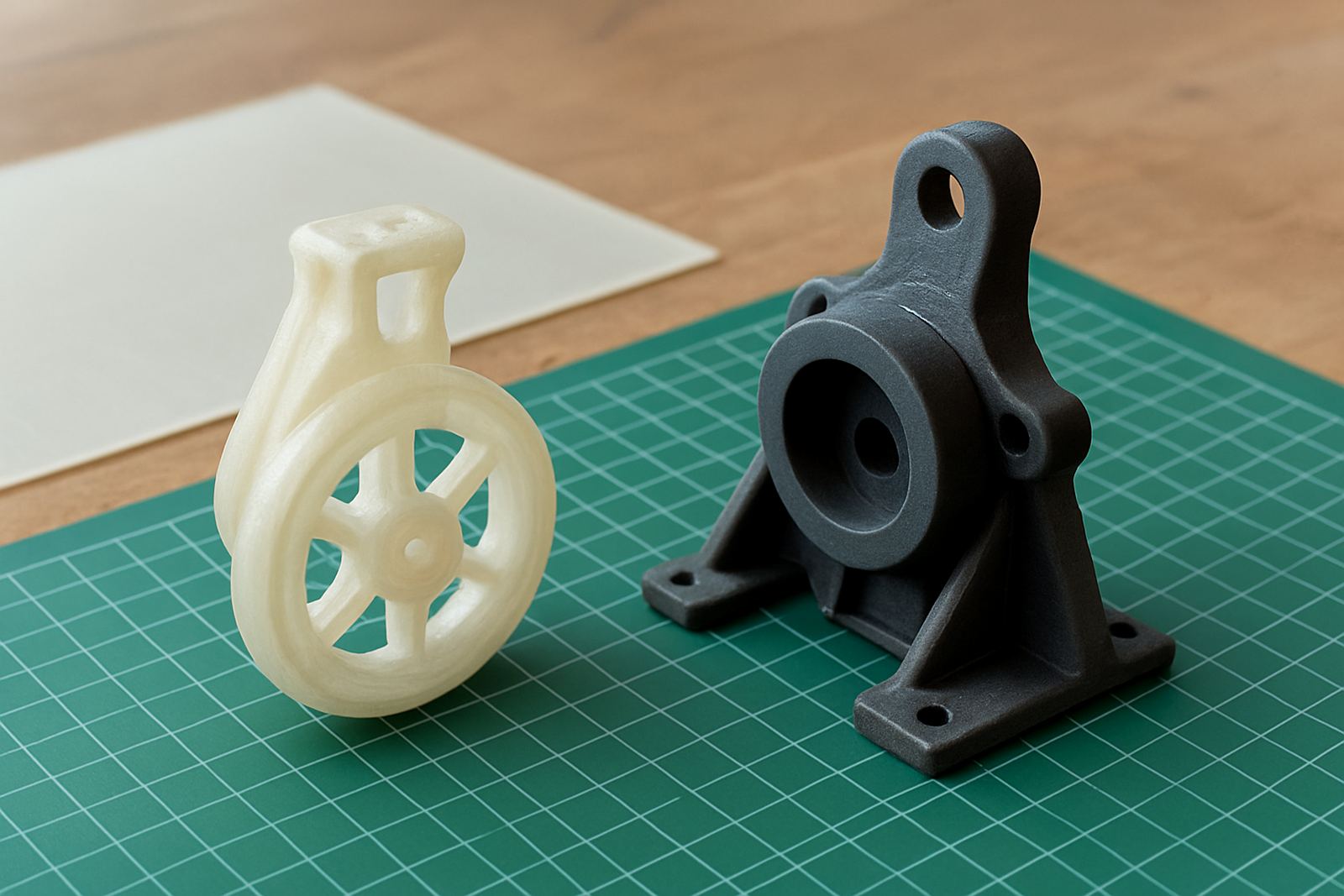
Support removal should match the final application. A prototype handle, a clip for a panel, and a decorative cover do not need the same finish. If the part will be handled often, leave enough wall thickness so the support removal does not weaken the edges.
For production runs, it helps to label the job, keep batches separate and record which support settings worked best. That way the next run is quicker and more predictable. In a workshop that is balancing design work, small batch production and municipal turnaround times, this saves money and time.
- Leave extra margin on load-bearing edges
- Record support settings for repeat jobs
- Separate fragile parts from high-contact parts
- Use the same cleanup routine across a batch for consistency
A practical Cape Town example for cleaner results
In Epping, where many jobs move between cutting, packing and courier collection, a neat support strategy can make the difference between a part that is ready for client approval and one that needs extra labour. For example, a local design studio near Bellville might print a set of housings for a small run of equipment covers. If the supports are too dense, each unit takes several minutes to clean up and the edges look rough. By adjusting the support gap, cooling the part fully and removing supports in stages, the same batch can be finished much faster.
That is the practical side of support removal. It is not only about getting the support off, it is about getting the part off cleanly, repeatably and without wasting material. When the print is going to be couriered to Somerset West or collected in Parow, a cleaner finish also means less chance of damage in transit and less rework after delivery.