
What black PETG filament is used for in South African workshops
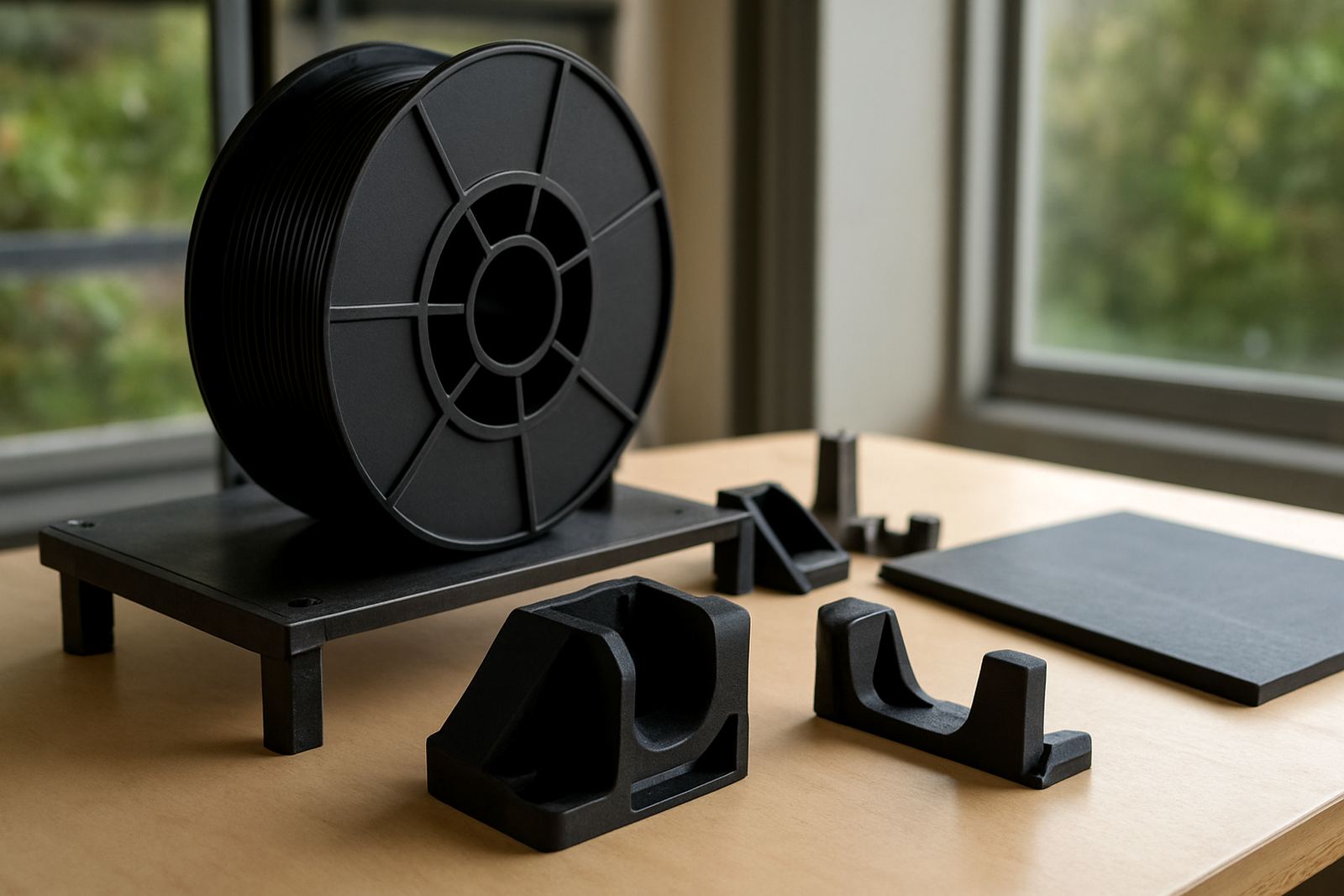
Black PETG is a tough thermoplastic filament used on FDM 3D printers for parts that need a better balance between strength and printability than many standard materials. It suits brackets, housings, jigs, machine covers, cable guides, signage components and display items where a neat dark finish matters. In a Cape Town workshop, or a fabrication space in Paarl, the black colour also helps hide minor handling marks and gives parts a more finished look straight off the printer.
Compared with more brittle options, PETG has better impact resistance and usually handles everyday use better when a part may be tapped, handled or fitted on site. It is a sensible material for engineers, product designers and makers who need working parts rather than just presentation pieces. If you are printing in a coastal area like Somerset West or Bellville, PETG is often chosen because it keeps its shape well and is less fussy than some alternatives when the temperature in the room changes through the day.
Black pigment also makes the material useful where light reflection needs to be reduced. That can matter for equipment panels, internal machine parts and items that sit near windows or under bright warehouse lights. It is a straightforward material to stock, use and re-order, which helps when you need a repeatable result without chasing special finishes.
Sizes, spool options and the specs that matter
We supply black PETG filament in the common 1.75 mm format used on most benchtop and workshop FDM printers. Spool sizes are suited to both small prototype work and repeated production runs, so you can order what matches your monthly usage instead of overbuying. If you are running test parts, a single spool may be enough, while a larger team in Epping or Montague Gardens may prefer to keep multiple spools on hand for uninterrupted printing.
When ordering, it helps to check the printer's nozzle size, recommended extrusion range and spool holder clearance. Some machines are sensitive to feed path friction, especially if the spool sits high or the guide path is tight. Black PETG is generally compatible with enclosed and open printers, although an enclosure can help with more stable print conditions on larger parts.
- Filament diameter: 1.75 mm
- Material type: PETG
- Colour: Black
- Typical print temperature: 230 to 250 C
- Heated bed temperature: 70 to 90 C
- Common nozzle size: 0.4 mm and up
Where black PETG fits best on real jobs
This filament suits jobs where the part must hold up under regular use and still look presentable. It works well for manufacturing support pieces, product development samples, small fixtures, protective covers and end-use components that are not exposed to extreme heat. In design studios, it is often used for concept models that need to be handled by clients without looking too fragile.
For prototyping, black PETG is useful when form and function need to be tested together. A sample printed in black often looks closer to a finished product, which makes meetings with customers easier. It also hides layer lines better than some lighter colours, especially on curved surfaces and deeper sections.
- Functional prototypes
- Machine parts and covers
- Jigs, fixtures and holding aids
- Enclosures and brackets
- Display items and product samples
If you need a clean batch of parts for a client in Stellenbosch, Claremont or Parow, black PETG is a practical option because it gives a consistent look across repeat prints. The colour stays professional without needing paint or extra finishing in most cases, which saves time on busy jobs.
Printing setup, power requirements and keeping jobs stable
Black PETG prints on standard 3D printers that can reach the usual PETG temperature range, so there is no special gas requirement. The main needs are a printer that can maintain stable hotend and bed temperatures, a dry feed path and enough power for the machine to finish the job without interruptions. In South Africa, that last point matters during load-shedding, so many users keep a UPS or backup power setup for longer prints.
A heated bed helps the first layer grip properly, and an enclosure can improve consistency on larger parts or in draughty spaces. If the printer sits near an open roller shutter or in a workshop with strong airflow, the extra stability can make a big difference. Bed adhesion aids may be useful on some machines but too much can make removal harder, so test your setup before starting a long run.
Use moderate print speeds until you know how your machine handles the material. Black pigments can absorb heat well, which is often helpful, but if cooling is too aggressive the surface may become brittle at the edges. On taller prints, check for stringing and reduce moisture exposure, especially in coastal storage areas where humidity climbs quickly after rain.
Care, storage and servicing between print runs
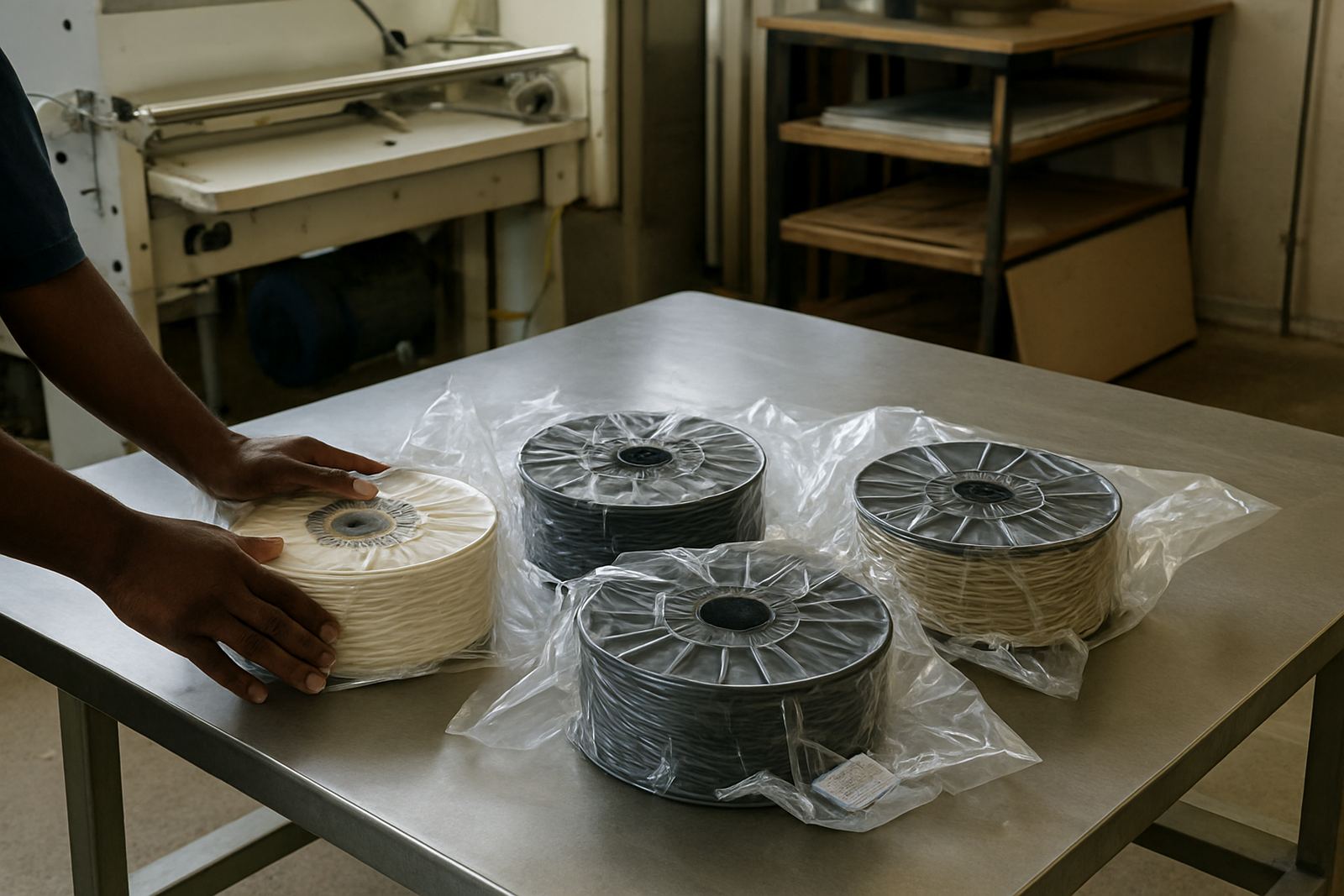
PETG is not difficult to look after, but it does perform better when kept dry and clean. Store spools in sealed containers or bags with desiccant if they are not in daily use. This is especially useful in humid months in Cape Town, Somerset West and other coastal or inland areas that still get damp air at night. Moist filament can cause popping sounds, poor surface quality and inconsistent extrusion.
Keep the spool edges free of dust and make sure the filament path has no sharp bends. If the material is left on the printer for long periods, check that it does not absorb moisture from the room. Before each run, inspect the nozzle, bed surface and feeder gears so small issues do not ruin a long print.
- Wipe the printer bed before each job
- Check for dust in the feed path and rollers
- Dry filament if you hear popping or see bubbles
- Replace worn nozzles before fine detail jobs
- Keep spare parts labelled by size and material
For regular users, a simple maintenance routine saves time and avoids wasted filament. If the printer starts under-extruding or leaves gaps, it is often worth checking the nozzle first rather than changing the whole setup. A little routine care keeps the output consistent, and that matters when you are printing for clients or internal production.
What to check before you order black PETG filament
Before placing an order, check your printer type, nozzle diameter, preferred filament diameter and whether you need one spool or a repeat supply. If you are printing large parts, confirm the build volume and whether the part must be split for easier removal. For tight-fit components, it is worth asking about dimensional accuracy and the level of post-processing you expect to do after the print.
If your job needs a specific finish, think about whether black is being used for appearance, UV masking or general utility. Black PETG can work well for both visible and hidden parts, but the final result depends on layer height, cooling and the machine setup. If you are unsure, use the enquiry form on our contact page and tell us what the part needs to do, where it will be used and how many pieces you want.
We support customers from Epping, Bellville, Montague Gardens, Parow, Claremont, Paarl and Stellenbosch, with filament couriered nationwide. For teams that need repeat supply or mixed material orders, it helps to keep notes on previous settings so the next batch prints the same way. That is a small step, but it saves time when production is moving fast and you do not want surprises.
Key facts
| Material | PETG |
|---|---|
| Colour | Black |
| Filament diameter | 1.75 mm |
| Recommended nozzle temperature | 230 to 250 C |
| Recommended bed temperature | 70 to 90 C |
| Format | Spool filament for FDM 3D printers |